Gentheme
Start with the saved wallpaper
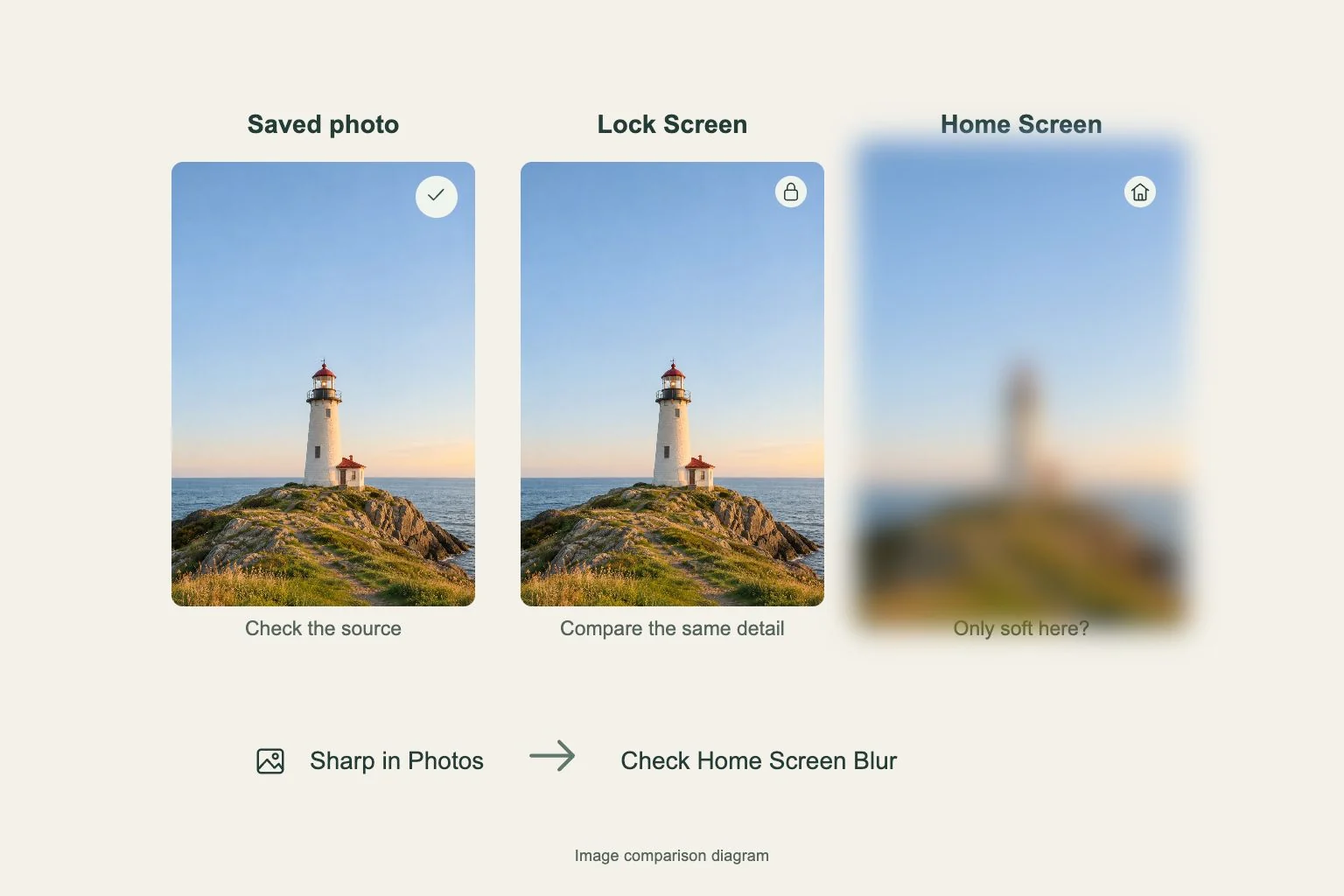
Open the image saved by Gentheme in your photo library. Compare its edges with the picture you saw in the app. A screenshot of the detail page includes the page layout and can give the system less useful image area.
On iOS, the independent wallpaper Download flow saves a 480P image first. Continue with Get 2K HD Wallpaper when you want the higher-resolution still. Select that newer file when setting the wallpaper, especially if you have several similar images in Photos.
Choose what must stay inside the frame
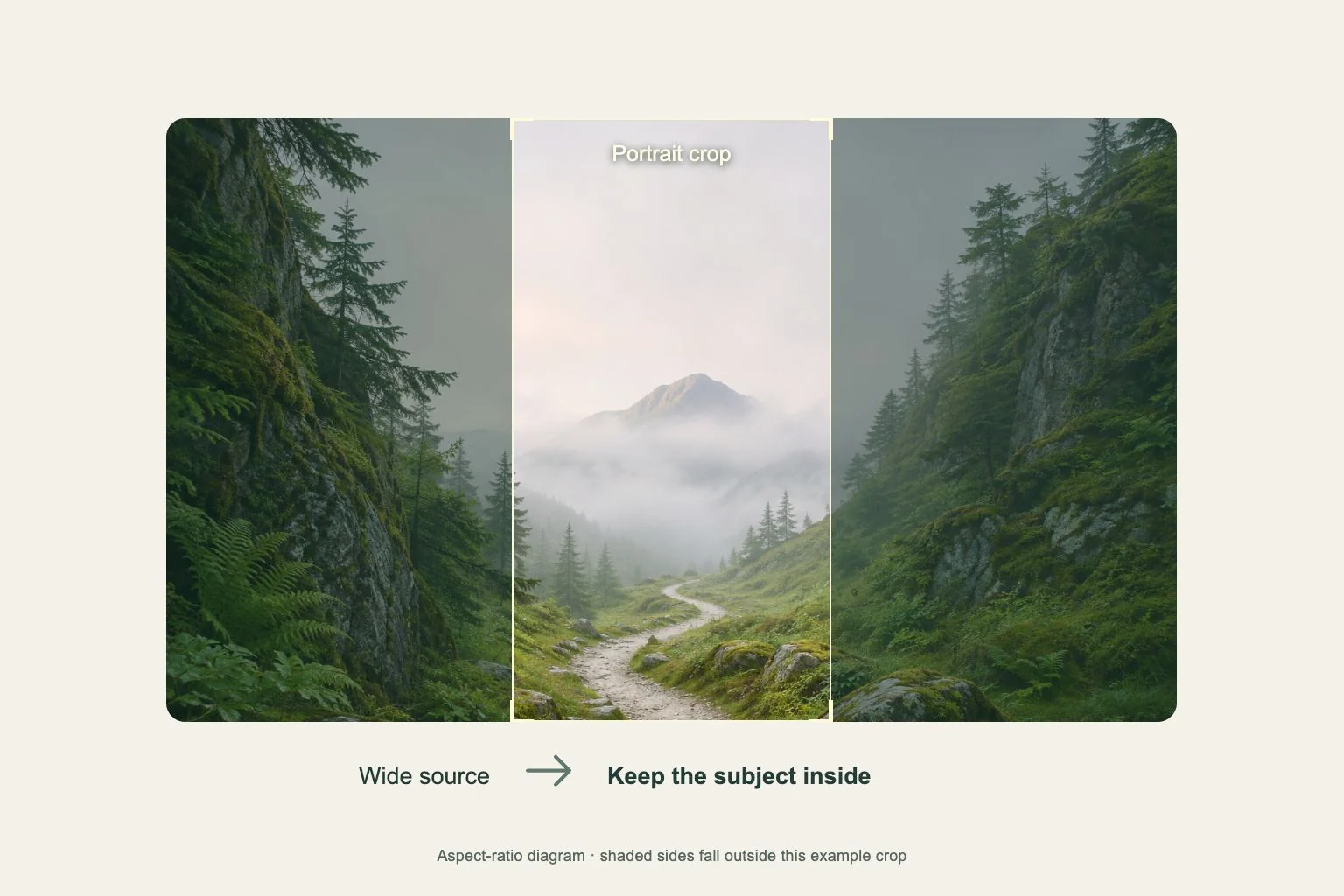
A wide image and a tall phone screen have different proportions. Filling the screen uses only part of the image. With a 3 by 2 source on a portrait phone, expect substantial cropping at the sides.
Pick one priority before adjusting the view, such as a face, a building, or the horizon. On iPhone, use the wallpaper editor’s pinch and two-finger drag gestures to adjust the framing. Keep a little space around the subject so small changes in the crop still leave it visible.
Check the screen you are changing
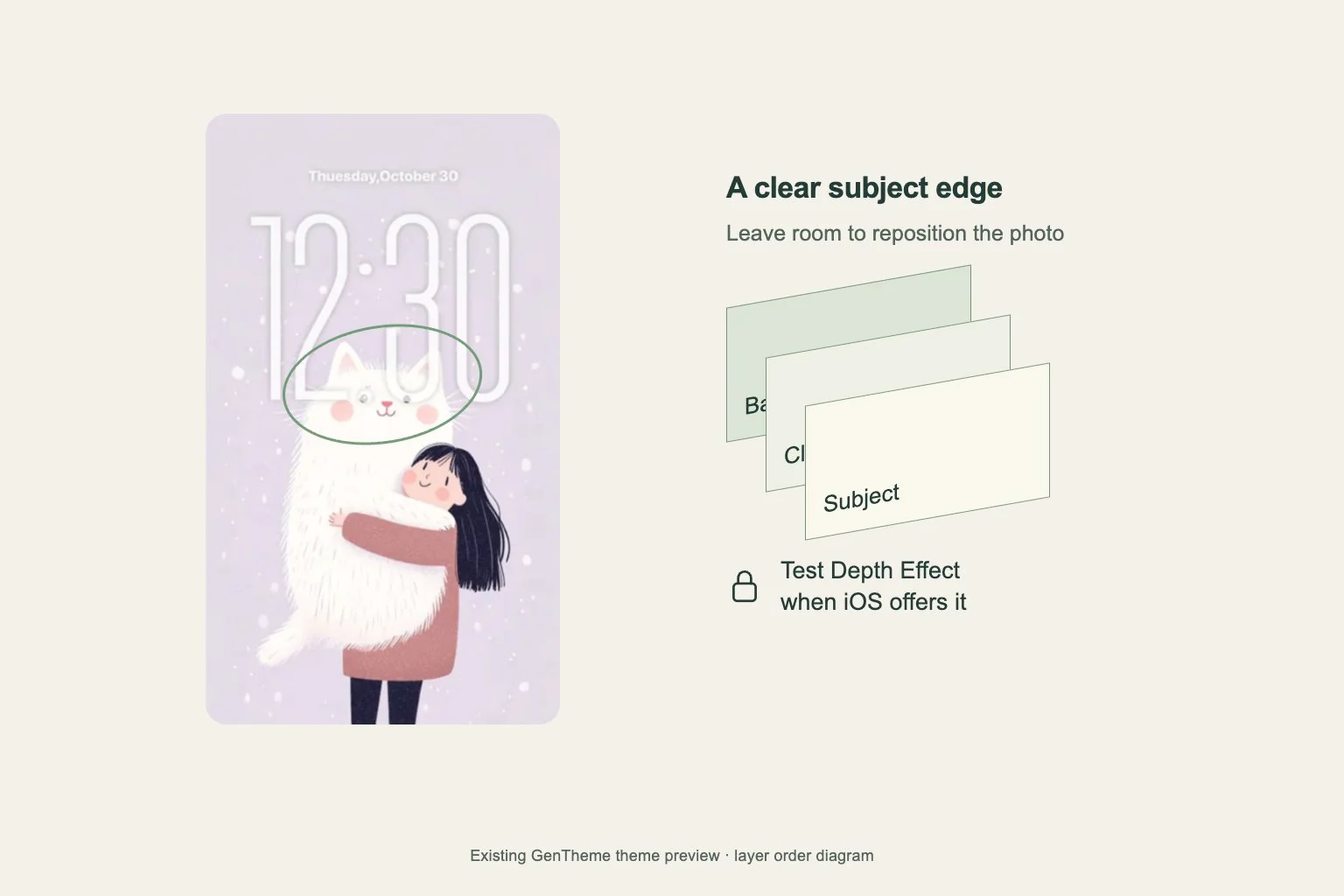
On iPhone, open Settings, Wallpaper, then Add New Wallpaper and choose Photos. Look at the subject together with the clock and widgets. After adding it, Customize Home Screen lets you choose a separate composition for the screen covered by app icons.
On Pixel, touch and hold an empty Home screen area and open Wallpapers & style, then Change wallpaper. Use the available Lock screen and Home screen choices. Check Preview before Apply. Other Android phones may use different labels, so follow the preview on your device.
Review the result in normal use
Lock and wake the phone, then open the Home screen page you use most. Check whether the face, text, or horizon is obscured. If it is, return to the system wallpaper editor and move the image before saving again.
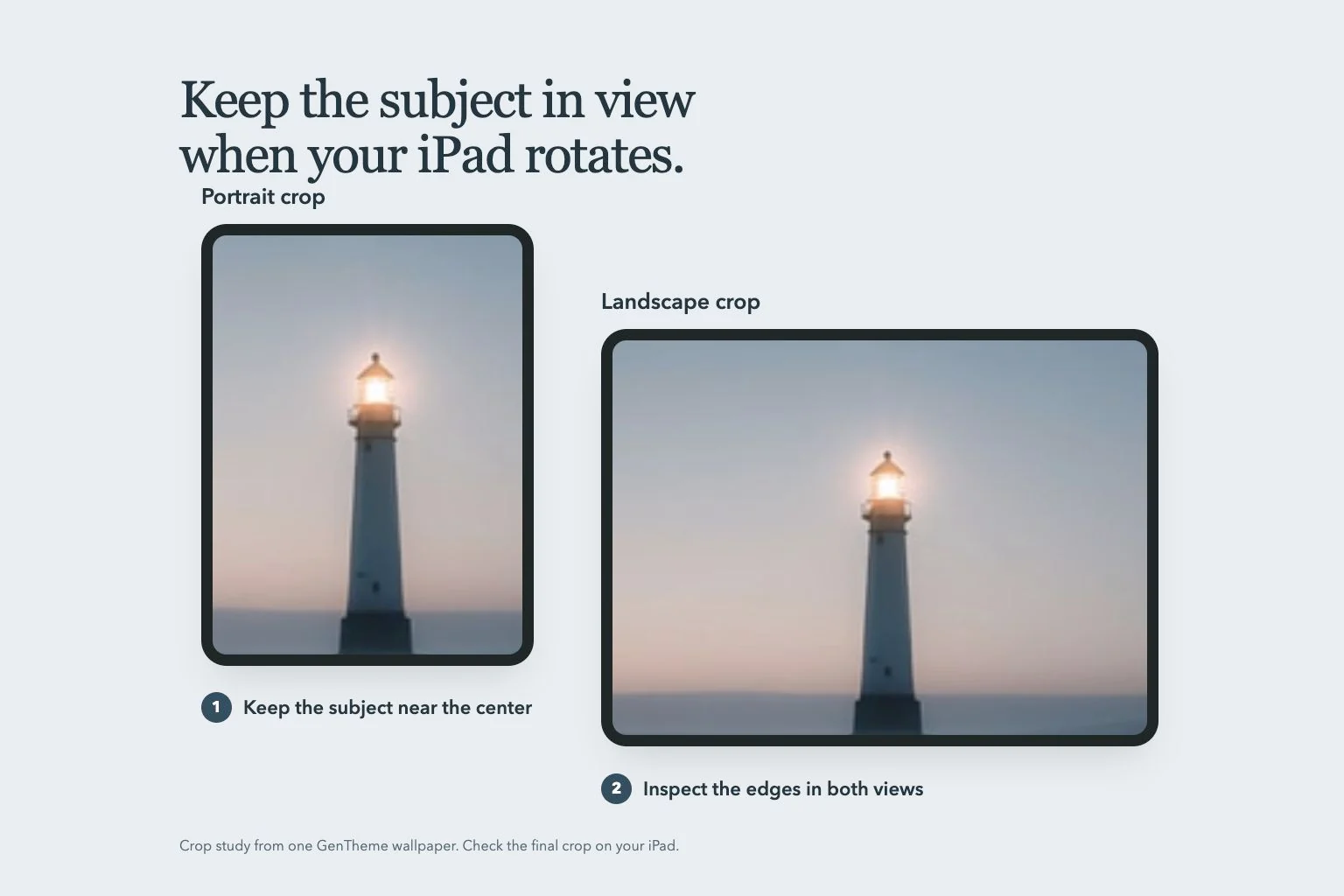
For a tablet or a device used in both orientations, also check portrait and landscape. Leave space near the edges and behind the clock, widgets, and dock. Keep the original download in your library so you can try another crop from the same source.