Your next home screen starts in Gentheme.
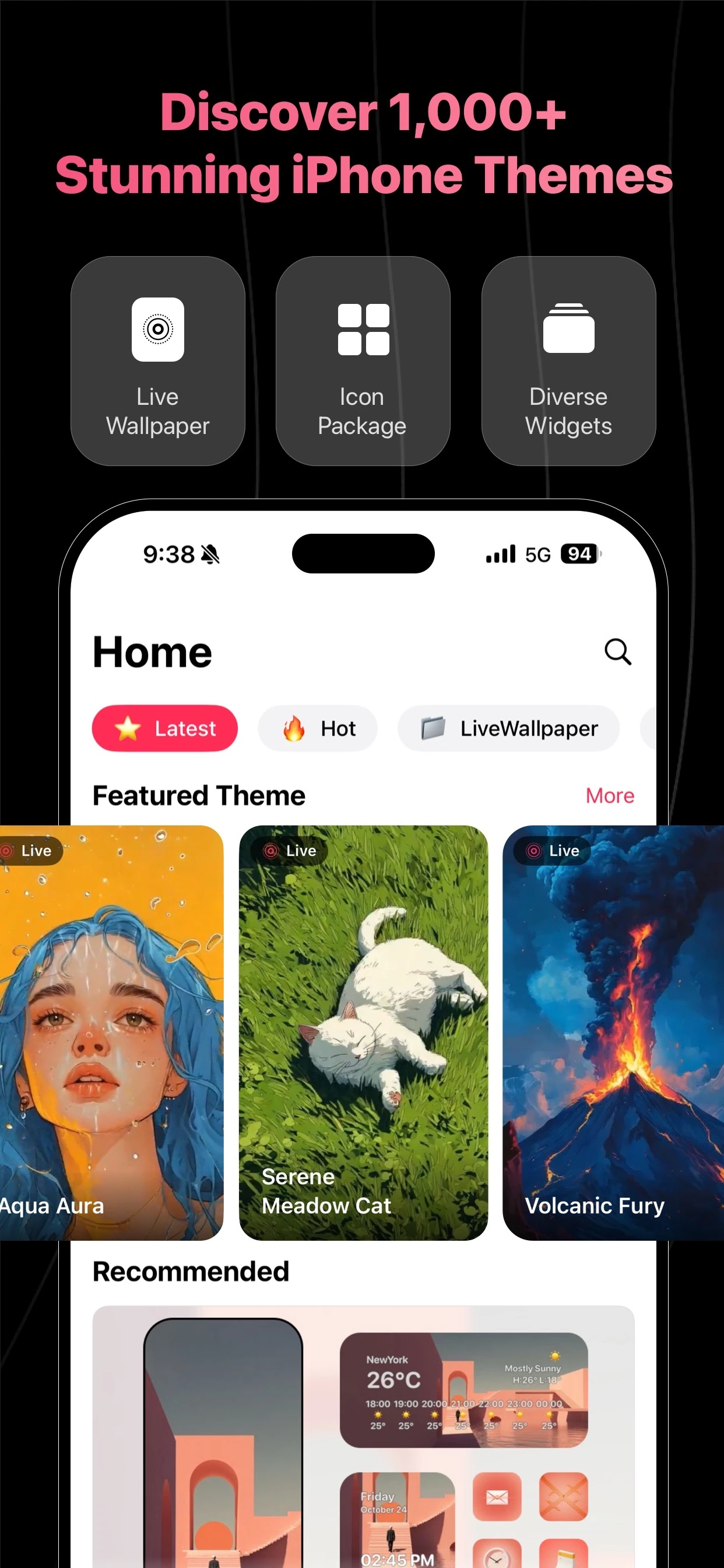
Find wallpapers, coordinated themes, app icons and widgets in one app. Choose the official store for your phone, check the listing and start exploring a style that feels like you.


For iPhone: open the App Store
Use the App Store badge to view the official Gentheme listing. Check compatibility, the current app details and any purchase information on the store page, then download the app to your iPhone.
For Android: open Google Play
Use the Google Play badge to open Gentheme’s official Android listing. Review the device compatibility and current store information before installing. Available features and content can differ from the iPhone previews shown here.
Choose a look and make it yours
Open Gentheme, find a theme or start with a wallpaper, and follow the guidance for icons and widgets. Take setup one element at a time, checking your layout on the actual phone as you go.
A few useful answers
Which download should I choose?
Choose the App Store for an iPhone and Google Play for an Android phone. Both badges lead to official Gentheme listings, where you can check whether the app is available for your device.
Where can I check pricing and compatibility?
Review the official listing for your region and device before downloading. The store and app show current purchase options and requirements. Wallpaper, icon, widget and live wallpaper support can vary by platform.

Get Gentheme
Themes, wallpapers, widgets & icons