A little movement. A different feeling.
Explore live wallpaper designs in the Gentheme app, from illustrated scenes to atmospheric landscapes. Preview the artwork, then follow the setup available for your phone rather than assuming every screen supports motion.


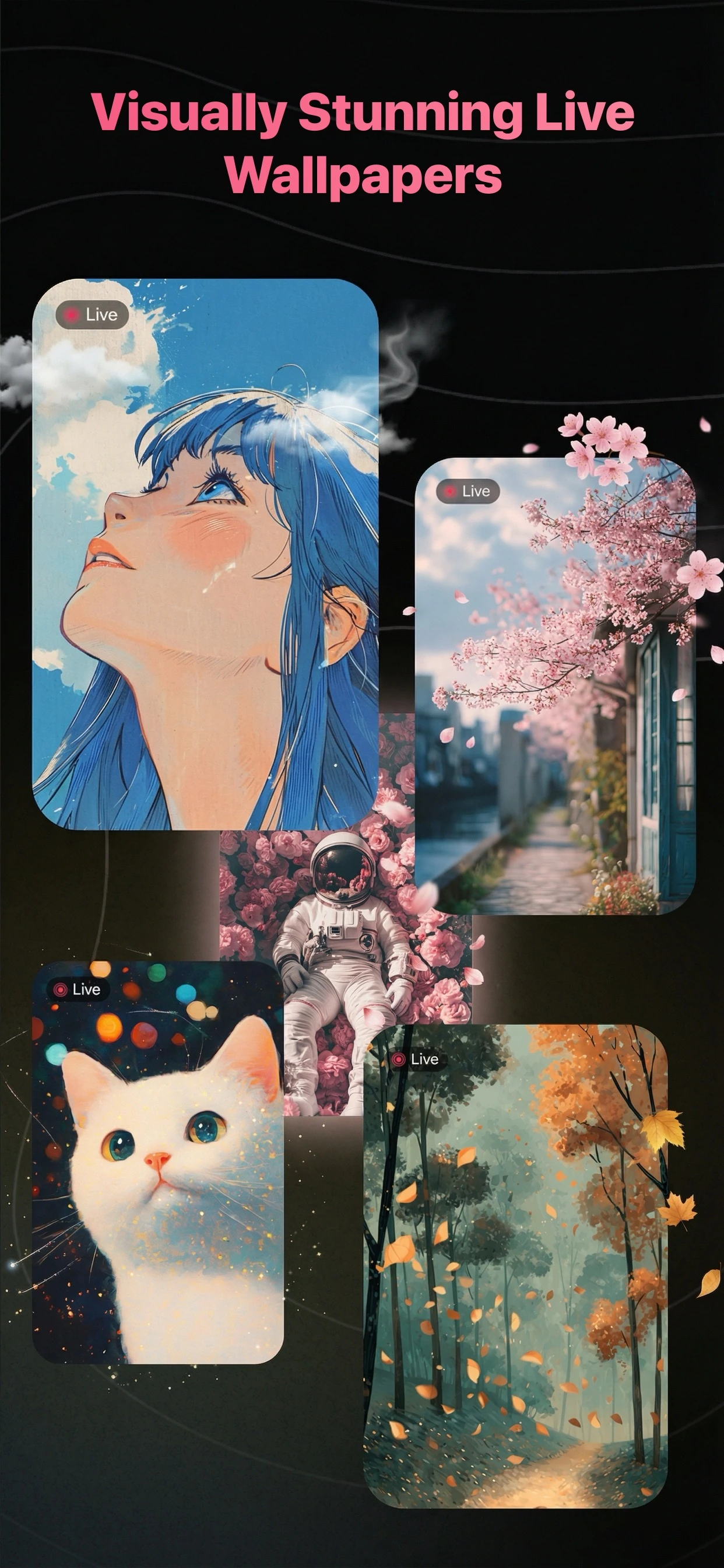
Choose the scene before the effect
Look for artwork you enjoy as a still image as well as in motion. The in-app preview helps you explore a design; your phone’s wallpaper settings determine how it behaves after installation.
On iPhone: follow the Live Photo steps
Gentheme can prepare live wallpaper content as a Live Photo saved to Photos. Follow the app’s guidance to set it up. Animation availability depends on your iPhone model, iOS version and lock-screen settings.
On Android: confirm in the system picker
Gentheme opens the system live wallpaper setup for supported content. Preview and confirm there. Home-screen and lock-screen options vary by manufacturer and Android version, so use the destinations your phone actually offers.
A few useful answers
Will a live wallpaper move on every phone?
No. Motion depends on the device, operating system, wallpaper format and settings. A moving preview in Gentheme does not guarantee animation on every home screen or lock screen.
Where should I start if the wallpaper stays still?
Review the installation guidance in Gentheme and the options in your phone’s wallpaper settings. Confirm that your device supports the chosen format and destination. You can also explore static wallpapers in the app.

Get Gentheme
Themes, wallpapers, widgets & icons