Gentheme
Locate where sharpness changes
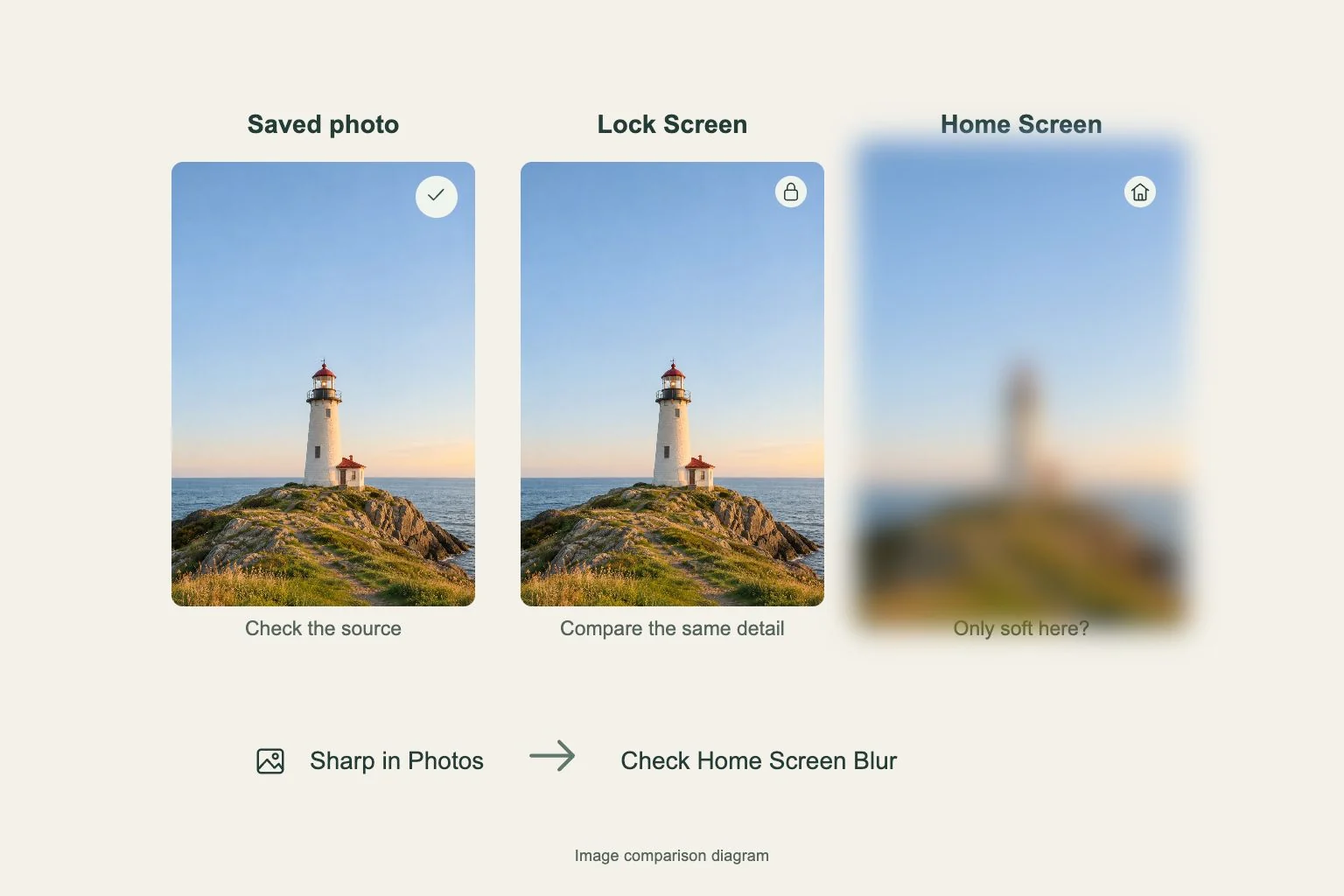
If your iPhone wallpaper looks blurry, open the saved image in Photos first. A soft file needs a better source. A sharp photo that becomes soft only behind apps points toward the Home Screen Blur setting. These checks lead to different fixes.
Compare the same detail, such as a leaf edge or a line of lettering, in Photos, the Lock Screen and the Home Screen. Keep the detail at a similar visible size. Comparing a tiny thumbnail with an enlarged wallpaper can disguise the original softness.
Check which Gentheme file you saved
Gentheme saves the first static download at 480P. Open the wallpaper, tap Download and continue through Get 2K HD Wallpaper if you want the higher-resolution image. Complete any unlock and wait for the second save before leaving the app.
Select the newly saved image in Photos instead of a screenshot of the preview. If several copies look alike, compare their details before setting the wallpaper. Repeating the first download will not substitute for finishing the separate 2K stage.
Separate a screen effect from enlargement
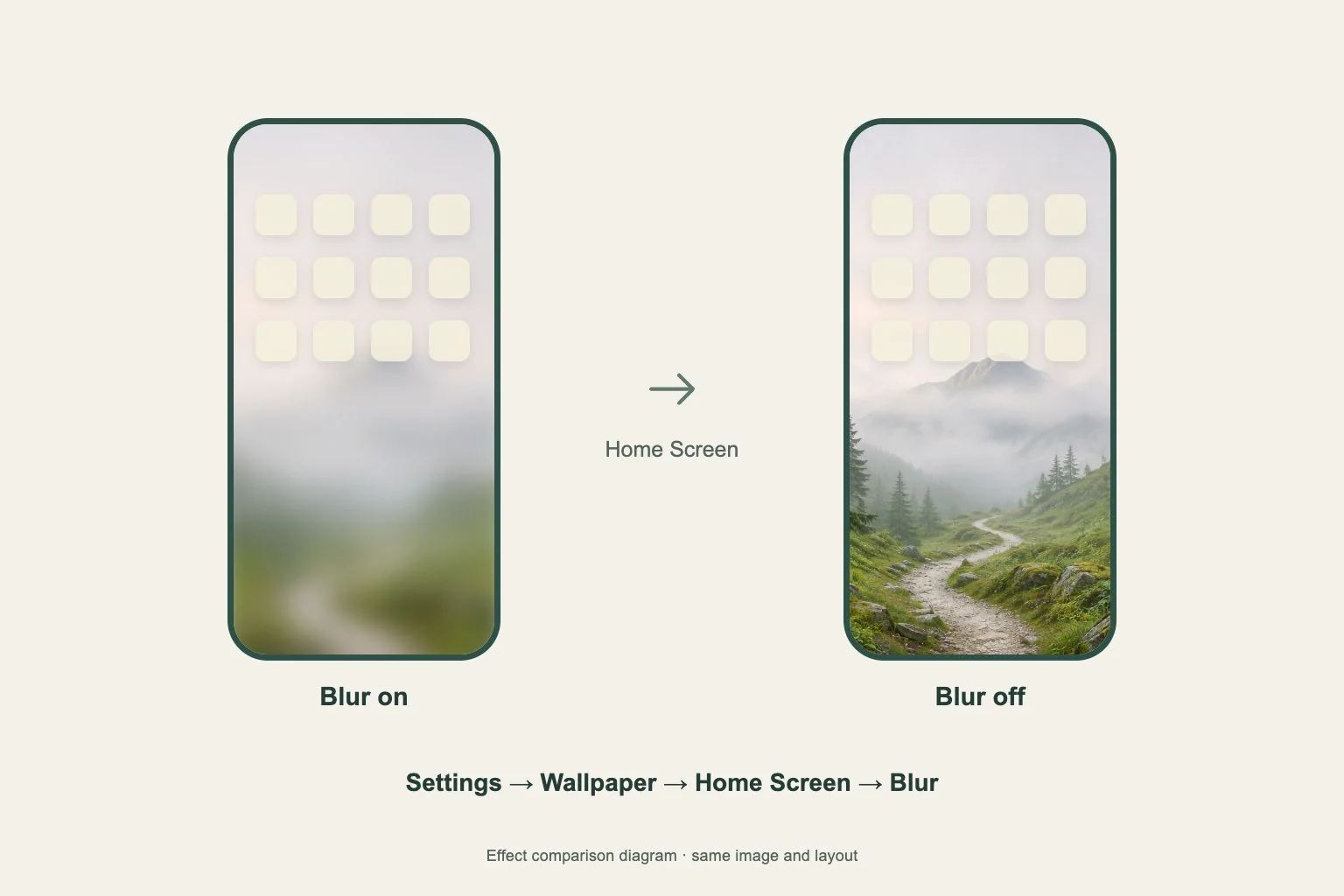
For softness across the Home Screen, open Settings > Wallpaper and Customize below its preview. Check Blur and compare the result with it turned off. Confirm the edit, then return to the actual page to inspect your usual app rows.
If only part of the image looks soft, compare it with the source and wallpaper preview at a less enlarged scale. An already blurred background in a portrait remains part of the photo. Enlarging a small detail also makes limited image detail more visible.
Verify the replacement once
After choosing a sharper saved copy, use Settings > Wallpaper > Add New Wallpaper > Photos to preview it. Look at the edges that originally bothered you before confirming. Keep changes limited to the image and relevant blur control so the comparison stays clear.
Record whether the problem affects the saved photo, one screen or both. If the replacement is sharp in Photos but still unexpectedly soft in the wallpaper preview, keep those screenshots and your iOS version for support. This gives a reproducible comparison.