A phone theme that brings it all together.
Your wallpaper sets the mood. Your icons and widgets carry it through. Explore Gentheme in the app to find coordinated details for a home screen that feels like yours.


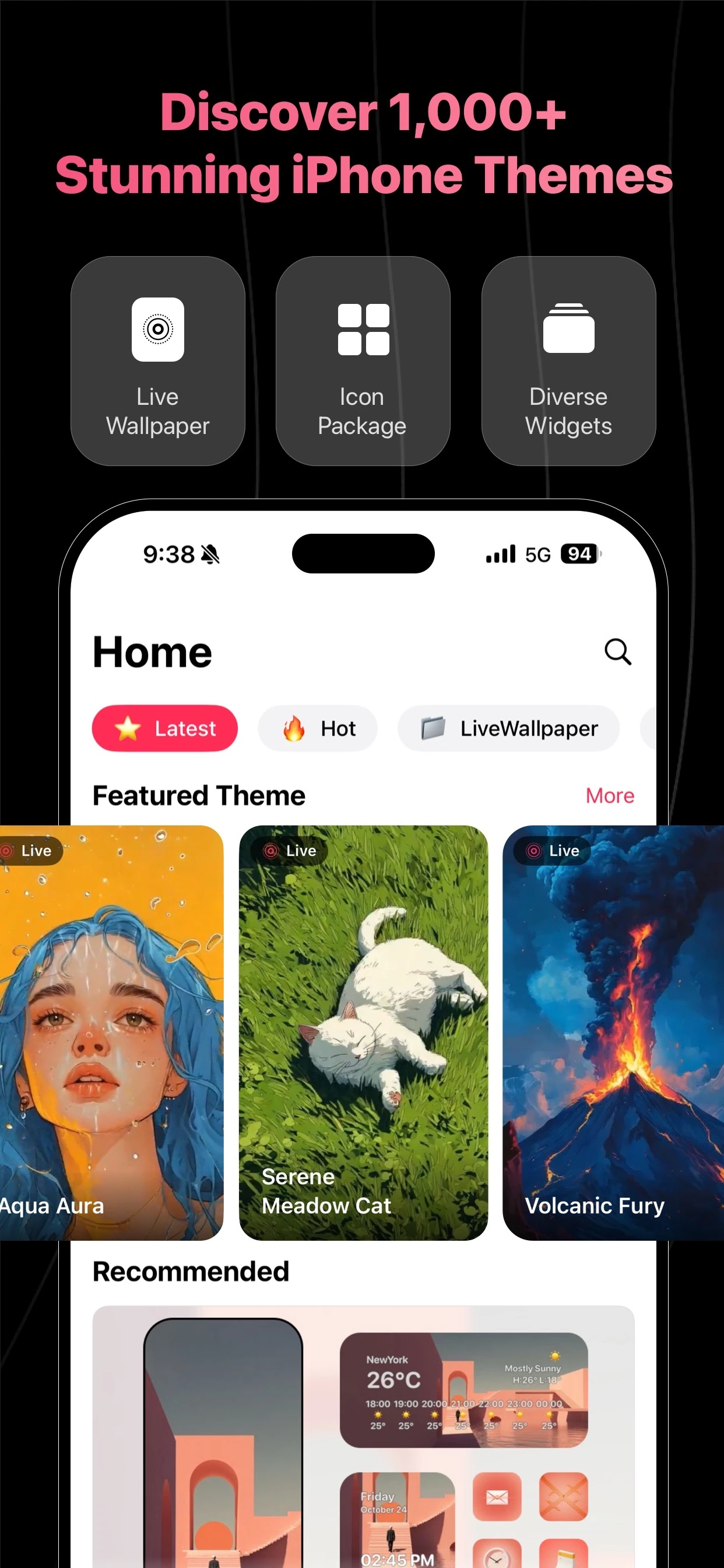
Start with one mood
Choose a theme by the colors and artwork you want to see every day. Compare the wallpaper with its matching details before deciding how much of your screen to refresh.
Make the pieces work together
Pair your wallpaper with an icon pack and widgets that share its visual style. Keep your most-used apps close and leave space around the artwork so the layout still feels clear.
Build your look in the app
Download Gentheme for your phone, open a theme and follow the installation guidance for its available elements. Content, setup steps and supported features can differ between iPhone and Android.
A few useful answers
What is included in a phone theme?
A coordinated look can combine a wallpaper, app icons and widgets. Check the theme details in Gentheme to see which elements are available for that particular design and your platform.
Do I need to apply every part of a theme?
You can start with the wallpaper and build your layout around it. Follow the app’s options for each element and choose the details that fit the way you use your phone.

Get Gentheme
Themes, wallpapers, widgets & icons