Find a wallpaper that feels like you.
A quiet landscape, a playful illustration or a color you keep coming back to. Explore wallpaper collections in the Gentheme app and give your everyday screen a different feeling.


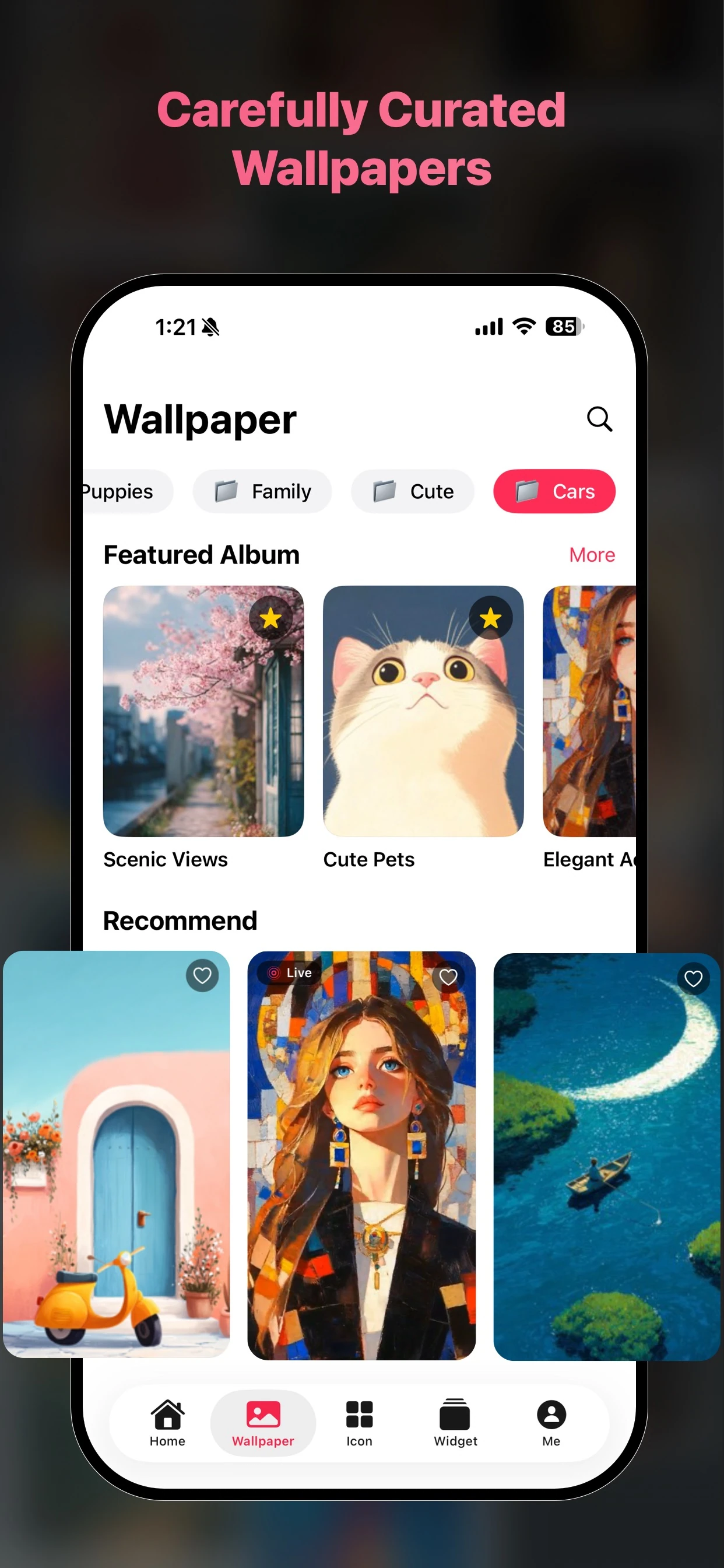
Explore by the feeling you want
Browse artwork and collections in the app to discover a direction for your screen. Look at the whole image, then consider how its colors will sit behind your everyday apps.
Give your layout room to breathe
Choose artwork with space for your clock, icons and widgets. Preview the crop on your phone before finishing setup, because a background can frame differently on different screen sizes.
Take your favorite into your day
Install Gentheme from your phone’s app store and follow the wallpaper guidance in the app. You can then choose matching icons or widgets to carry the same colors across your home screen.
A few useful answers
Can I download wallpapers from this website?
This website introduces Gentheme and its official app downloads. Open Gentheme on your phone to browse the available wallpaper collection and use the installation options shown for your device.
Can I use a wallpaper on my lock screen and home screen?
Follow the available destination options during setup. Exact steps and cropping depend on your operating system and phone. Check each screen’s preview before completing your wallpaper settings.

Get Gentheme
Themes, wallpapers, widgets & icons