Same everyday apps. A look that belongs together.
Give your home screen a consistent palette with coordinated app icons. Explore icon packs in Gentheme, compare their colors with your wallpaper and choose the apps you want close at hand.


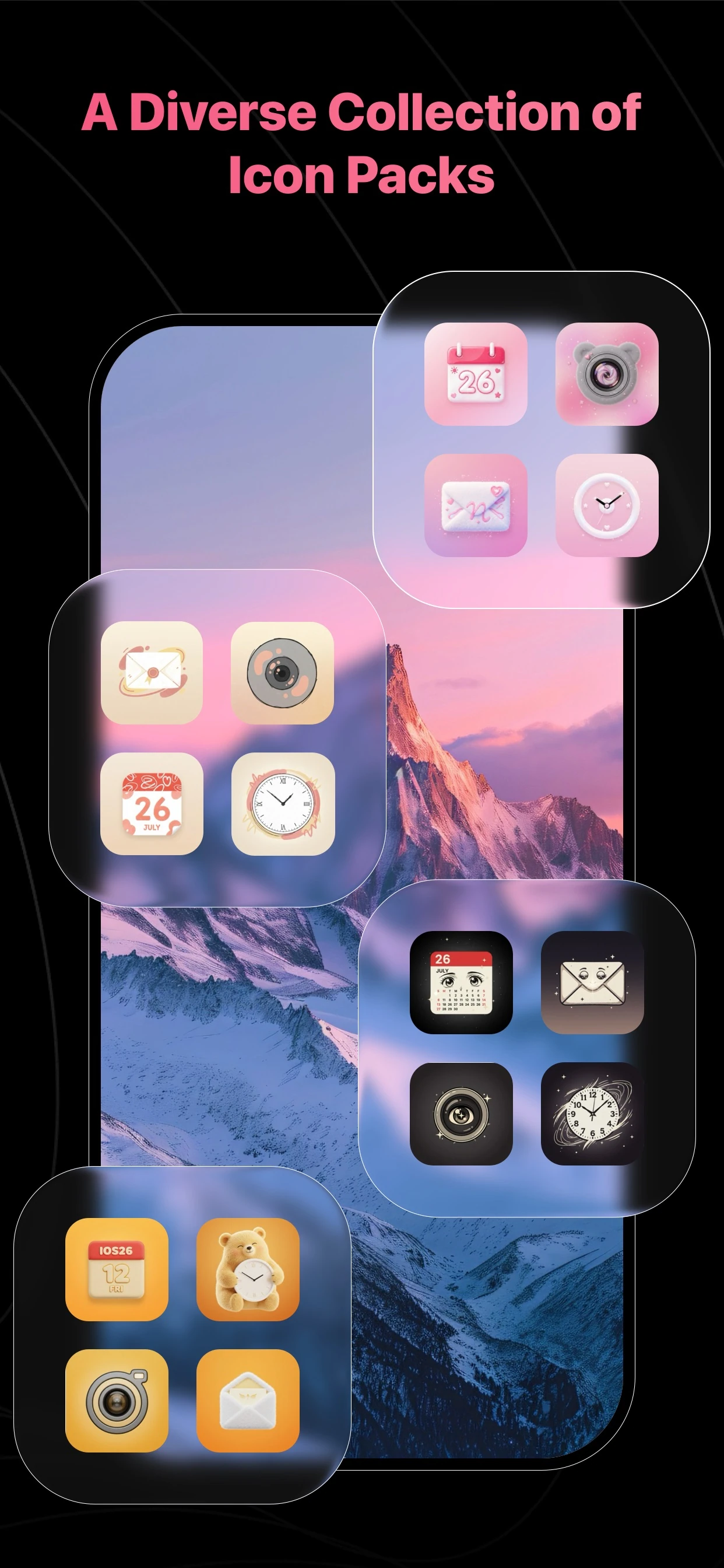
Find a palette for your screen
Start with your wallpaper’s background and accent colors, then browse icon packs that complement them. A consistent set can bring a busy layout together while leaving the artwork visible.
Check the apps you actually use
Review the icons included in a pack before setting up your screen. Begin with your most-used apps and keep their placement familiar so the new look remains easy to navigate.
Follow the right setup for your phone
Open an icon pack in Gentheme and follow the installation instructions shown for your platform. iPhone and Android use different setup methods; available icons and device behavior may also vary.
A few useful answers
Does every icon pack cover every app?
Check the pack’s contents in Gentheme before installing. App coverage varies between designs, and the available setup options depend on the app and the phone you are using.
Will an icon pack redesign the apps themselves?
The icons help you coordinate the appearance of your home screen. Your installed apps keep their own interfaces. Follow the in-app guidance for how each custom icon opens its corresponding app.

Get Gentheme
Themes, wallpapers, widgets & icons