Gentheme

Pick the moment you want the image to hold
New Year can mean a crowded celebration, the first light of a morning or a fresh page. Start with the mood you want to see daily. Choose one of your photographs or drawings, then compare its simplest portrait crop with the full scene.
For a celebration, try one burst of fireworks reflected in a broad strip of water. For a quieter start, choose a sunrise over an empty sports field or a clean notebook beside a colored pencil. The subject should feel meaningful after the evening itself is over.
Check year lettering before saving
If the wallpaper includes a year, read every digit before setting it. Make sure the year matches the one you are preparing to celebrate. A year-free image can stay relevant longer, while a dated one can mark the particular occasion you want to remember.
Large printed numbers can compete with the live clock. Keep them in a separate part of the frame and preview the entire wording. If the image includes a personal intention, make it short enough to remain readable without filling the area used by notifications.
Match the celebration to the app page
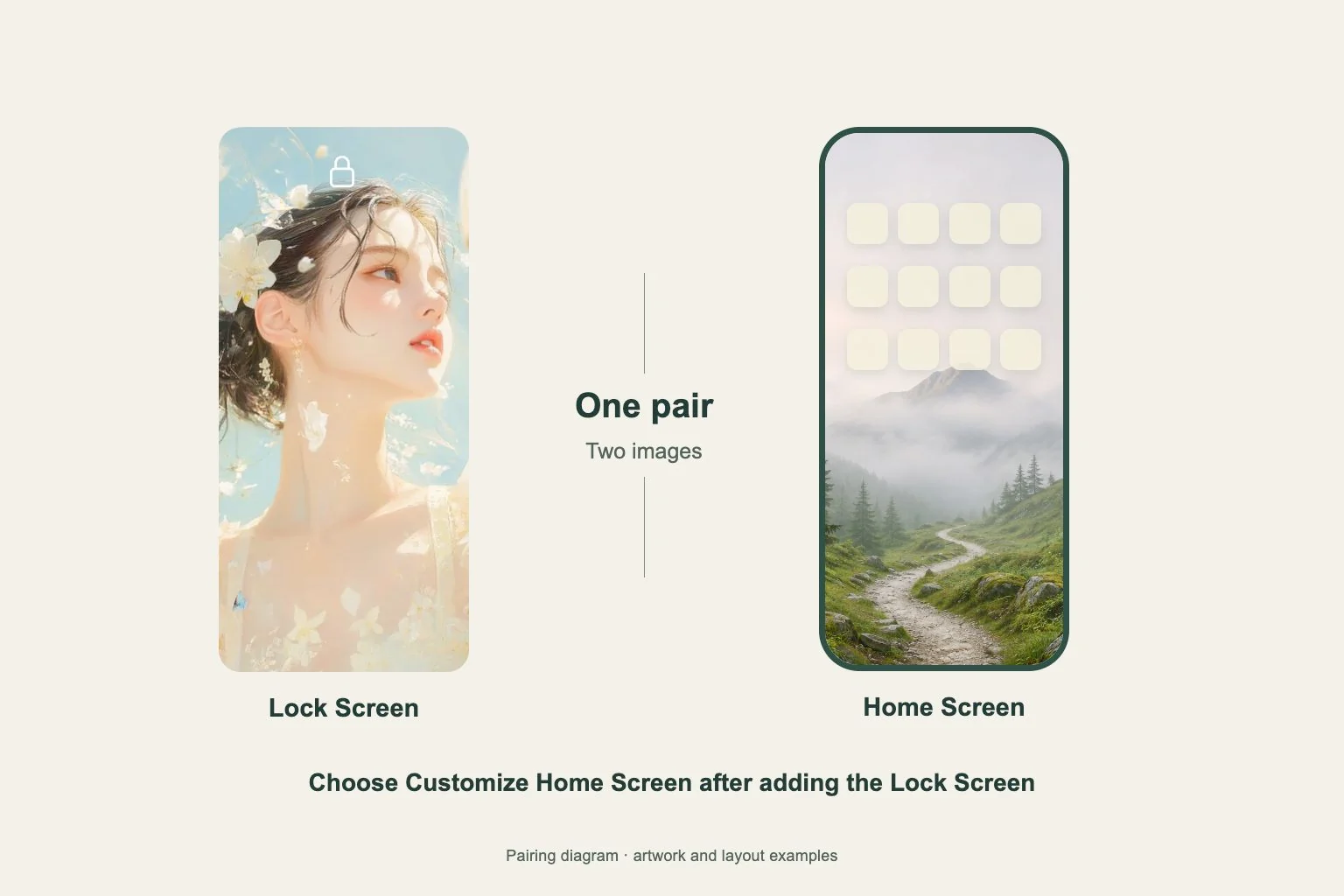
Fireworks create many bright lines, and scattered confetti can make app labels difficult to scan. Test a quieter companion for the Home Screen that uses the same main color. A deep purple background can connect with a purple-and-gold celebration without repeating every spark.
For a January layout, choose the few apps and widgets you actually want to see regularly. Keep their familiar locations while trying the new background. A single image change can give the screen a fresh atmosphere without making ordinary tasks harder to find.
Set it and review the first everyday view
When using a wallpaper from Gentheme, follow the guide’s download or apply flow for your phone and review any unlock shown. Confirm your target screen. Keep the original file and choose the correct version if you saved both a dated and an undated image.
After setup, lock and wake the phone, then open the main app page. Read the clock, the year and any personal words separately. Check again with notifications present. If the celebration overwhelms daily use, move it to the Lock Screen and use the simpler companion behind your apps.