Gentheme
Start with a decoration that means something to you
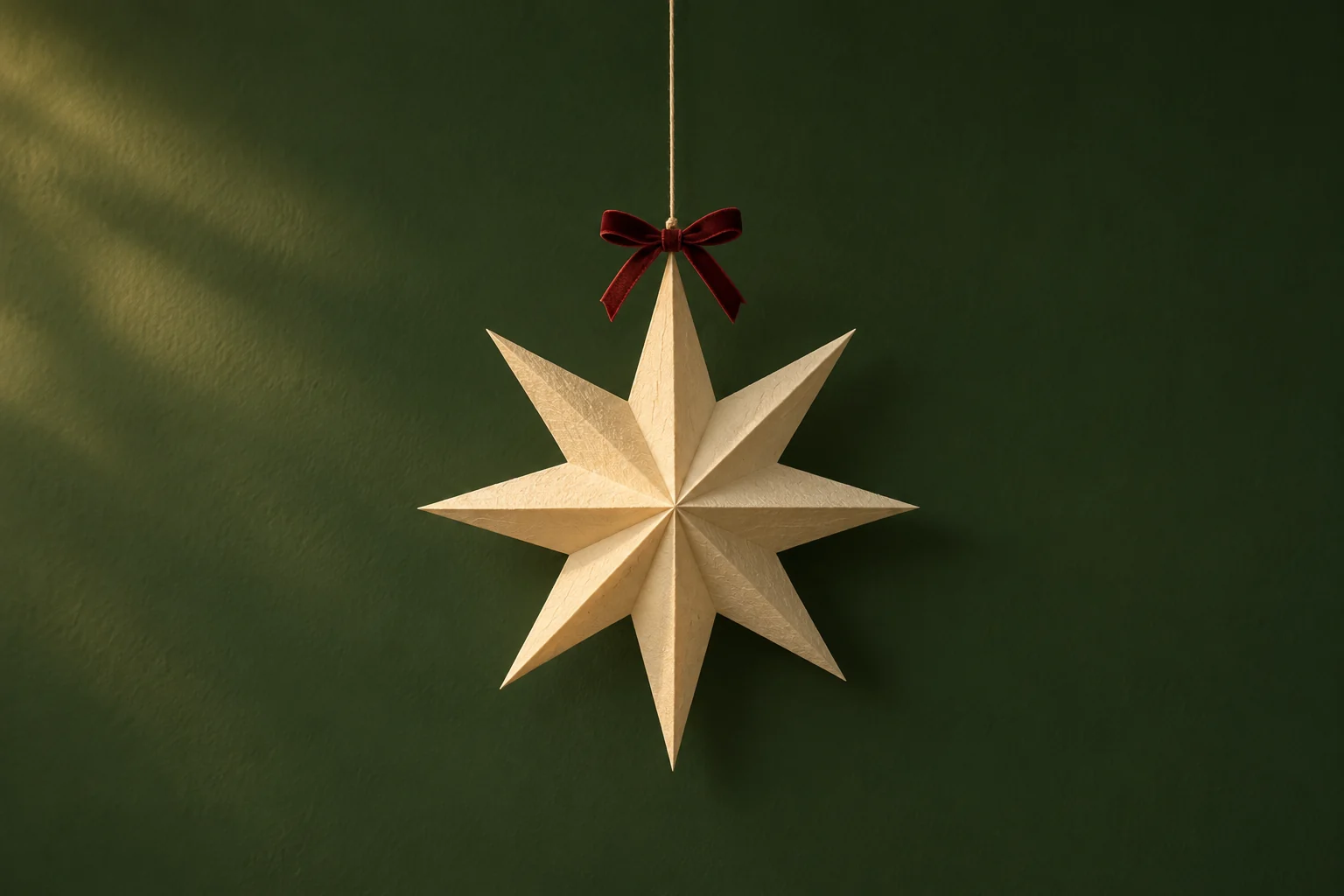
A handmade paper star, a familiar ornament or the gift wrap you chose this year can make the wallpaper feel personal. Photograph a detail from your own decorations. Pick one clear detail before bringing several holiday objects into the frame.
Try a close photograph of folded red wrapping paper with one narrow gold edge. Its folds create shape while the larger red surface stays simple. For a more photographic scene, capture your favorite hanging decoration against a plain wall and leave extra space around its outline.
Choose a palette that holds together
Traditional green and red can work when one color occupies a larger area and the other appears in a smaller detail. You can also try burgundy with warm white, or deep green with pale yellow. Compare the palette with your existing apps before changing their positions.
A metallic ornament often reflects several bright spots. Keep the strongest reflection away from the time and important labels. If you like detailed holiday scenes, inspect a second image that repeats the scene’s background color for your app page, so the two screens feel connected.
Plan for words and decorations separately
A wallpaper with a greeting needs room for both its message and the system clock. Place the message where it will remain visible in the actual preview. Check the full wording after cropping, especially if the last letters sit near a curved screen corner.
If your chosen picture already has a date, greeting and several decorations, first try it on the less crowded screen. For the Home Screen, a photograph of the same wrapping paper or a large, widely spaced motif can keep the festive color without adding another line to read.
Save and check your Christmas setup
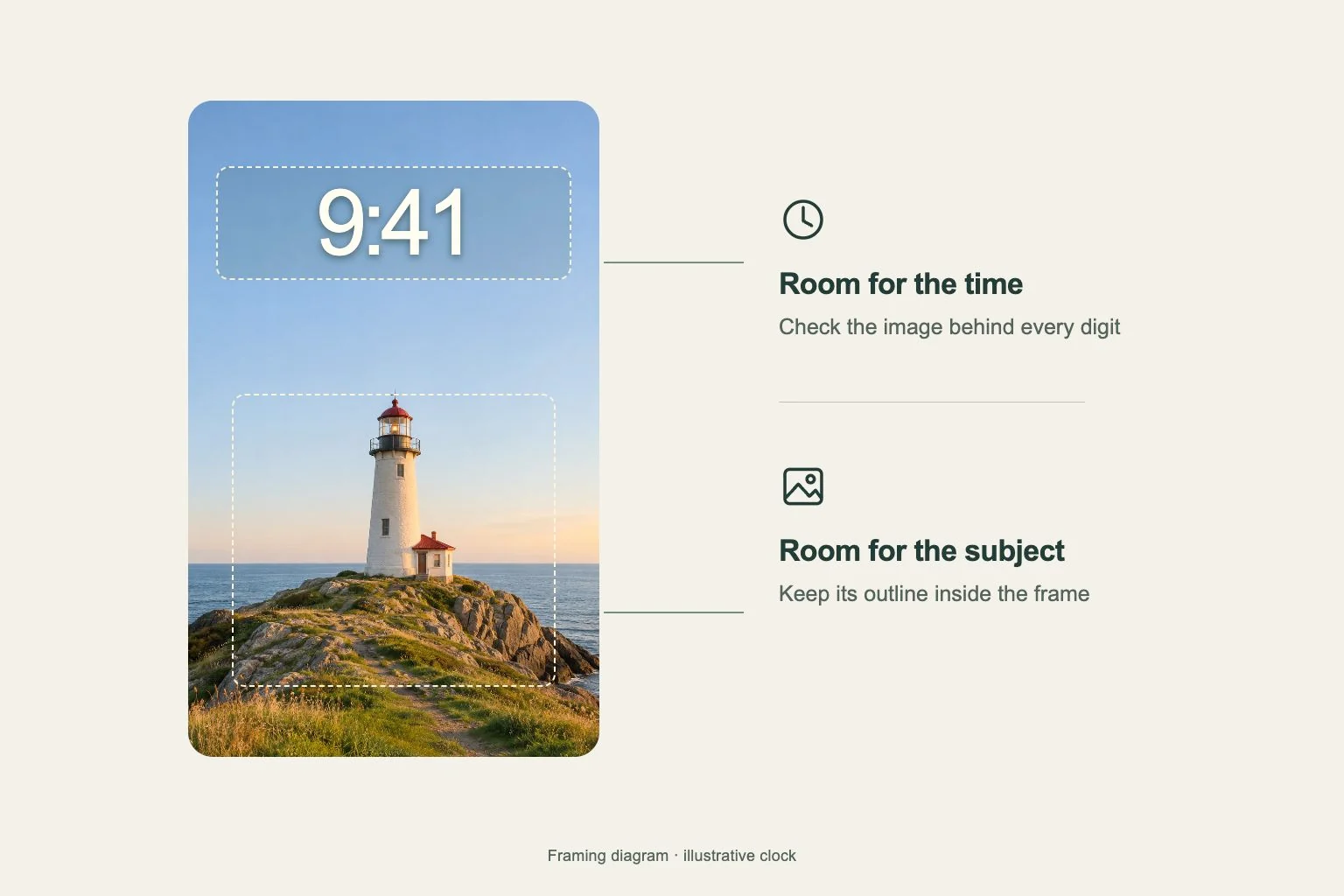
When choosing an image in Gentheme, follow the wallpaper guide for your phone’s download or apply flow and review any unlock shown. After saving, choose the intended image and inspect the destination. Keep the decoration’s silhouette inside the frame before completing setup.
Check your normal Home Screen and a Lock Screen with notifications showing. Confirm that the greeting is complete and familiar apps remain easy to find. Keep a quieter winter companion ready if you want to continue the same palette after the Christmas-specific details feel less relevant.