Gentheme
Find a vertical route through the landscape
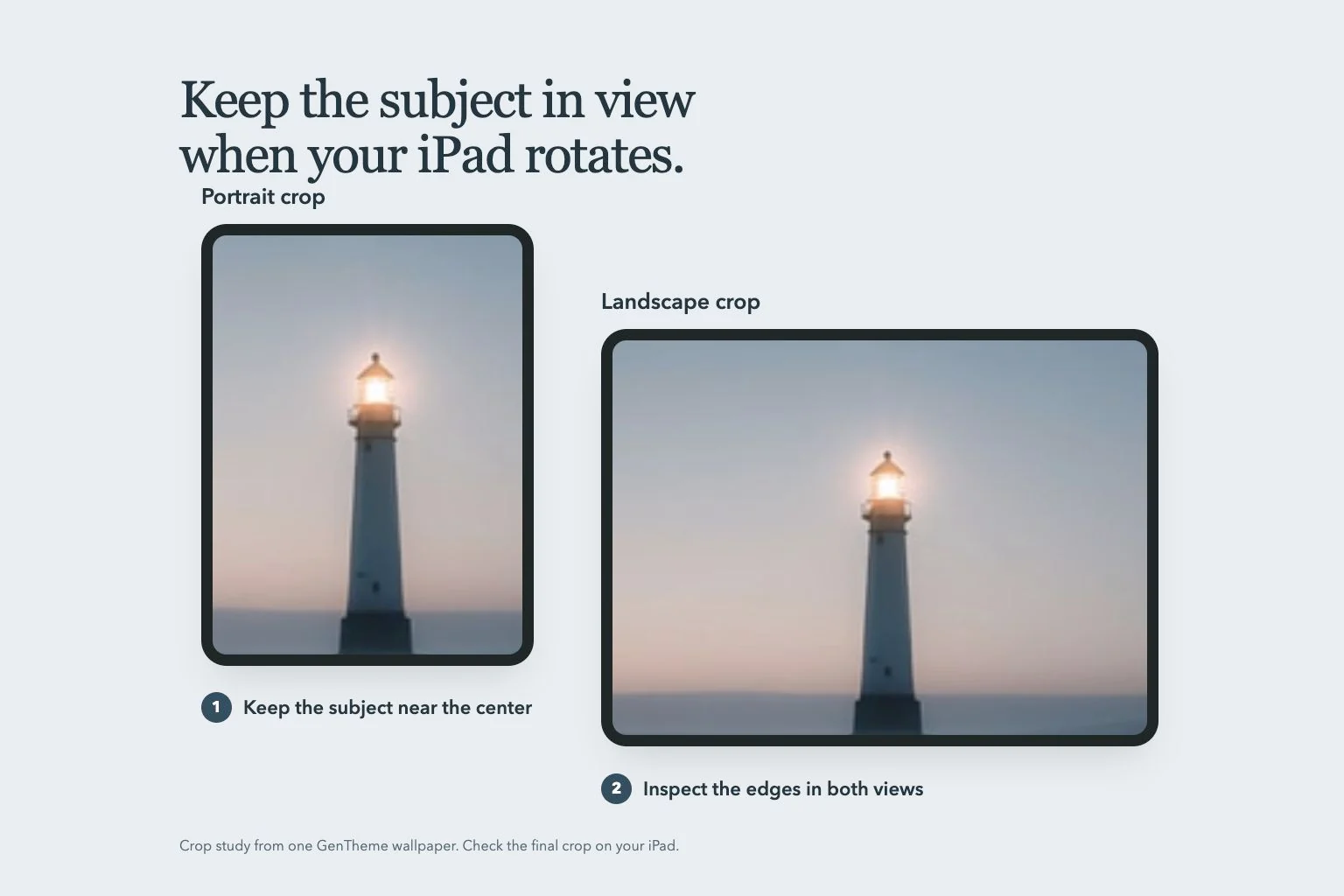
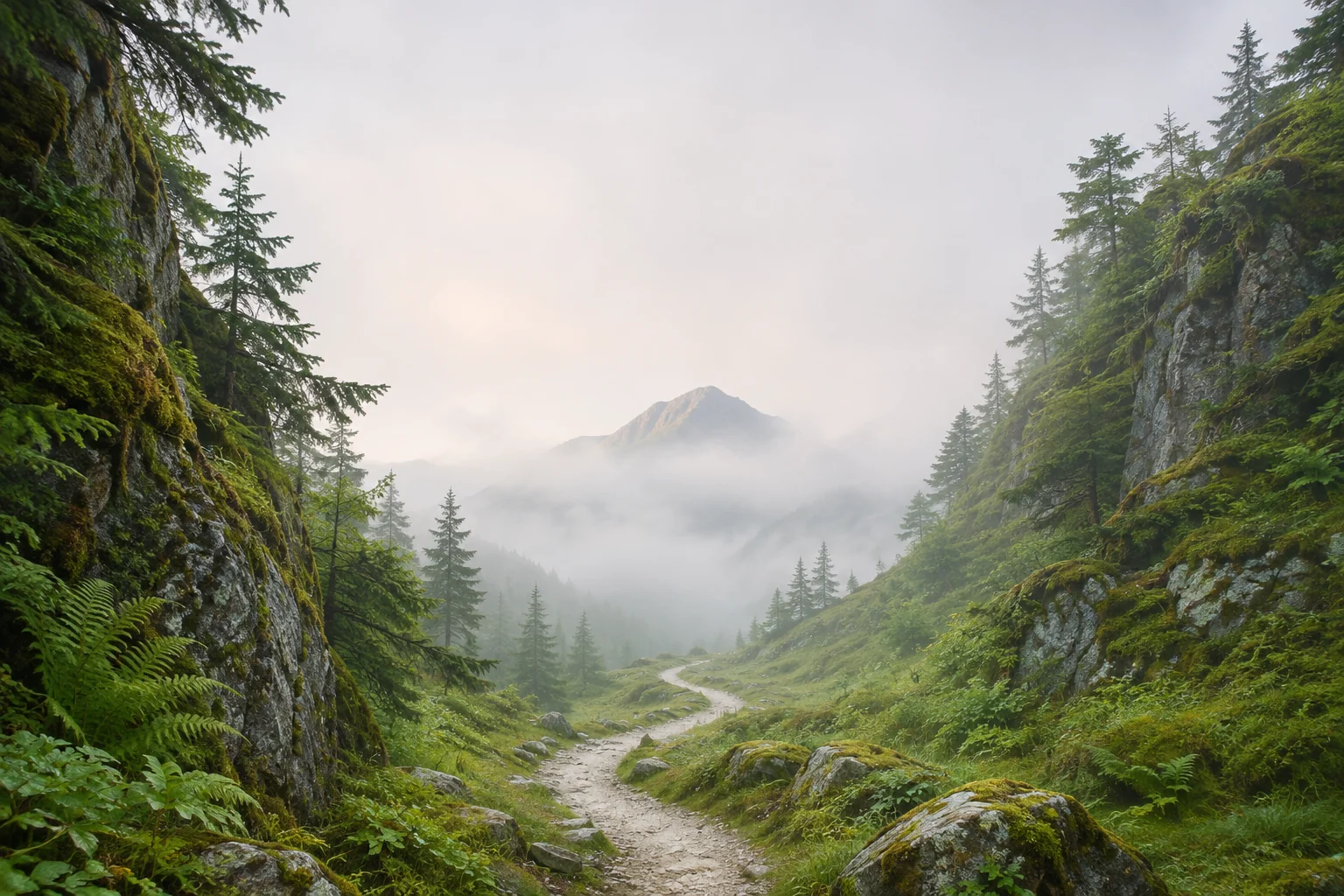
Look for a natural shape that travels upward, such as a waterfall, a winding footpath or a tall gap between cliffs. These features can survive a narrow crop while still guiding your eye through the scenery. Try the crop with one of your own landscape photos.
A wide mountain panorama may depend on peaks at both edges. Before setting it, imagine the middle slice that a portrait screen will show. If that slice loses the view’s main relationship, try a different photograph with one clear peak, valley or tree instead.
Place the horizon with the interface visible
An ocean wallpaper with a low horizon offers open sky for the time. A high horizon can emphasize a foreground trail or beach texture. Neither position works automatically. Check whether the clock crosses the horizon line and whether a widget covers the feature you wanted to keep.
For a forest example, choose one pale trail leading into darker trees. Keep the trail’s entry point above the bottom controls. Let the distant canopy sit away from the date. This retains a sense of depth without asking small details to carry the whole composition.
Adapt the scenery to the Home Screen
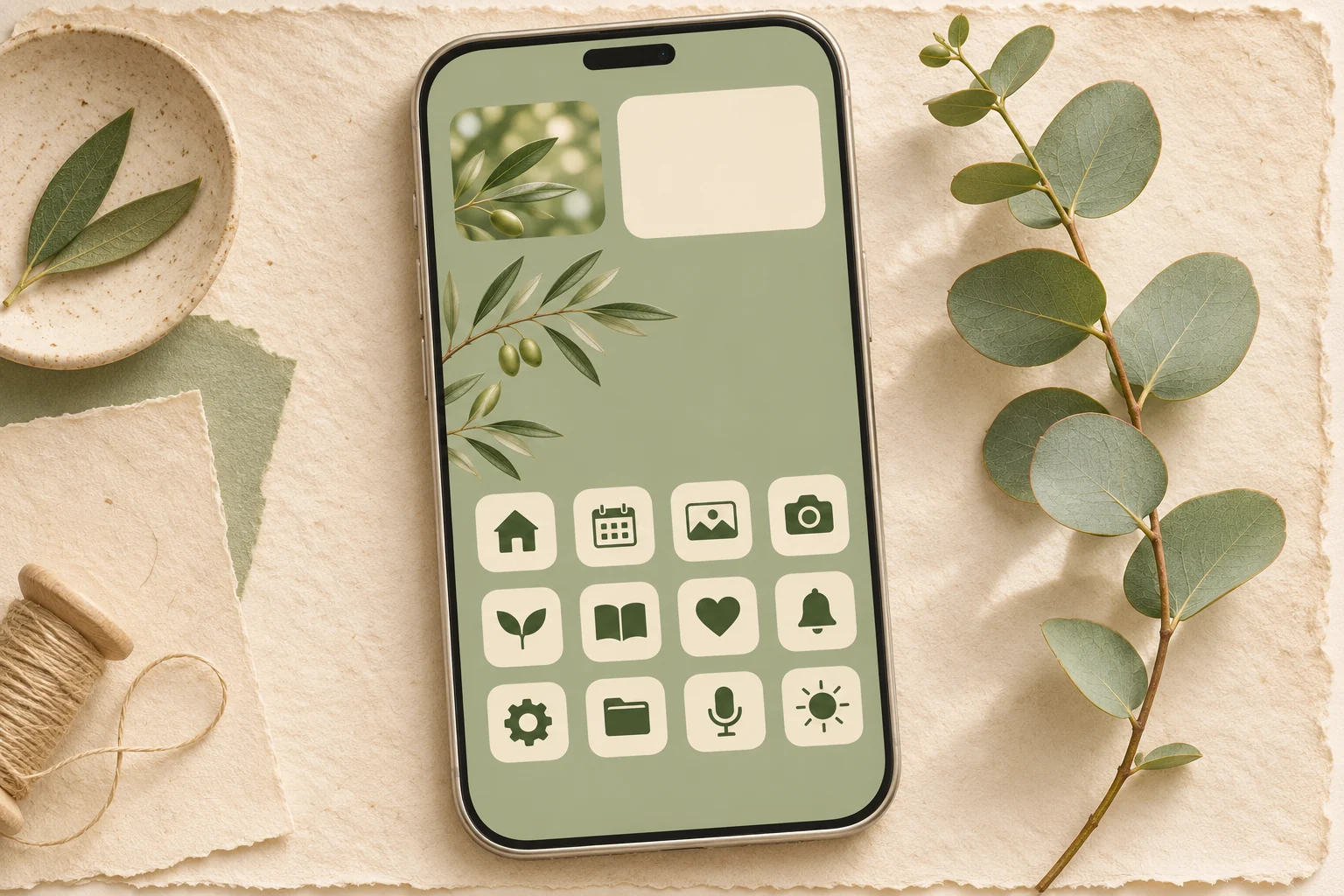
A reflection or fog bank can provide a calmer area for app labels, while leaves and gravel create many competing edges. Compare the most used page with the photo behind it. If every label sits over a branch, choose a crop with a broader color field.
Try a muted green hillside behind the app grid and reserve the more detailed ridge for the Lock Screen. Connect the two images through similar light and color. Keep one or two recognizable natural features so the page still feels like the place you chose.
Apply and check the final destination
The Gentheme wallpaper guide explains its separate download and apply steps for each phone. After saving or applying an image, inspect the destination you selected. On Pixel, Wallpapers & style provides separate Lock screen and Home screen previews before you apply the wallpaper.
Check the image after waking the phone and after opening your normal app page. Watch for an unexpectedly cropped summit, a sideways horizon or a trail hidden by the dock. Keep the original file so you can try a different frame without repeatedly saving smaller previews.