Gentheme
Compare a single bloom with a full arrangement
A single large flower gives the eye one recognizable shape. A mixed bouquet brings more colors, stems and edges into the same space. Choose according to how much of the Home Screen is already occupied, using a photo you took as a starting point.
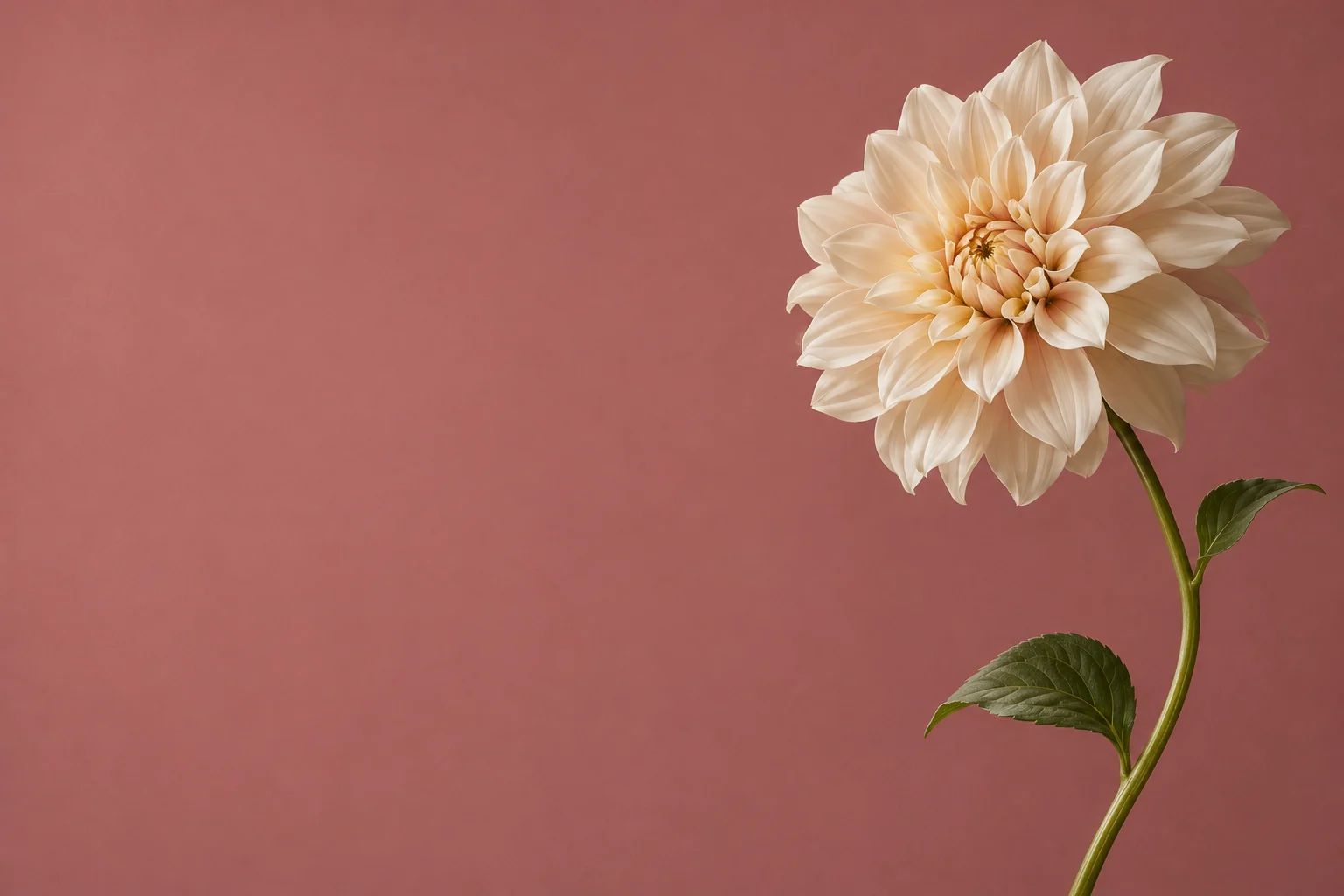
For a first comparison, try a close view of one cream dahlia against muted green and a wider vase arrangement. View both with your icons visible. Notice whether the petal pattern supports the page or makes the labels feel scattered before choosing a favorite.
Follow the direction of the stems
A stem rising from a lower corner can draw attention upward without filling every row. Keep the flower head inside the crop and allow the stem to enter naturally from an edge. A stem that stops abruptly in the middle of the image can feel accidentally cut.
A side-lit stem of white flowers on dusty rose makes a useful layout experiment. Place the stem along one margin and inspect the open area beside it. Your device’s app grid determines how much of that space remains visible once widgets and icons are added.
Set the pattern size with app names visible
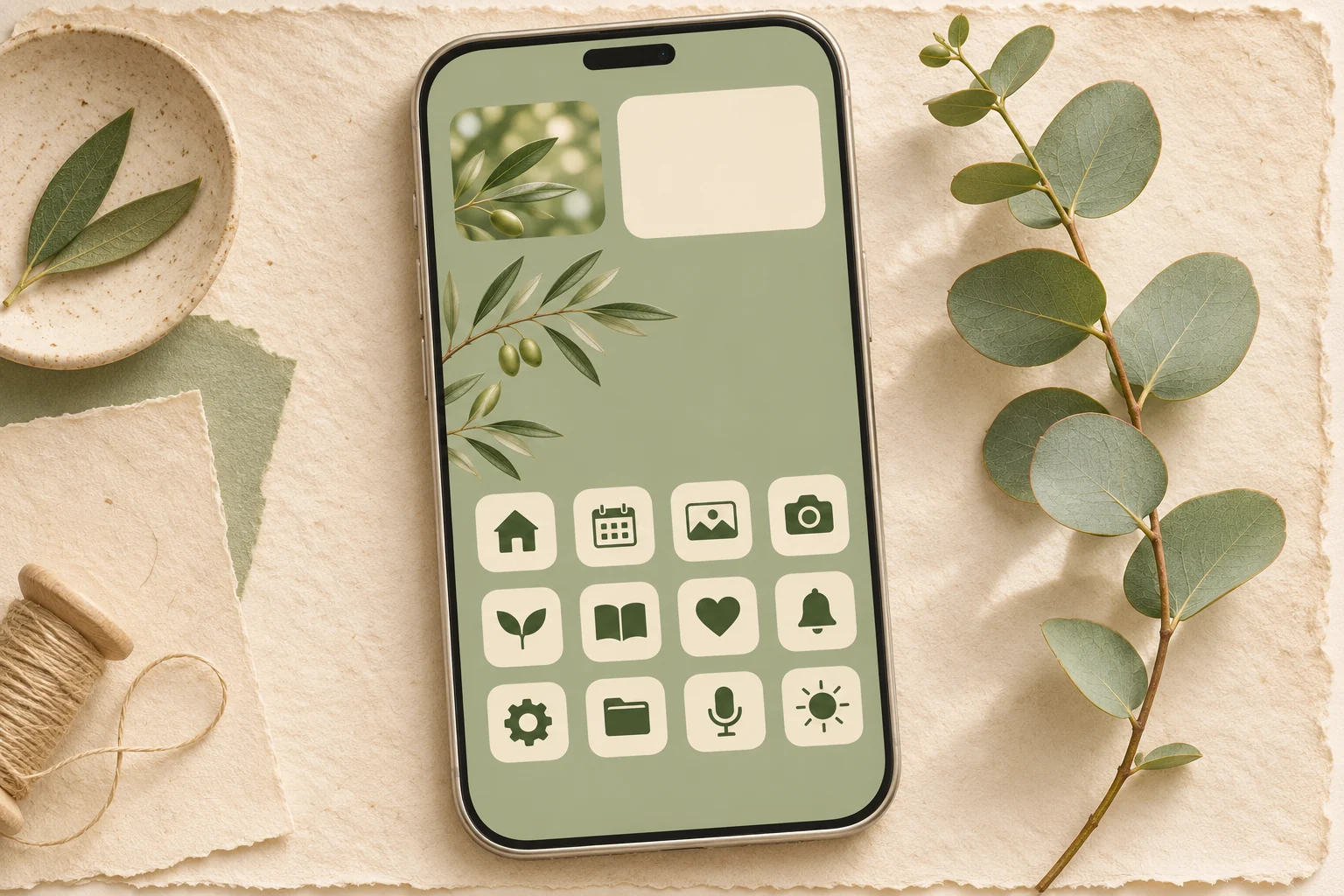
A floral repeat can become visually dense when tiny petals sit behind several lines of text. Compare large flowers with more spacing against a small, detailed print. Look particularly at pale labels over pale petals and dark labels over deep green leaves.
Use a limited palette to connect the rest of the page. A dusty rose background with cream flowers can support one muted green widget accent. If a photograph has many bright colors, try a companion image with fewer blooms for the Home Screen while keeping the full arrangement elsewhere.
Check edges and the saved image
The Gentheme wallpaper guide covers choosing a wallpaper, saving or applying it and completing the phone’s setup. Follow the flow for your device and review any unlock shown. Select the correct saved image when similar versions are present in your library.
Inspect all four corners after setting it. Check for half-visible petals that look unintended, a vase hidden by the dock and leaves crossing important app names. A small change in position can preserve the bouquet’s structure. Keep the original so another crop stays possible.