Gentheme
Choose what connects the two images
A matching pair can share a place, a shape or a small repeated detail. Start with photos you took together. Discuss whether you want the same picture, two views of one memory or complementary artwork before choosing files.
For a subtle pair, use two photos from the same walk with similar evening light. For a more obvious connection, use an open gate on one phone and the garden beyond it on the other. Each picture should remain understandable when the other phone is elsewhere.
Match the visible composition across devices
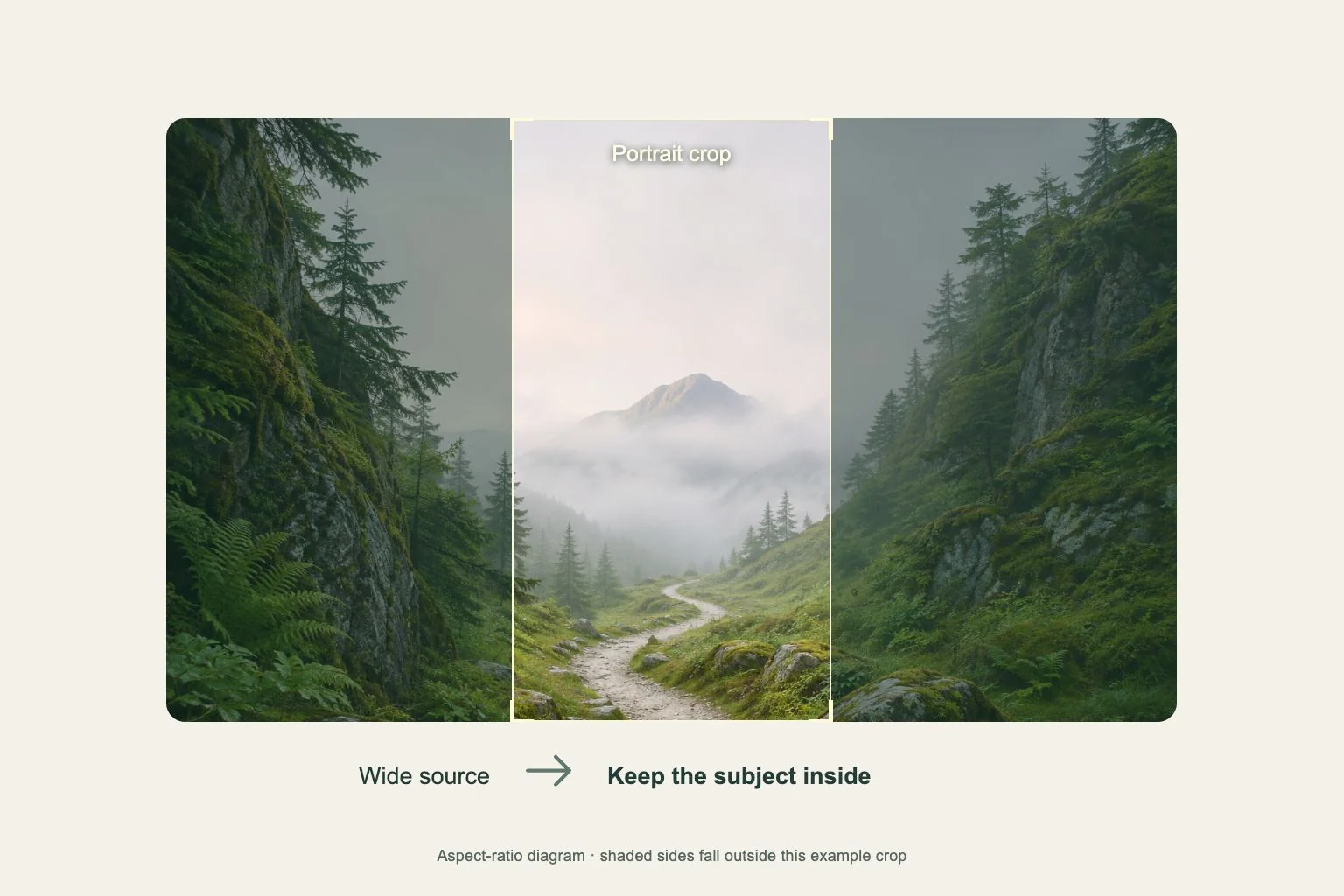
Two phones can show different portions of the same image because of screen proportions and wallpaper zoom. Compare the visible preview on each device. Align a shared horizon relative to the displayed screen, then check that the important person or object stays comfortably inside its own frame.
A split picture needs extra room near the joining edges. Avoid putting a face or an essential word directly on the seam. Hold the phones together once to compare the connection, then separate them and decide whether both halves still make satisfying everyday wallpapers.
Give each Home Screen its own space
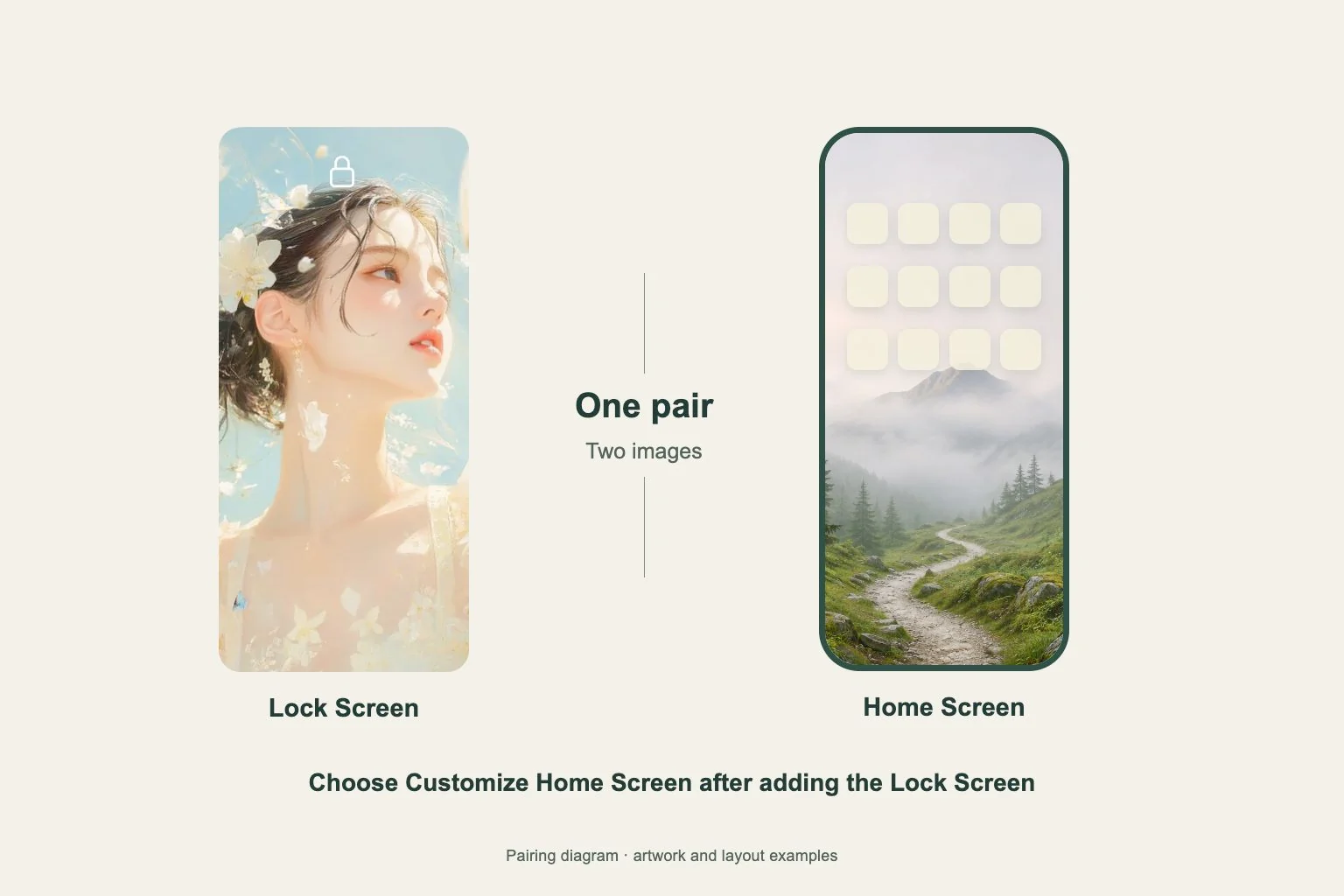
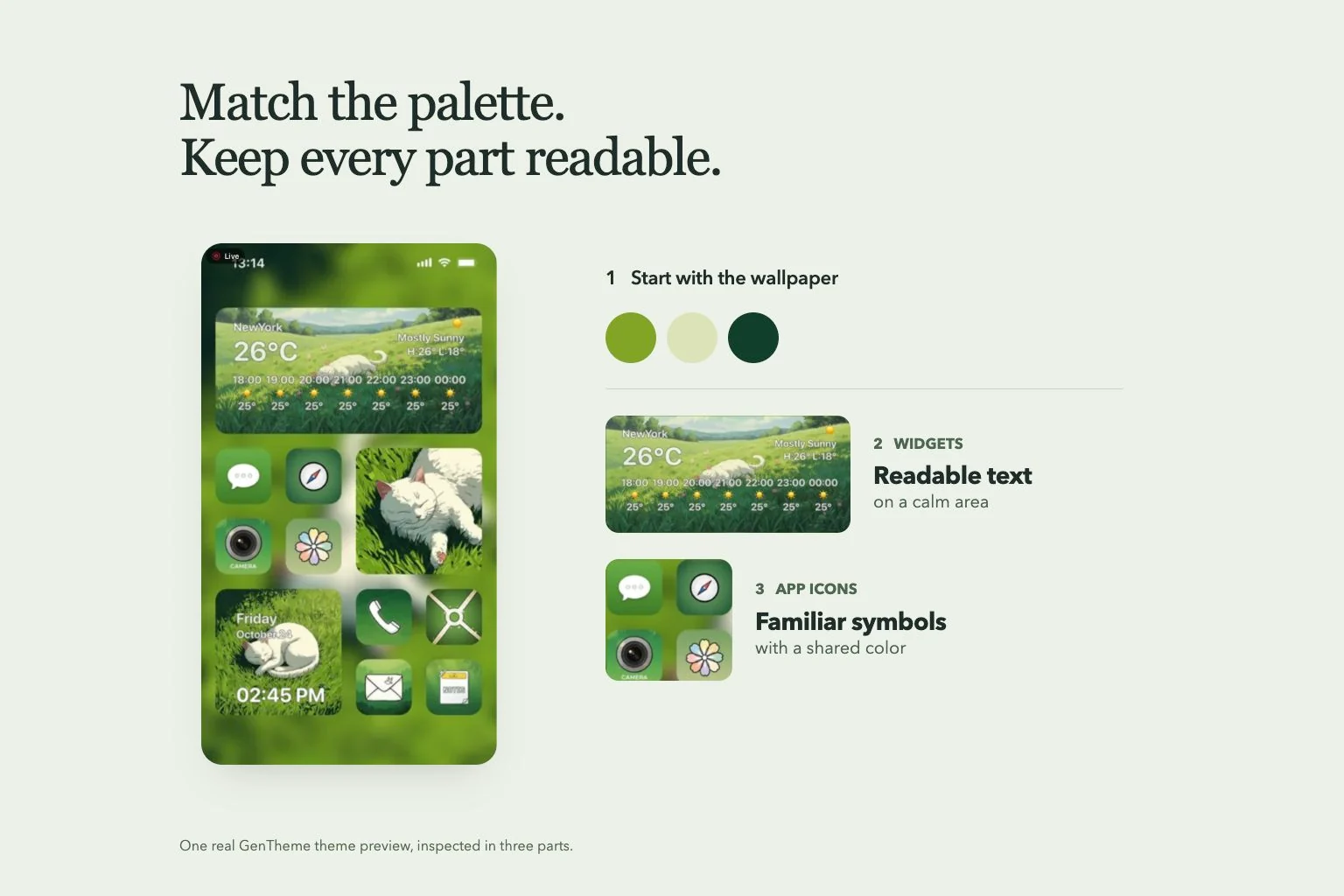
Partners may use different numbers of apps and widgets. Keep a common background color or texture while allowing each person’s main page to have its own detail level. One person can use the complete photo on the Lock Screen and a simpler companion behind their apps.
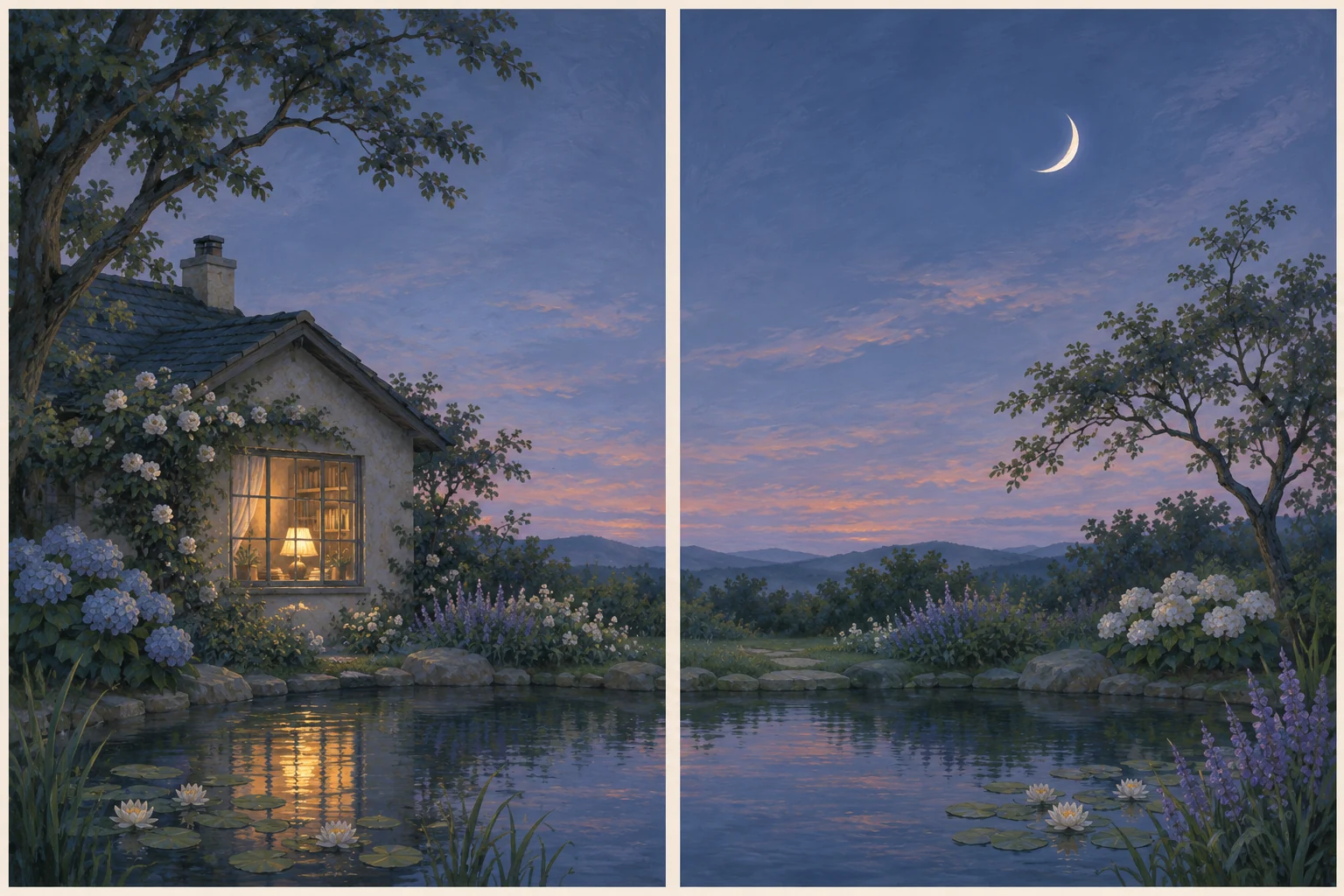
Try a dusk pair with a warm window in one image and a pale moon in the other. Repeat the same muted blue across both, then choose individual widget placements. Matching can come from that repeated color even when one person needs more useful information on screen.
Set both phones and compare the result
Send each person the intended original file through a sharing method you already use. Each person then completes wallpaper setup on their own phone. When using Gentheme images, follow its iPhone or Android guide and check any unlock and destination choices shown.
Review both finished screens together after setup. Look at the crop, clock and Home Screen app area on each device. Save the original pair and record which file belongs to each person. For a later change, repeat the comparison so the shared detail still lines up.