Gentheme
Identify what should have changed
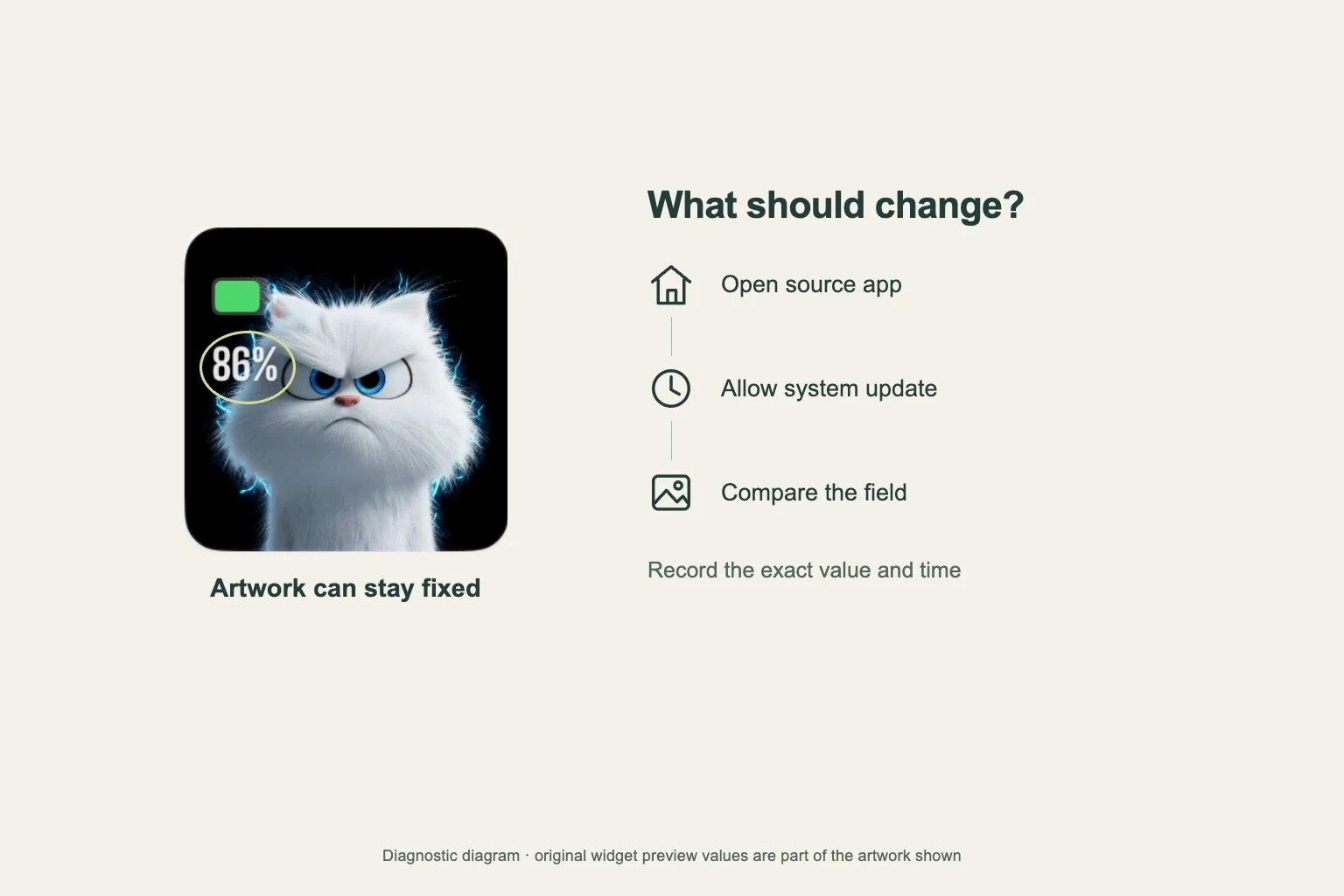
If an iPhone widget seems stuck, identify the exact part you expected to change. A photo, quote or date printed into artwork can stay the same as part of its design. For a changing information field, compare its value with the app that supplies it.
Take a screenshot and note the time. Apple’s widget system uses timelines and scheduled reloads, and a widget extension does not run continuously while visible. A brief difference from the open app alone does not establish a failed installation or a guaranteed refresh interval.
Check the source app first
Open the app that owns the widget and inspect the relevant content. If its information is also stale, check the connection and any content or location selection that the app actually offers. An accurate widget depends on having the right source data available.
Return to the Home Screen and compare again after allowing time for a system update. This is a diagnostic check, with timing controlled by iOS and the app’s implementation. Record whether the app value changed and whether the widget eventually followed, instead of repeatedly tapping it.
Confirm that the Gentheme design was saved
For a newly chosen Gentheme Home Widget, open the design and wait for Widget Added! before treating the save as complete. Check that it appears in Mine. If an unlock or save was interrupted, finish that step while the app is open.
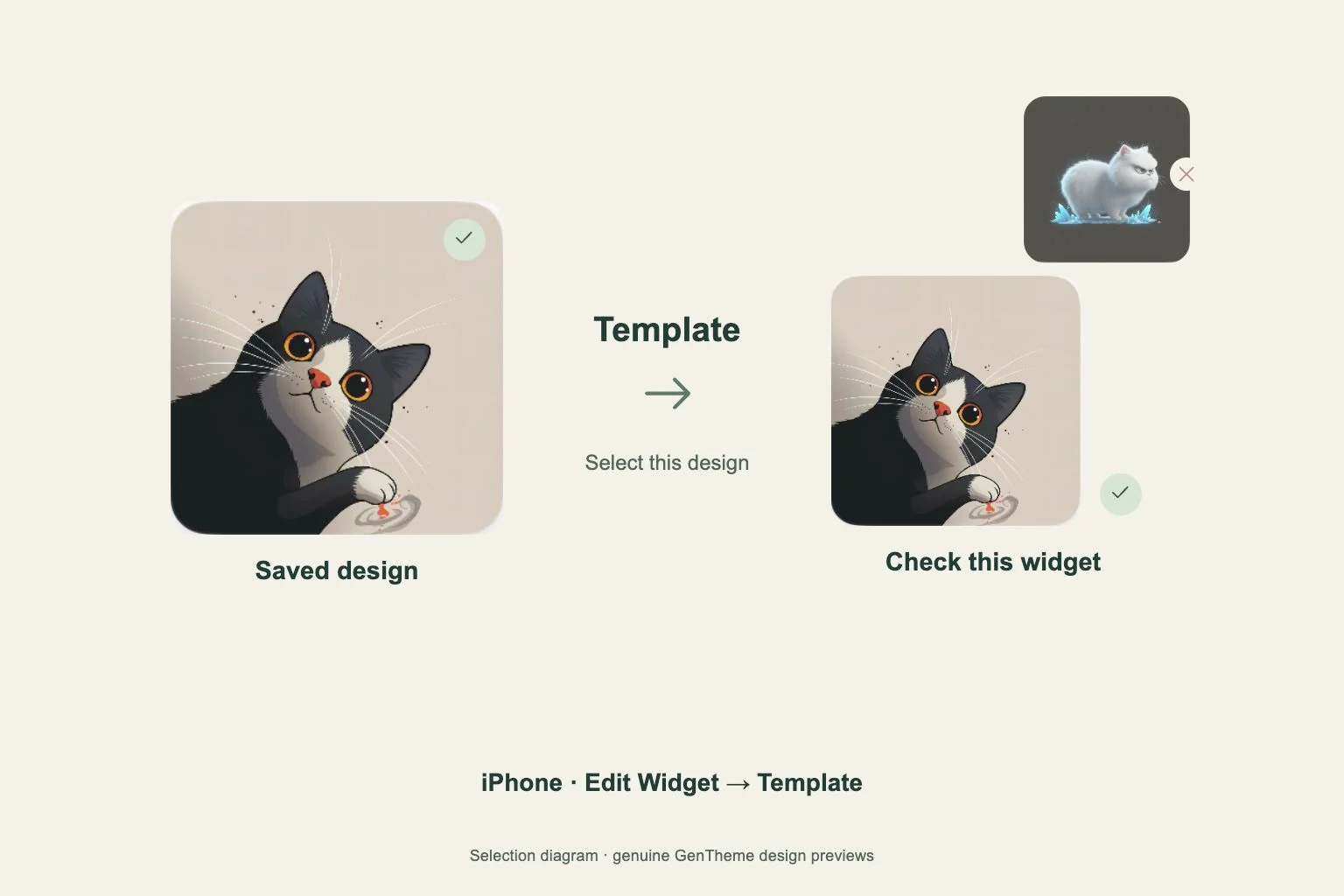
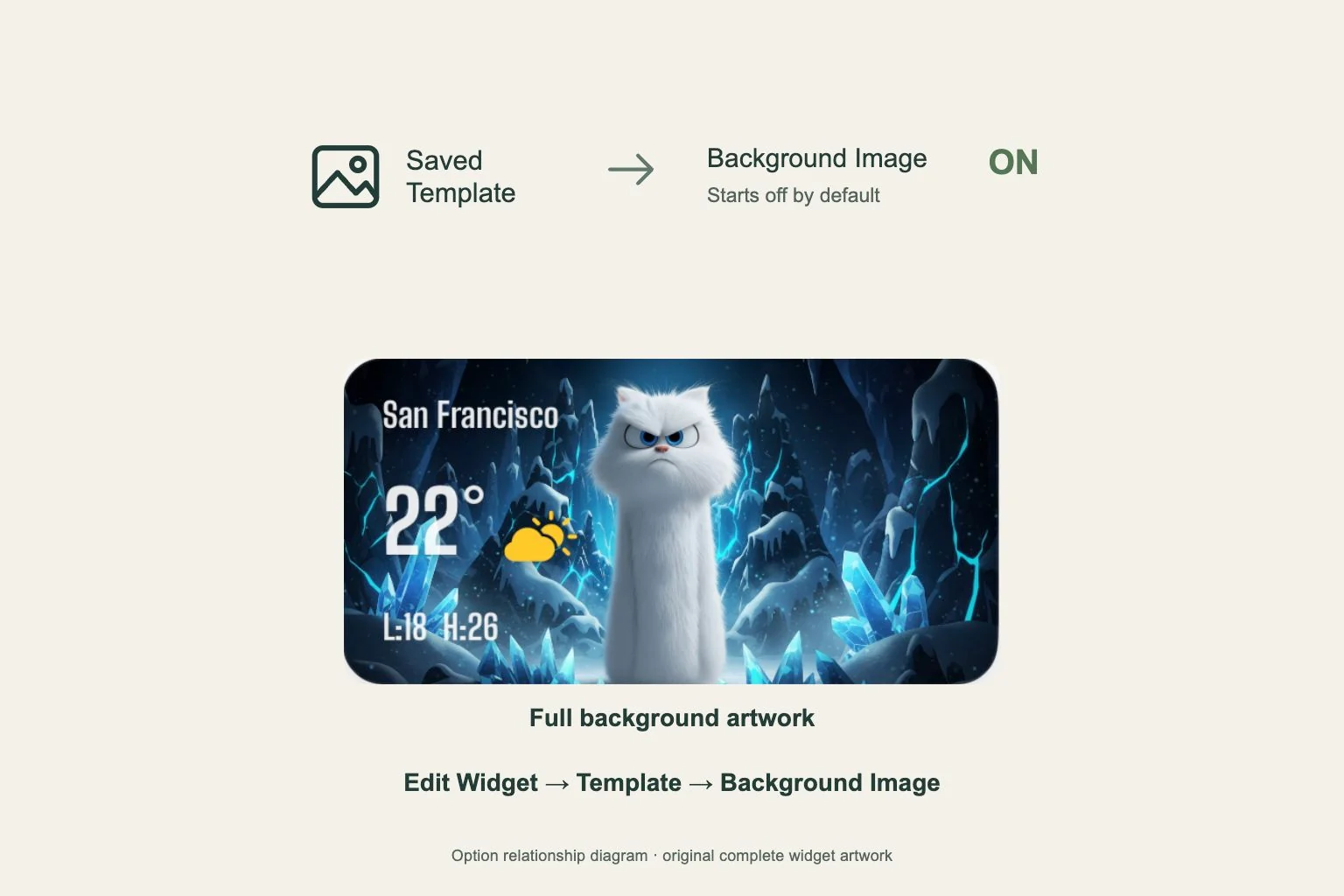
A saved design and an installed Home Screen widget are separate stages. Check Edit Widget > Template once to confirm the saved selection. If the expected design is already selected, continue investigating the stale field itself rather than repeatedly switching templates or downloading the same artwork.
Recreate one widget with its settings recorded
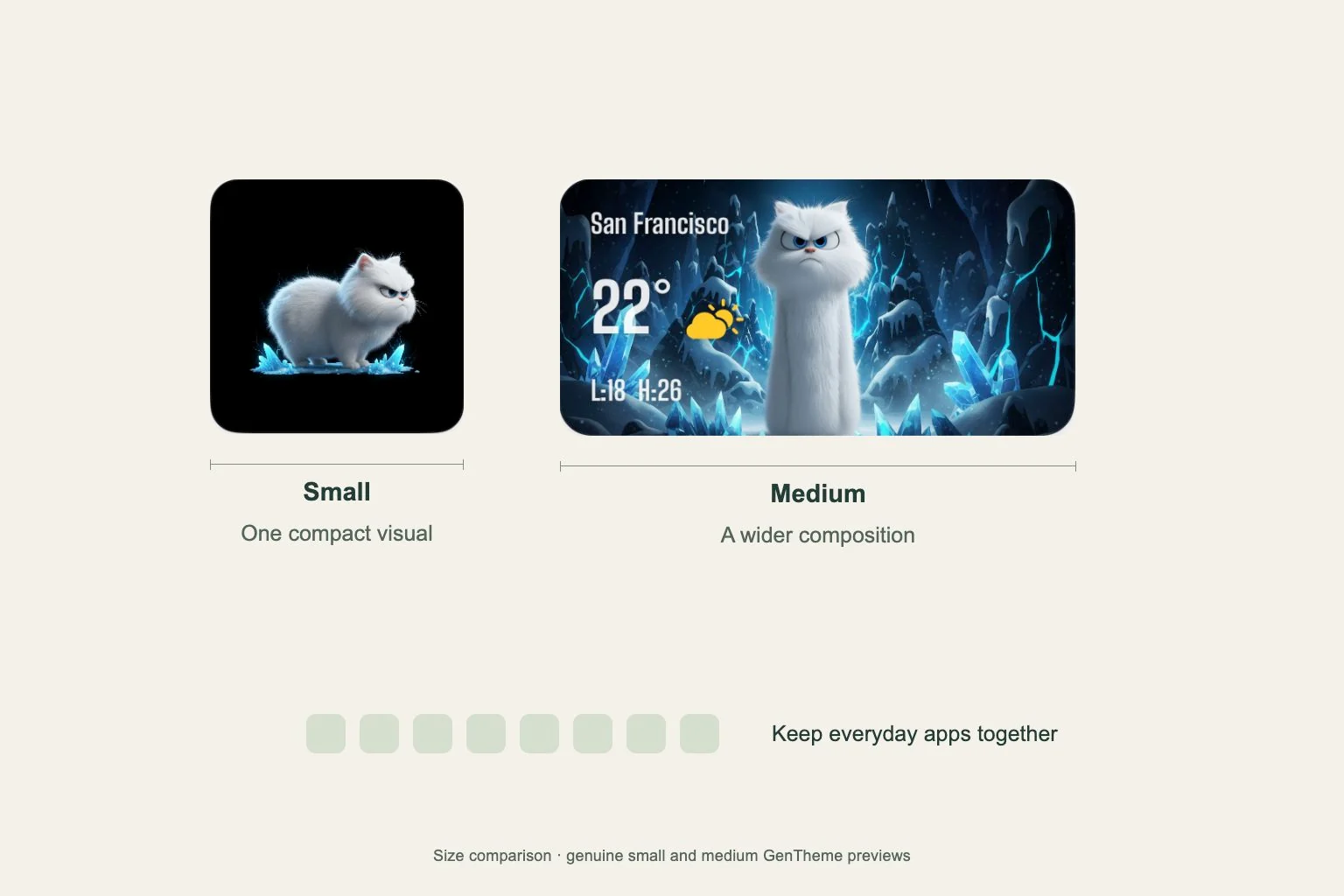
If the app has current data but one widget remains stale, record its type, size and configuration. Remove that widget using Remove Widget and the system confirmation, then add the matching available widget again. Select its saved design or content configuration before checking it.
Keep screenshots from before and after the replacement. If the issue persists, provide the iOS version, app version, widget type and the exact stale field to support. Include whether opening the app changed its own data, since that helps distinguish a data problem from a display update problem.