Gentheme
Separate image shape from image detail
The aspect ratio describes the relationship between width and height. Pixel dimensions describe how much image data the file contains. A larger file can still be an awkward shape for the screen. A well-shaped image can also look soft if its source has too little detail.
Begin with the original download and inspect a recognizable feature at a useful zoom. Avoid judging quality from a small gallery thumbnail. If you enlarge a tiny source until it fills a wide display, the missing detail becomes more visible even when the composition fits.
Treat a three-by-two result as a flexible source
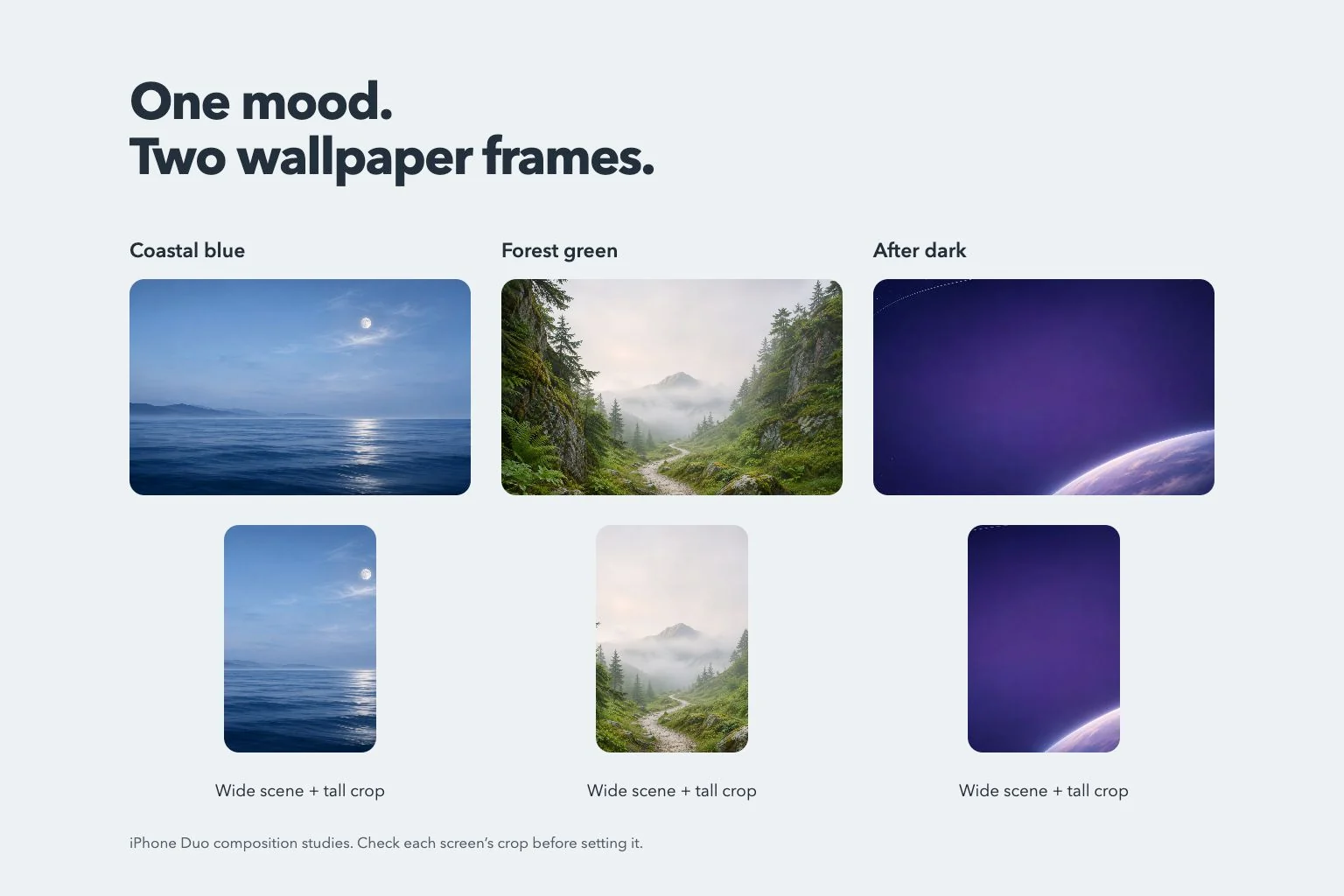
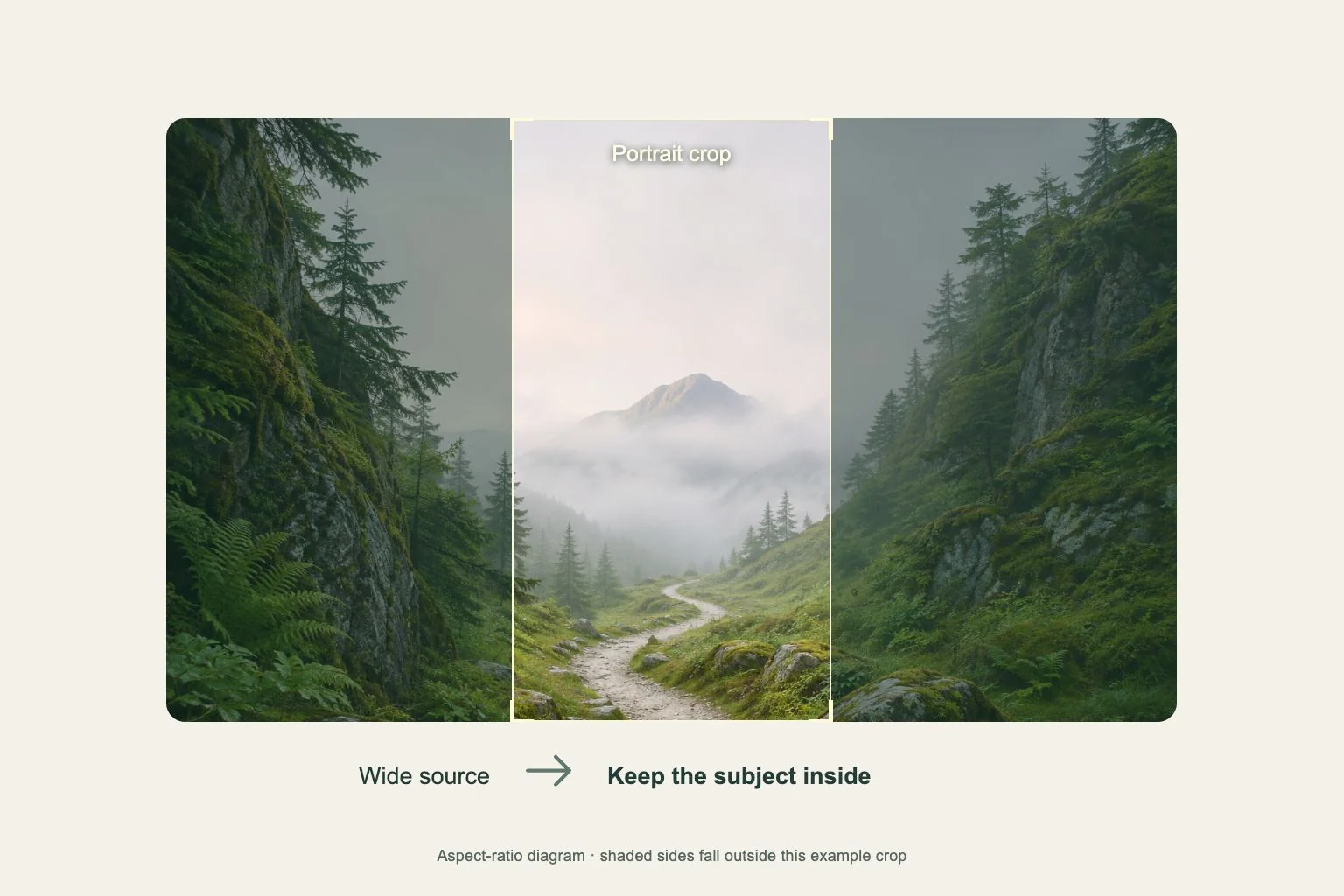
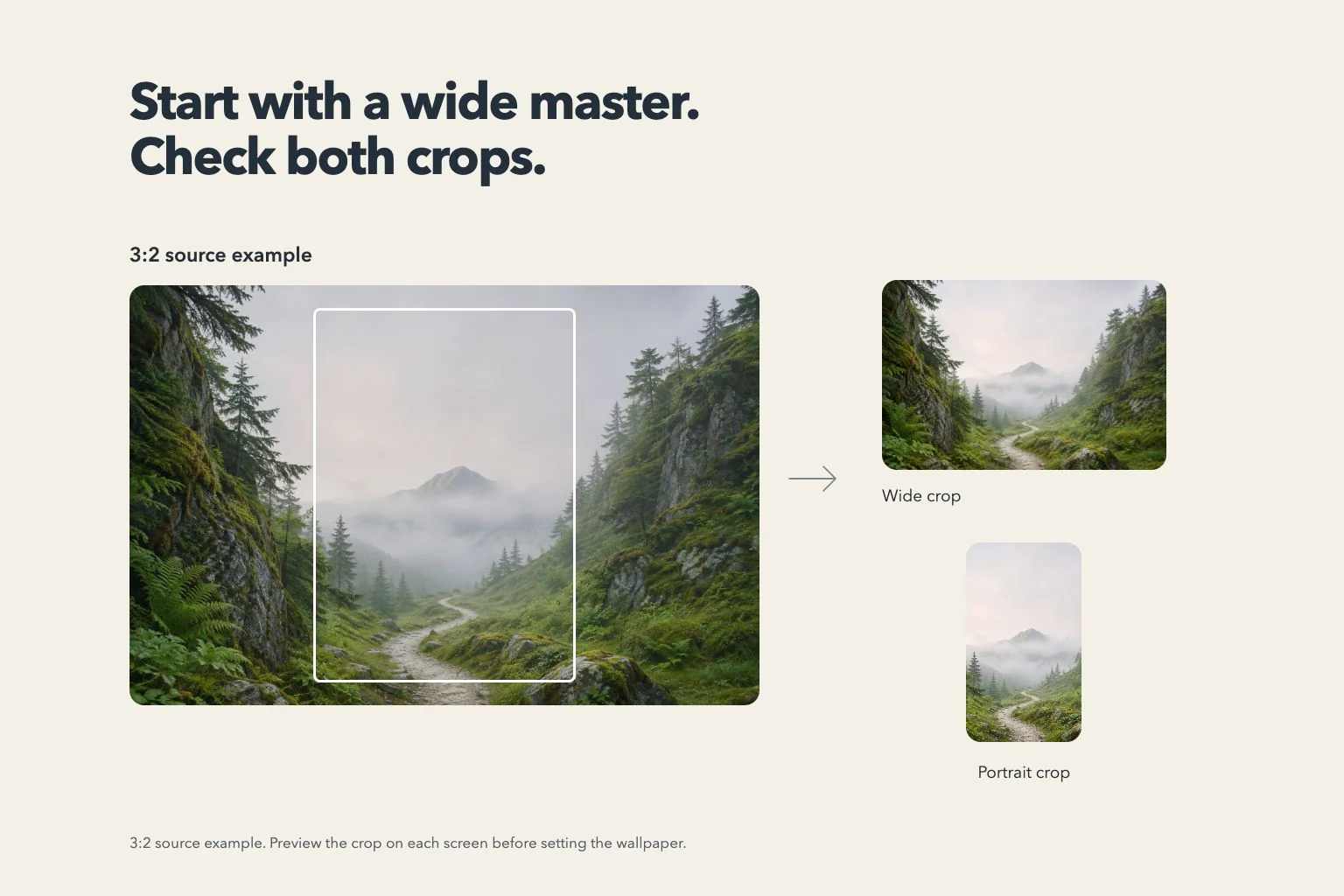
Gentheme’s expanded landscape image uses a three-by-two source canvas. That gives the composition space beyond a narrow phone image. The saved source and the area displayed by the system have separate shapes, so inspect the final crop before deciding the wallpaper is ready.
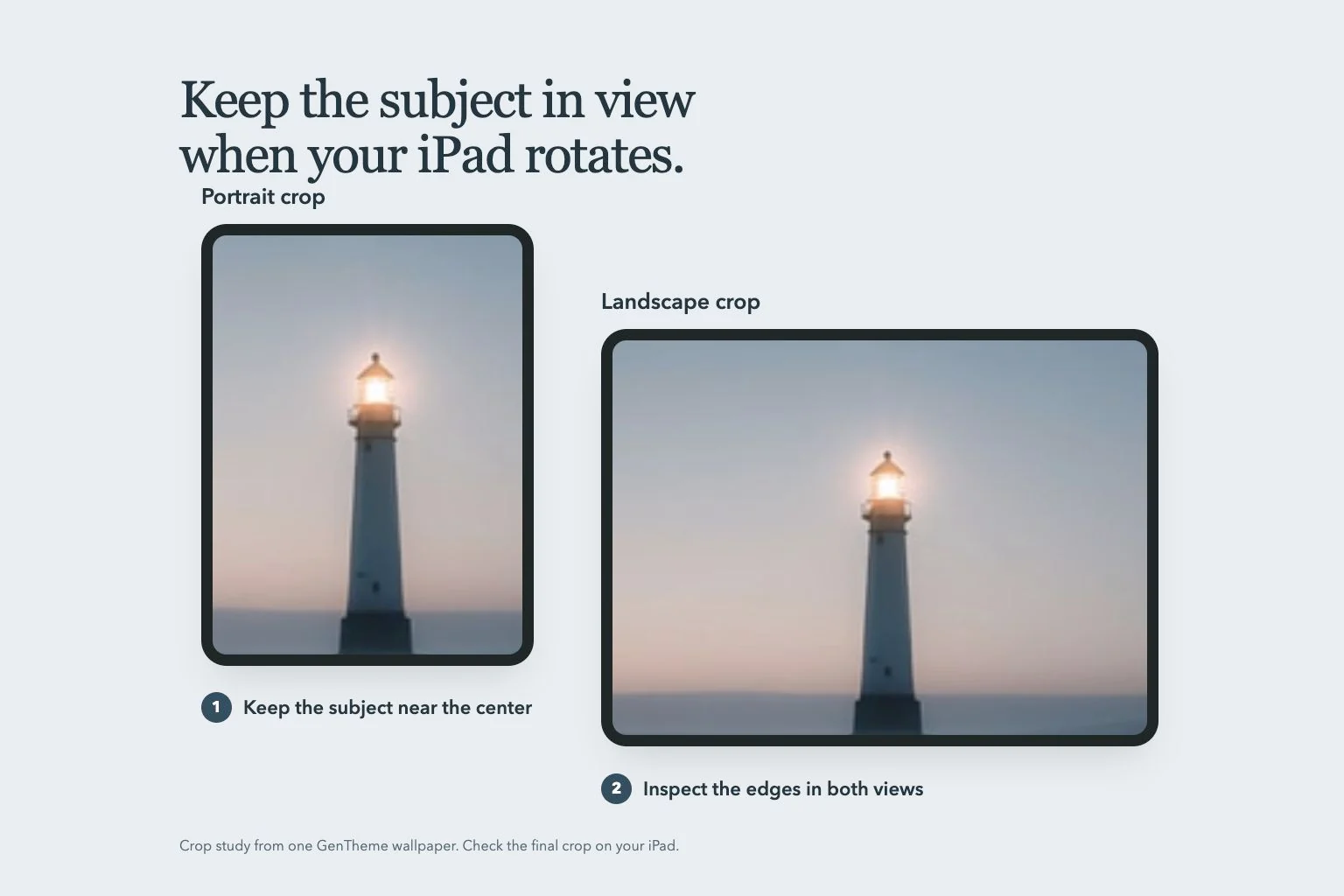
For example, leave sky above a lighthouse and water on both sides. A wider preview may preserve more coast, while a tall crop keeps the central tower. Decide which parts must remain visible, and keep those parts away from the source’s outermost edges.
Check both orientations before committing
Look at the wide screen in the orientations you use, then check the narrow view too. Pay attention to faces, straight horizons and any words. A small difference at the sides can remove a hand or the end of a line of text without changing the overall colors.
If the picture works in only one view, compare a source with more surrounding background. Expanding available background can offer more room when the feature is enabled. Review the generated edges and subject proportions carefully, especially around architecture, repeating patterns and fine hair.
Save the intended version and inspect it again
When Gentheme offers Landscape and Portrait, select the intended image before Download. Complete any unlock or confirmation shown and open the saved file. Confirm its orientation and main details so a similarly colored portrait copy does not become your accidental choice.
Apply the saved image through your phone’s wallpaper settings and check the actual display. Move the crop in the system preview as needed. Keep the original download available for later changes, rather than relying on a screenshot of a preview with its controls visible.