Gentheme
Give the scene a strong center
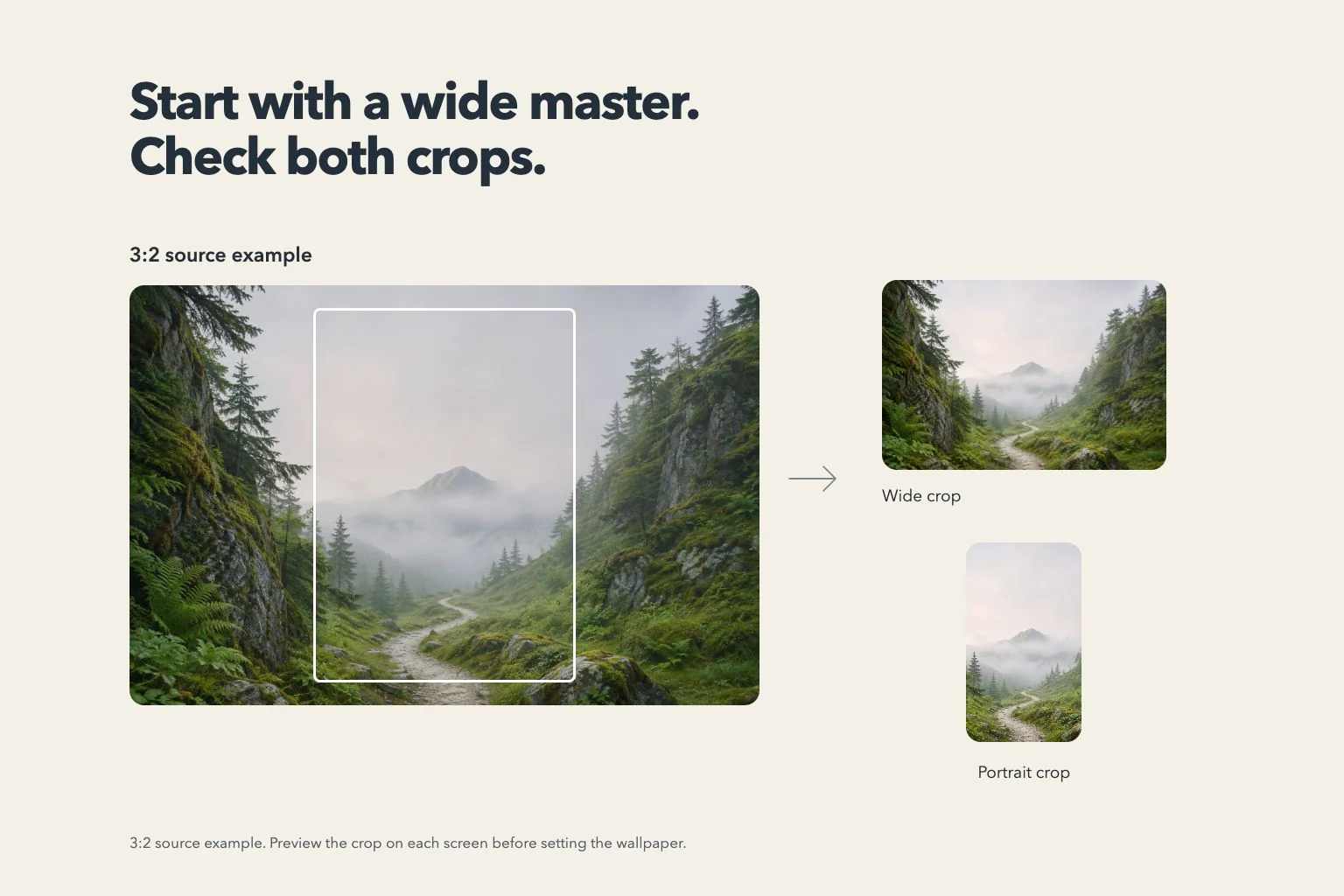
A lighthouse, a solitary tree or a doorway can carry a tall outer-screen composition while the wider scene reveals its surroundings. Start with a subject you can recognize at thumbnail size. Keep a little space around its outline so both views feel deliberately framed.
For a coast example, put the lighthouse near the middle and let sea and cliffs continue outward. The narrow view can preserve the tower and a strip of water. The wider view gains the headland and sky without requiring another equally strong subject at an edge.
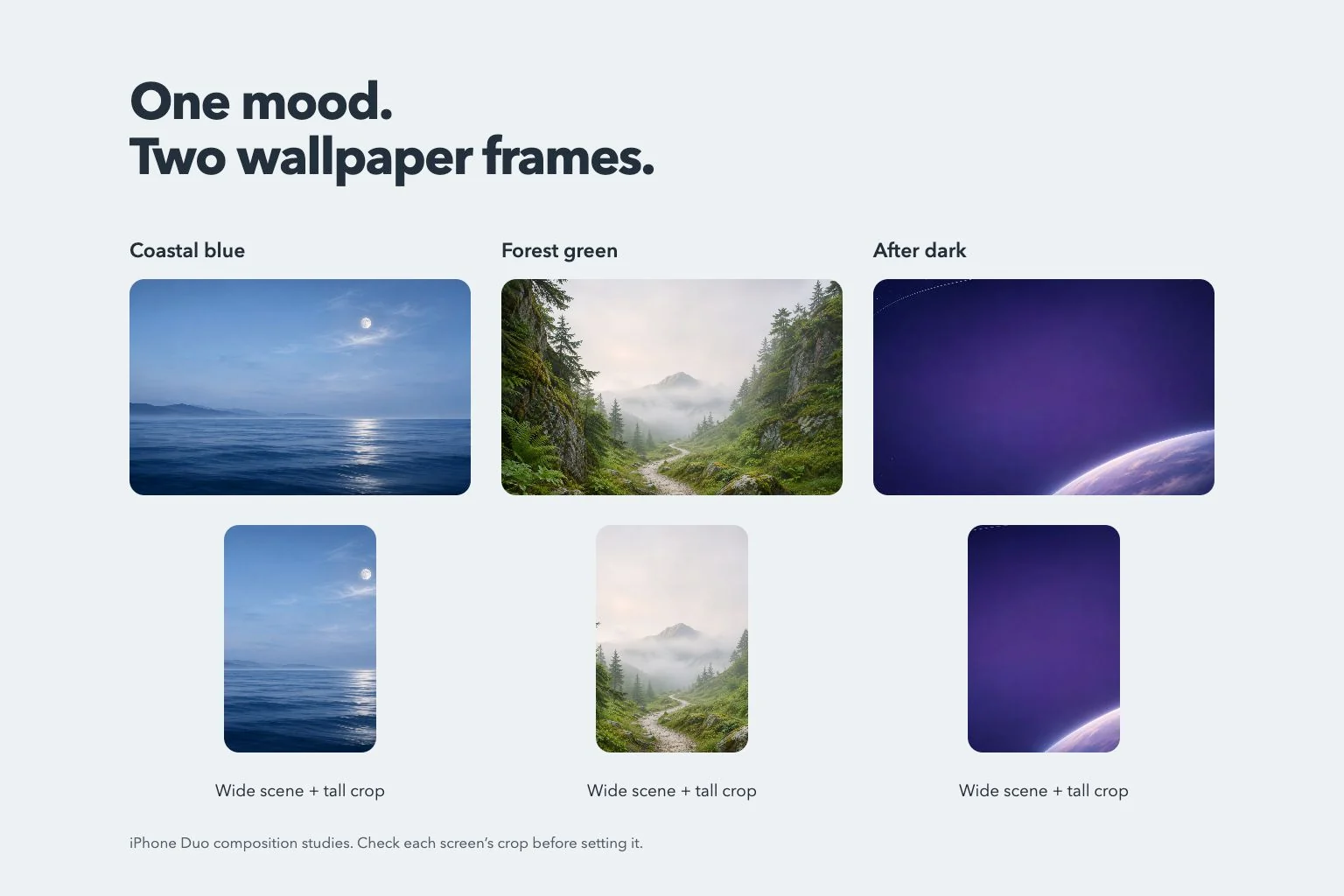
Try a pair connected by material or color
An abstract wallpaper can connect the views through a repeated curve or color. Try one broad silver ribbon over indigo, with room around the ribbon’s brightest fold. Its outline should remain understandable even when a narrower crop removes part of the surrounding background.
For a softer setup, use warm paper, a large botanical shape or a muted gradient. Keep the texture scale large enough to survive a smaller preview. Compare the same detail on both screens before adding a second pattern that might make the pair feel unrelated.
Keep faces and important details away from the edges
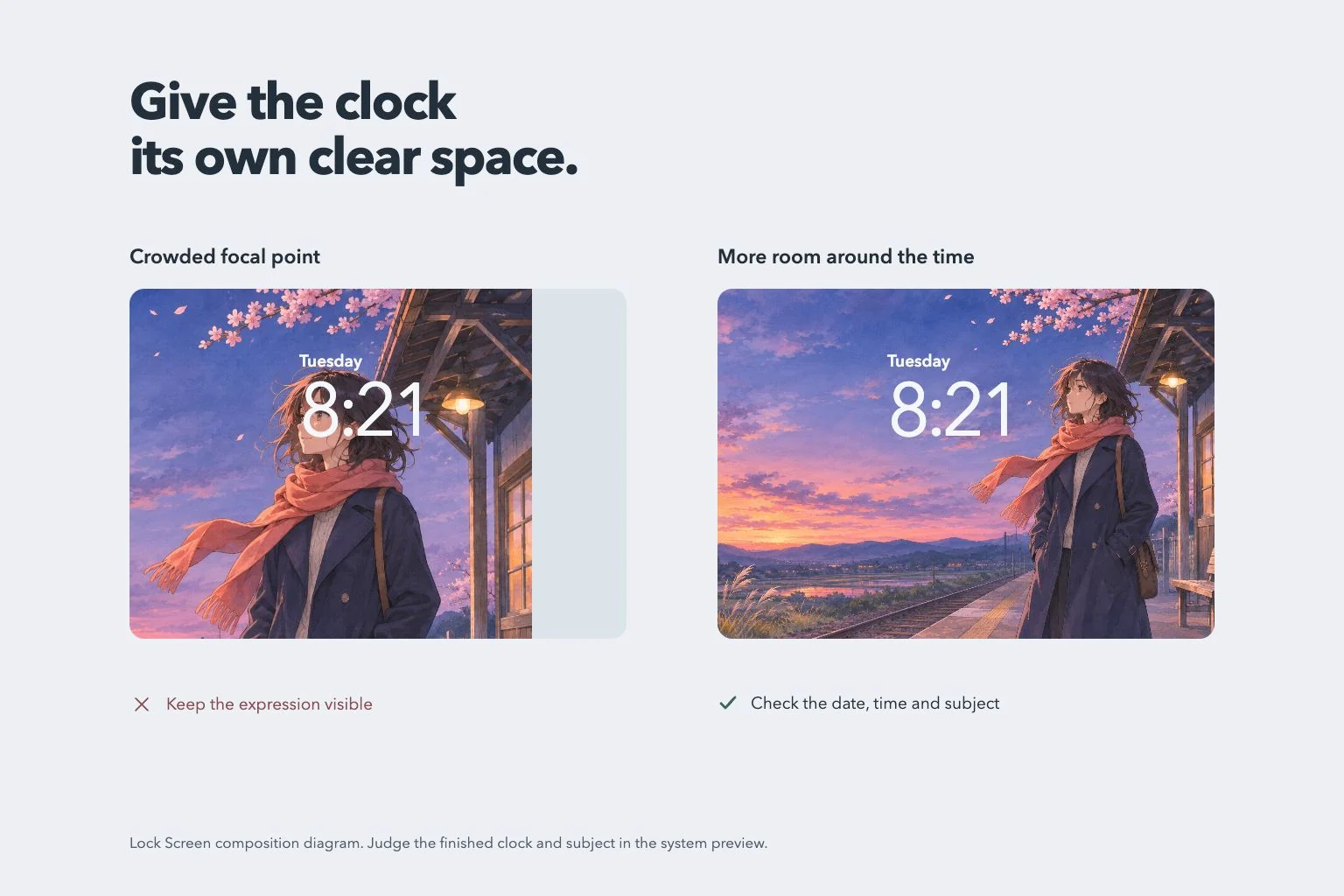
A portrait needs enough room for the face in the tall view and enough context in the wide one. Check eyes, hair and shoulders separately. A picture that already cuts tightly around the head leaves less flexibility when another display shape needs a different frame.
Keep lettering short if your own artwork includes it, then read the complete wording in both crops. Decorative words near an edge are easy to lose. For the Home Screen, compare a simpler companion in the same palette with the more detailed Lock Screen choice.
Compare the available versions in Gentheme
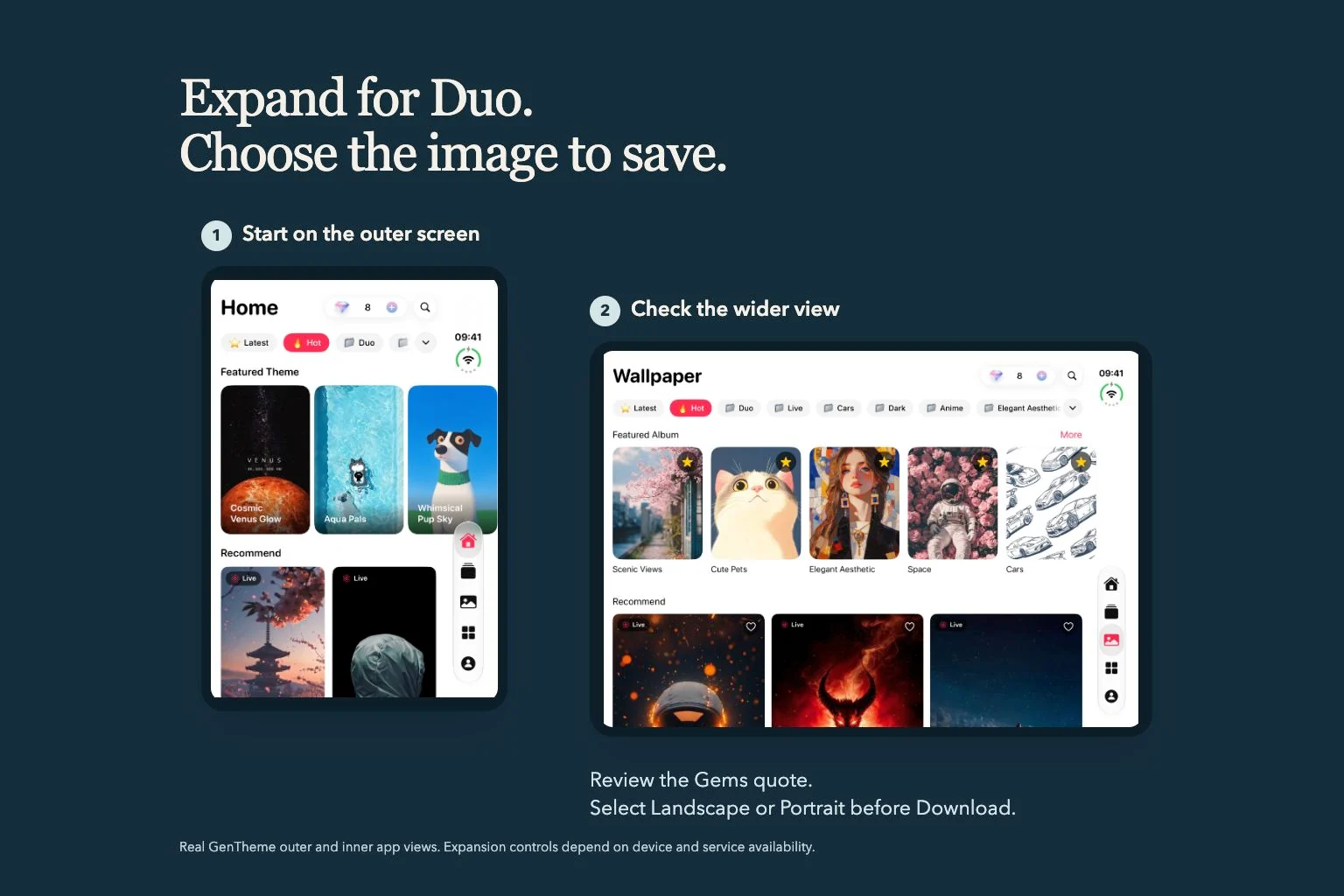
On a supported Duo with the service enabled, browse the available Duo category or open the wallpaper you like. Inspect any existing wide result first. For a portrait-only image, the available Expand for Duo control leads to the service’s current Gems confirmation.
After saving your selected version, review the system wallpaper preview and the finished screen. Check the main subject, clock and daily app labels. Keep the original file available so you can try another crop later while preserving the visual connection you chose.