Gentheme
Open the wallpaper and check availability
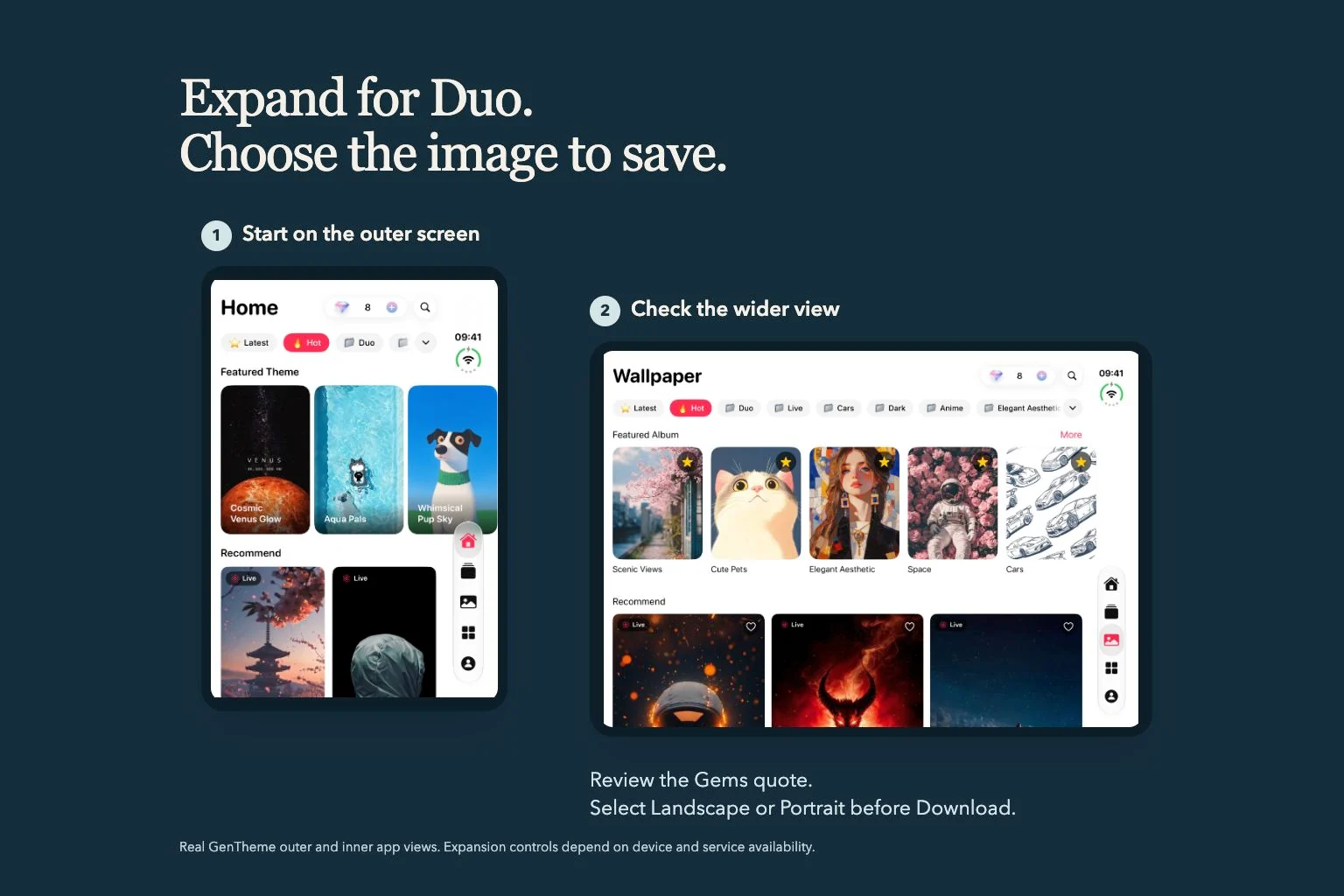
Open a wallpaper detail page and look for Expand for Duo. You can also browse the wallpaper category offered for your supported device. Start with the wallpaper you want so you can compare its subject with the wider result.
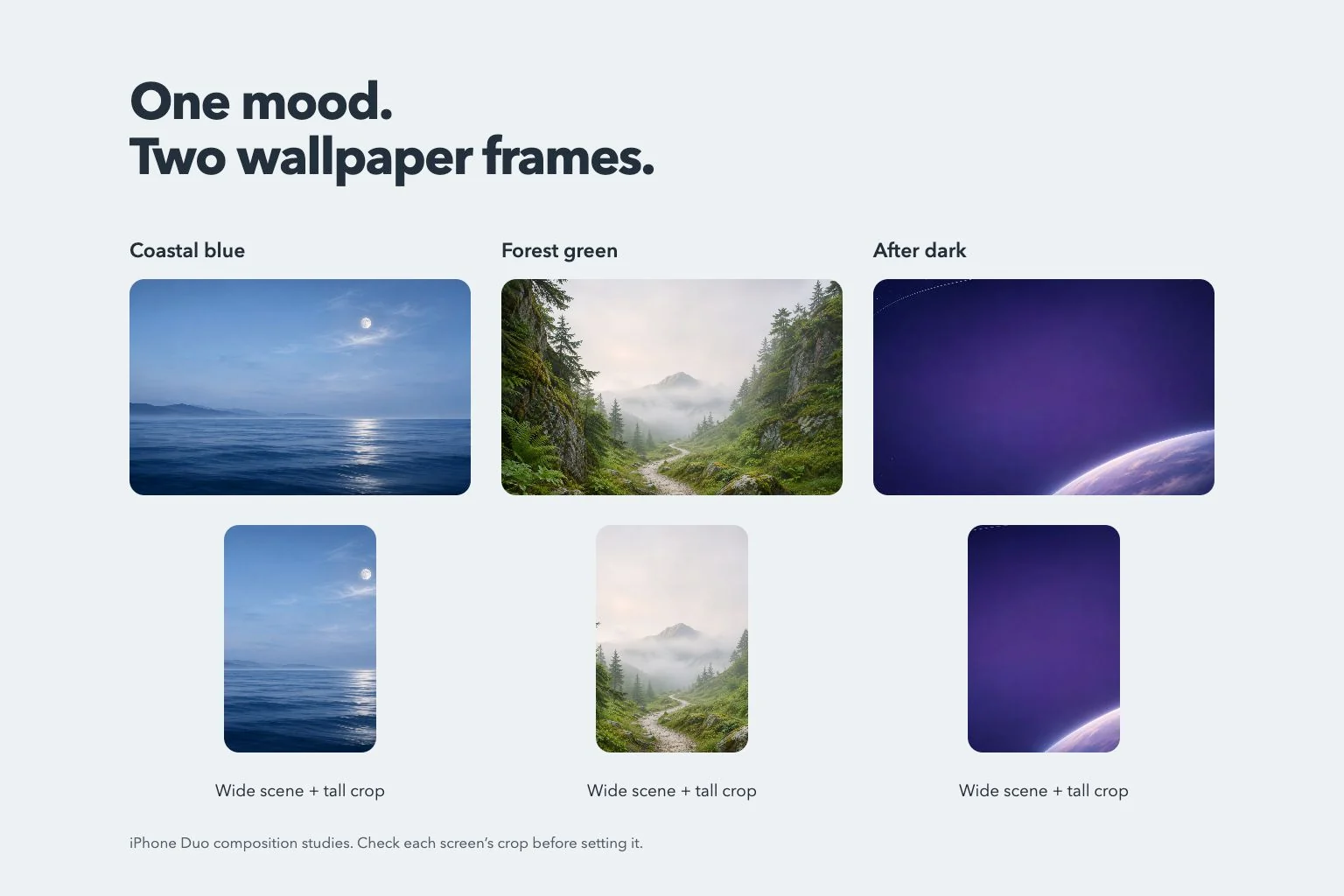
The Duo controls appear on applicable devices when the service is enabled. A wallpaper may already have a landscape version available. Open that result first and inspect the extra background, the subject position, and the composition you would use on a wide screen.
Read the Gems confirmation before generating
Tap Expand for Duo to open the existing Gems confirmation when generation is available. Read the displayed cost and confirm only when you want that operation. Use the quote in the app for the current request, since availability and cost are supplied by the service.
After confirming, keep an eye on the generation status. If the app reports a busy service or a daily limit, follow that message before retrying. Review any later download confirmation too, since saving the selected wallpaper follows the wallpaper download flow.
Load a ready result before trying again
Generation and preview loading are separate stages. The app may finish creating the image and then show Expanded. Loading preview…. Allow that stage to complete so you can inspect the picture before deciding what to save.
If the app says the wallpaper is ready and offers Retry, use it to load the existing preview. A cached result can usually be reused. Reopen the same wallpaper and check its available choices after an interrupted session before starting another generation request.
Select the picture before downloading
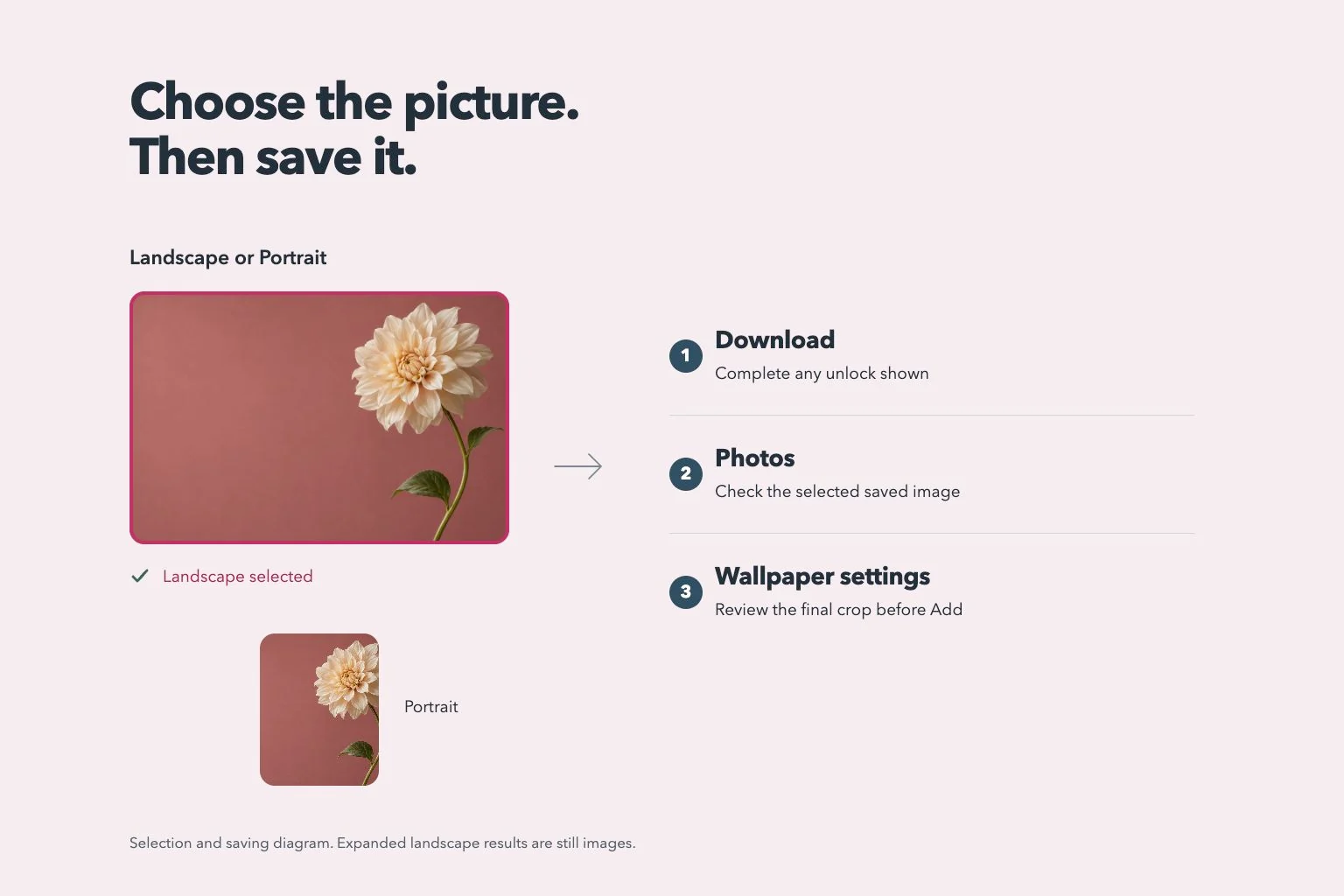
When both choices appear, tap Landscape or Portrait and check the selection mark before Download. Inspect the wide image around the subject and near the edges. The expanded Landscape choice is a still image. Wallpapers offering motion have a separate Live Wallpaper flow on their original portrait version.
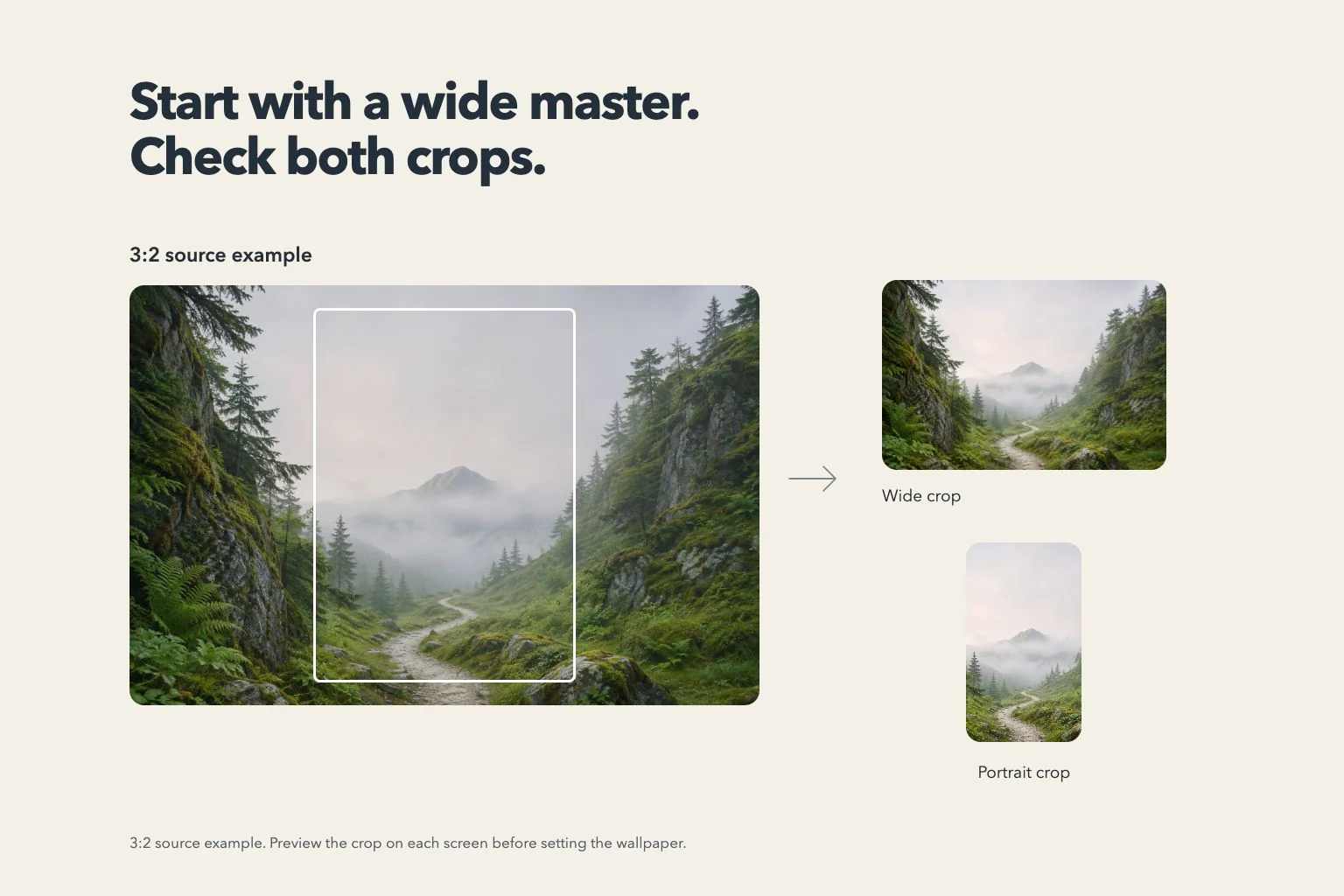
On iOS, choose the saved picture through Settings, Wallpaper, and Add New Wallpaper. The system can crop a three-by-two source for the display. Check the actual Lock Screen and Home Screen, leaving space for the clock, widgets, and other screen elements.