Gentheme
Let a landscape lead across the screen
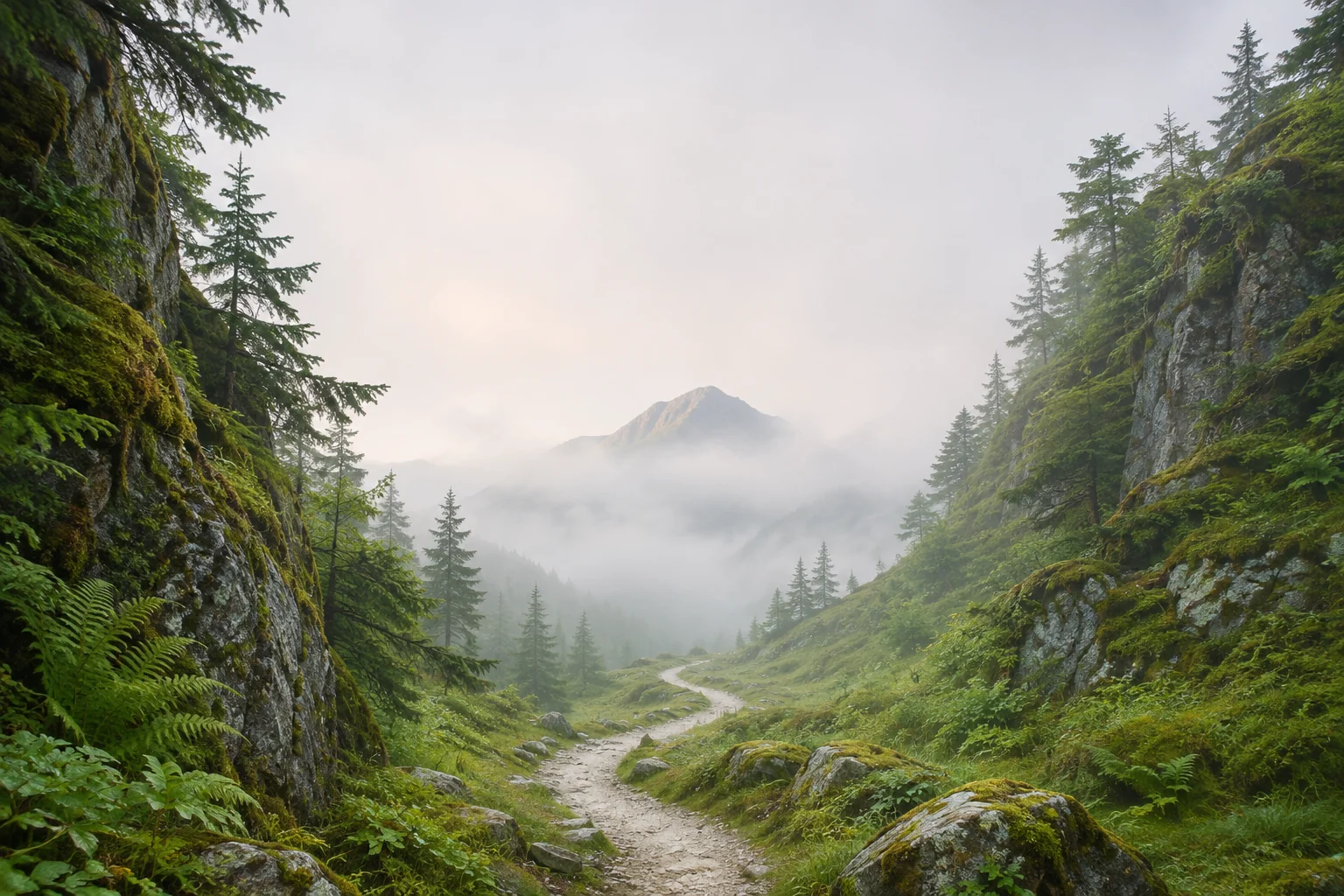
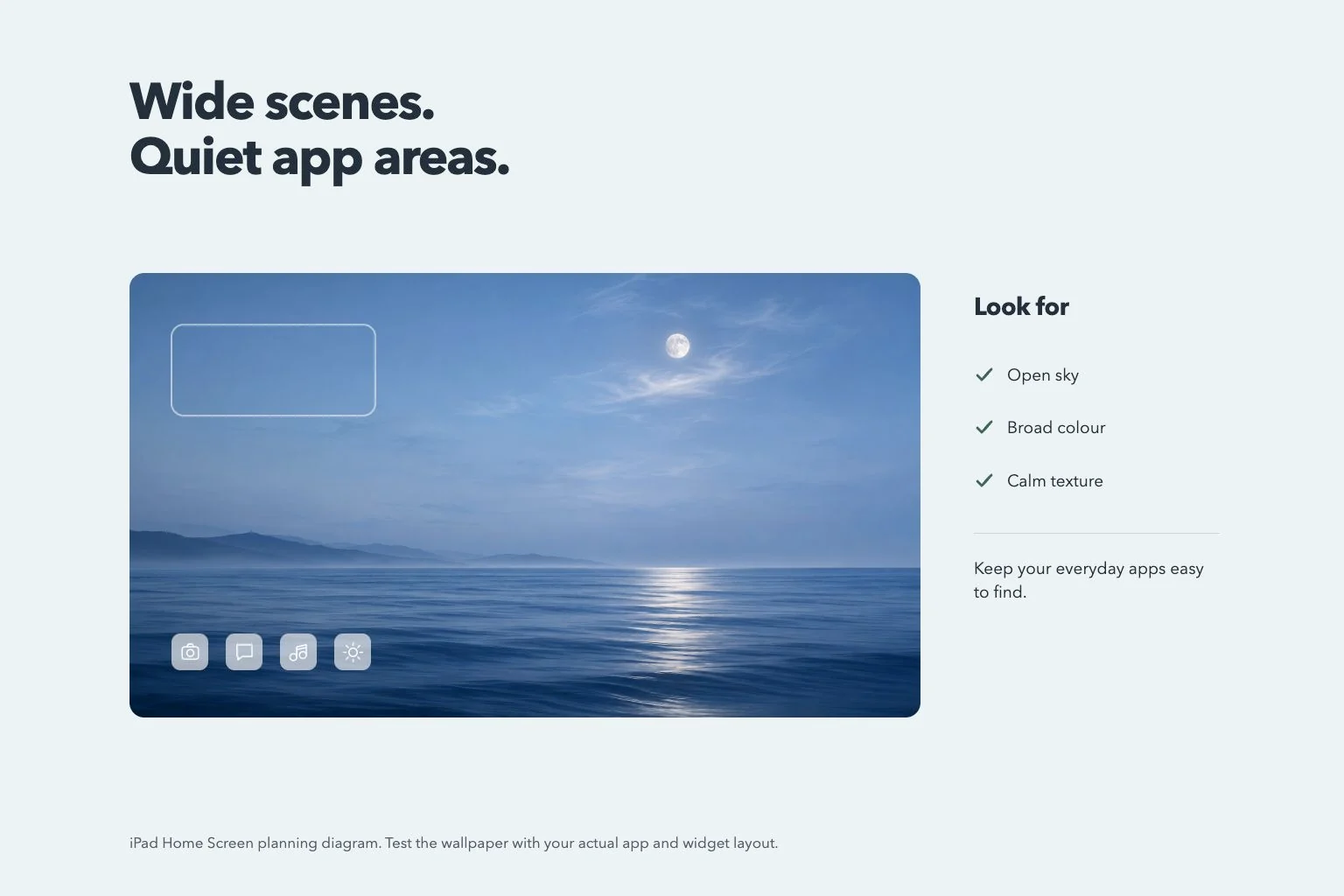
A coastline, long bridge or row of distant hills can give a wide iPad wallpaper a clear direction. Choose one line to guide the eye. Keep enough sky or water around it so the scene still has depth when app icons cover part of the foreground.
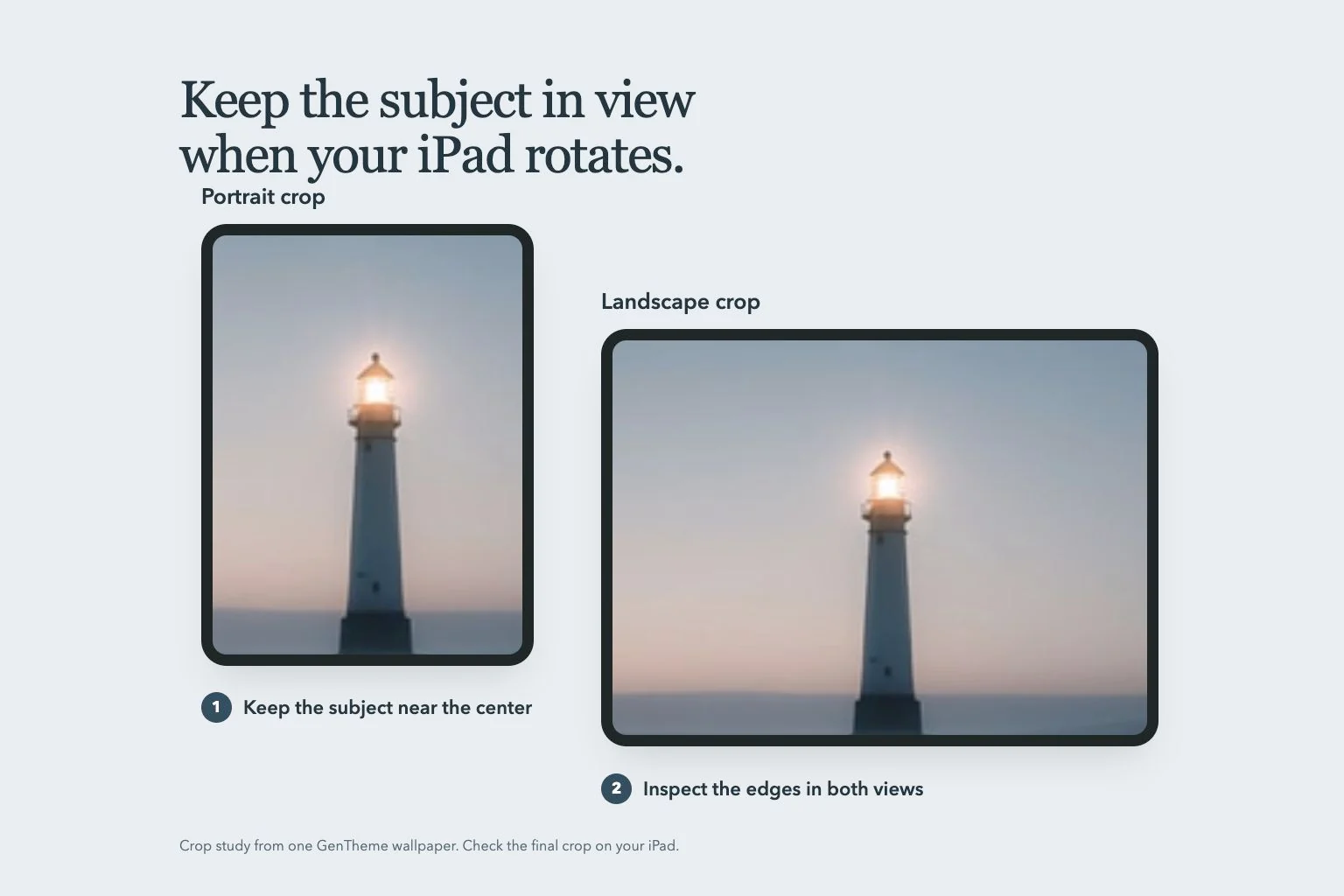
Try a bay photographed from a headland, with the coast entering from one lower corner. Keep the brightest reflection away from the busiest icon area. If you often hold the iPad vertically, compare the narrower crop before relying on landmarks at both far edges.
Use architecture to organize the picture
An arch, a staircase or a broad wall can make a strong background without filling every part with small detail. Look at the direction of the lines and the light. A simple wall beside a doorway can provide a quieter place for app labels and widget text.
Compare a pale stone arch with a dark doorway and a busy street scene full of signs. The arch may offer a useful balance between structure and empty space. Keep the entrance complete after cropping so its shape remains understandable when you turn the device.
Choose an abstract that works with your app page
A wide gradient or one large folded shape can support a screen containing several useful widgets. Choose a small set of colors and compare the brightest patch with your actual page. Fine repeated lines can become distracting behind small names even when the original art looks restrained.
For a blue-and-silver composition, place the strongest curve to one side and leave a broad quieter area elsewhere. Add only the widgets you want to read regularly. Keep their familiar positions during the wallpaper change so you can judge the background without relearning your layout.
Review the saved image in both orientations
Use Gentheme’s wallpaper guide to follow the relevant download or apply flow, and check any confirmation shown. On an eligible iPad, a wider option or available expansion control may provide another composition. Review its preview before choosing which image to save.
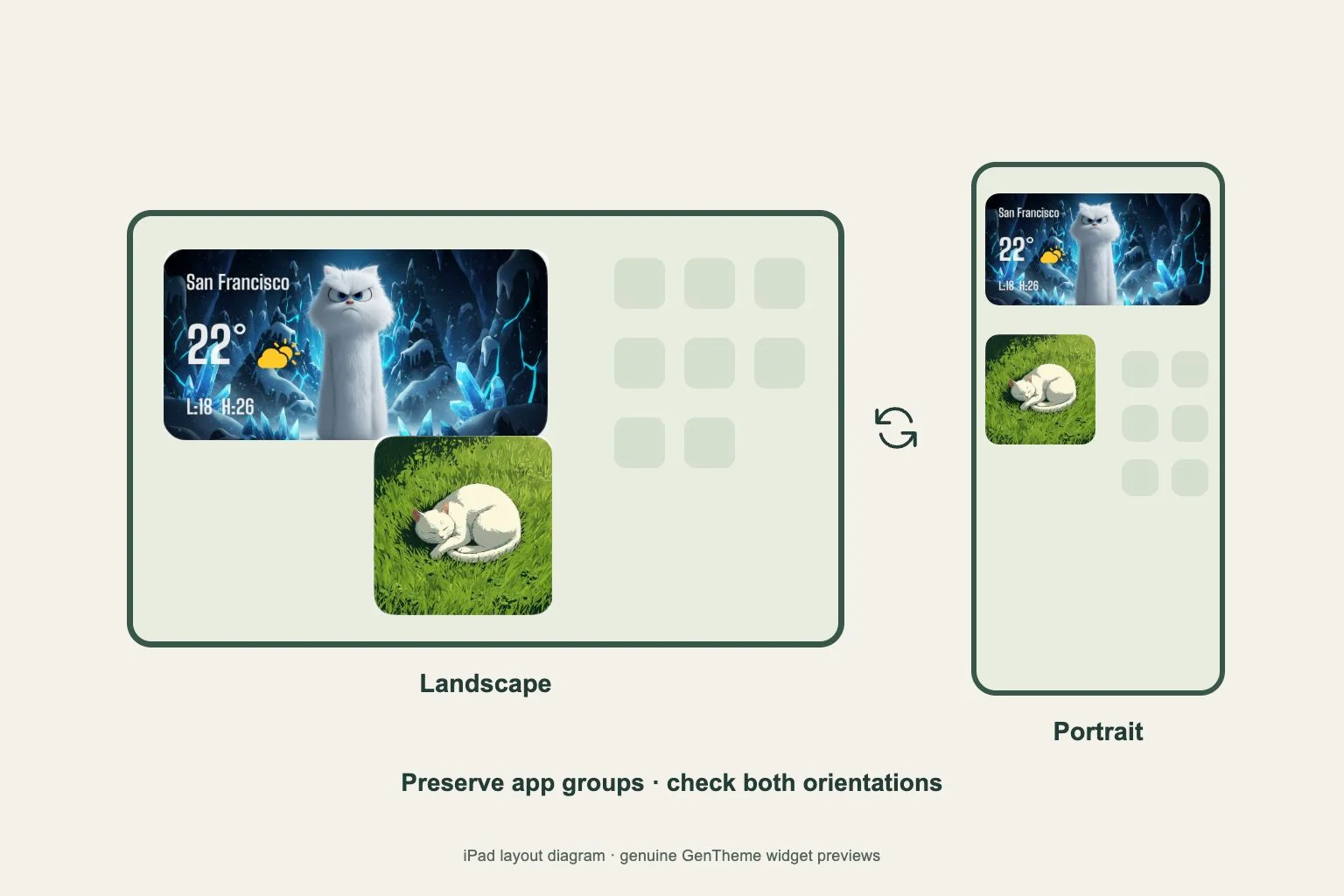
After setting the wallpaper, inspect your Home Screen in landscape and portrait. Open a folder and read the smaller widget details too. If one area stays difficult to read, adjust the crop or compare a simpler companion with similar colors before rearranging all your apps.