Gentheme

Choose the football detail that matters to you
A football wallpaper can show the pitch, a ball under floodlights or a personal photograph from a match. Decide which memory or visual detail should lead the image. A team-inspired color combination can also carry the theme when you want a simpler screen for everyday apps and widgets.
Try a low view of a ball beside the touchline with a broad dark-blue stadium above it. The example keeps the ball large enough to recognize and the surrounding crowd indistinct. This gives the image a clear football subject while preserving quieter space where the phone places its clock.
Follow the lines of the pitch
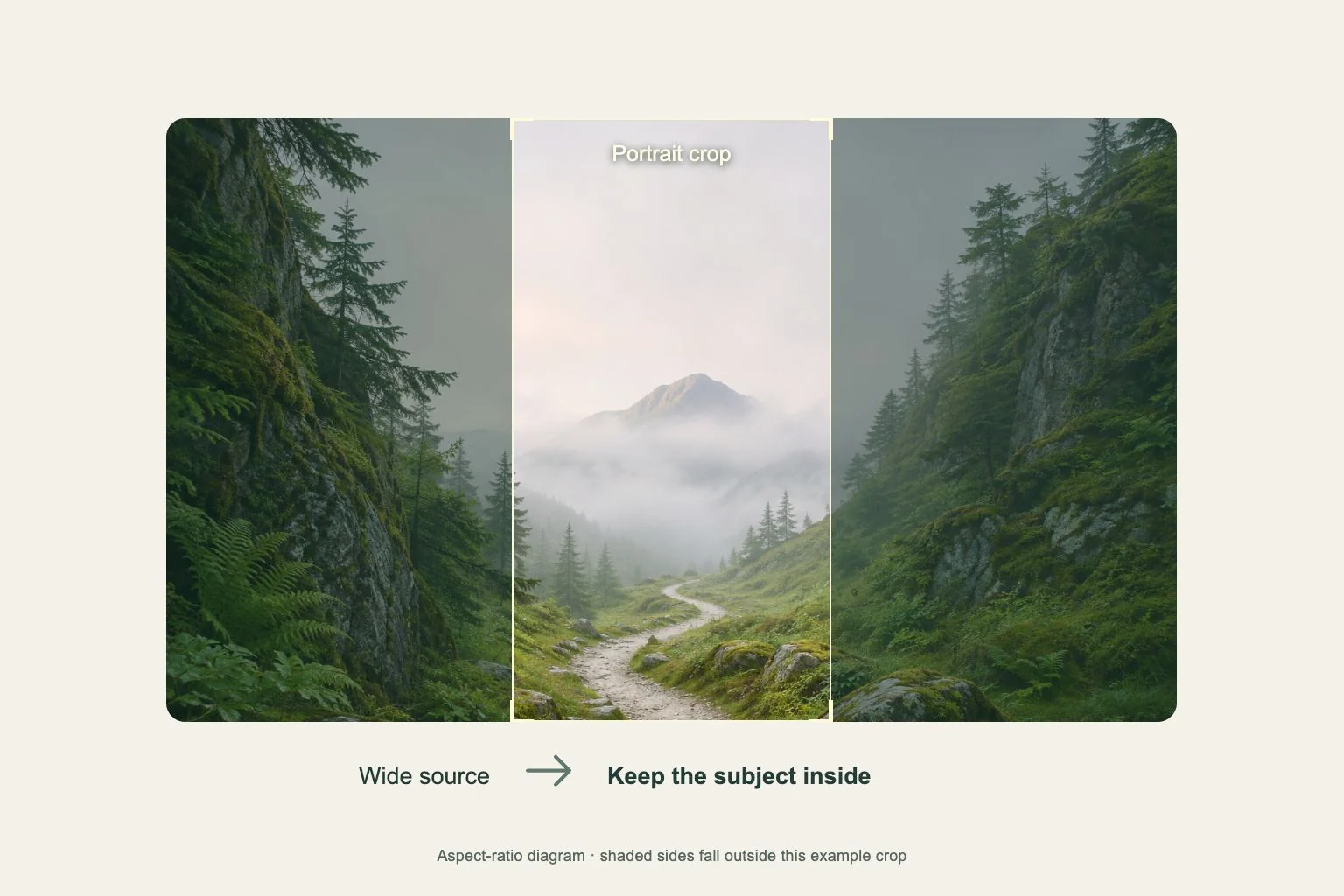
A center circle, goal frame or diagonal touchline can guide the eye through a tall wallpaper. Check how those lines intersect the screen after cropping. A line passing through a clock digit can make the number harder to read, even when the same line looks elegant in the original photograph.
For a player photograph you have permission to use, keep the head, important hand gesture and ball inside the preview. Leave room in the direction of movement. A sideways action image may need a different source for a narrow phone screen if fitting it removes the moment you wanted to remember.
Carry colors onto a usable Home Screen
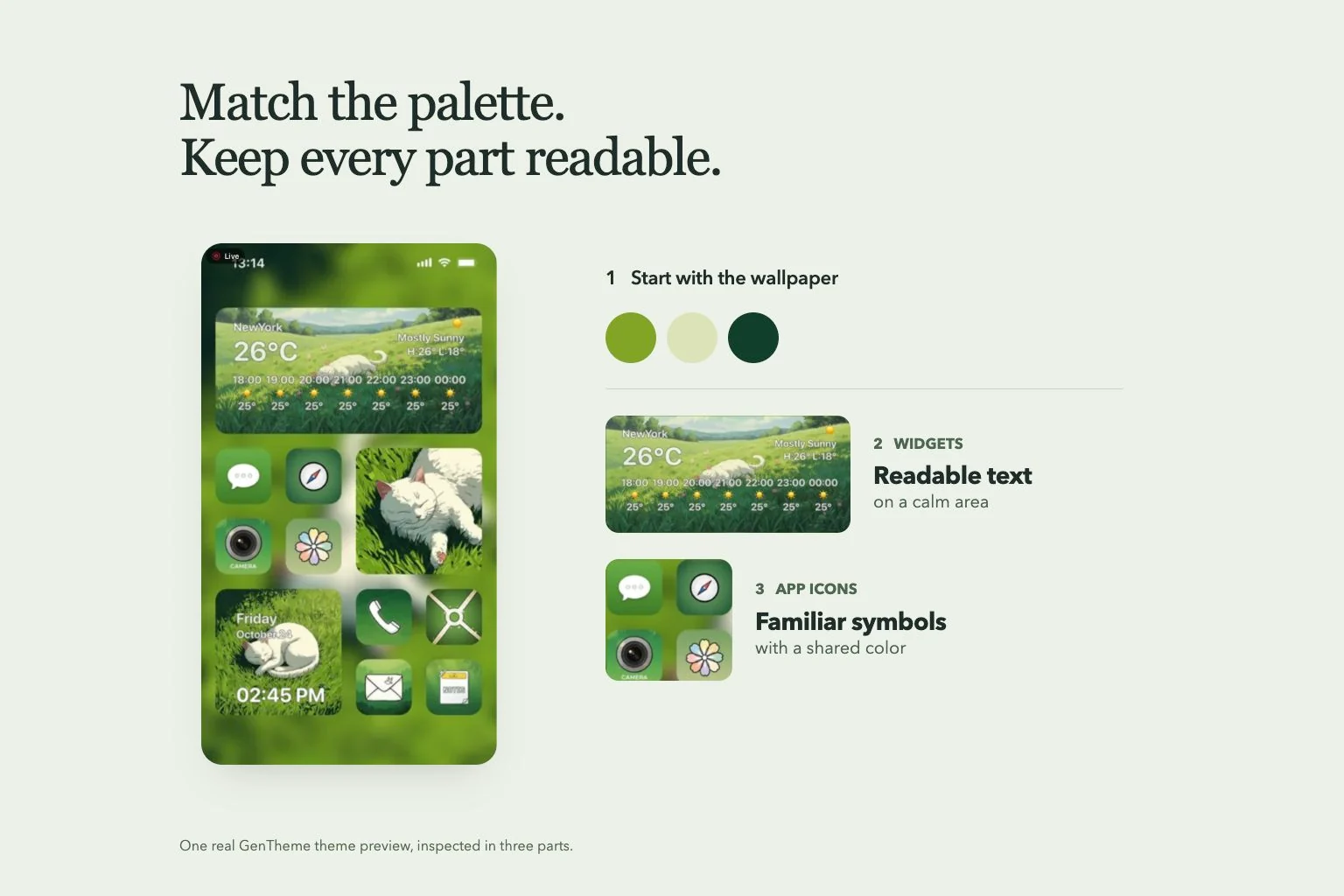
Choose two main colors and let one cover most of the background. Use the other as a small accent in an icon set or widget detail. A whole page filled with stripes, badges and stadium lights can make app names harder to scan than a quieter color companion.
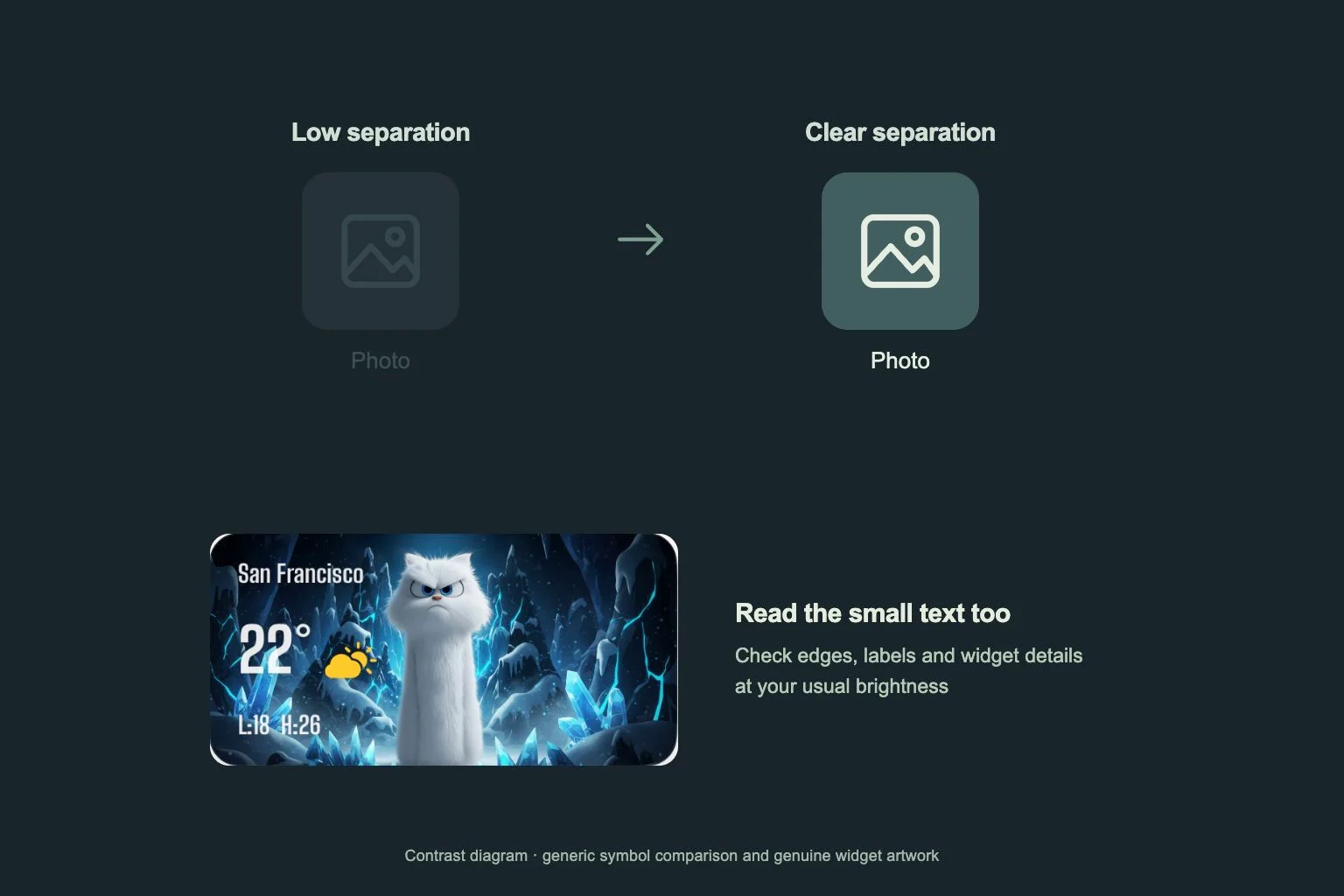
Keep the apps you open on match days easy to locate in their familiar positions. Check widget text over the actual wallpaper and inspect notification badges. If the stadium photograph is busy, reserve it for the Lock Screen and use the same dark blue or green behind the app grid.
Set the image and revisit its crop
Follow the Gentheme wallpaper guide for the download or apply steps available on your device. Review the selected file and complete any unlock shown before saving. Open the saved image to confirm that the ball, lines and light detail match the version you intended to use.
After setup, wake the phone, read the time and open the main app page. Check that the ball stays above the lowest controls and the touchline still leads into the picture. Keep the original image for future crops, especially if you later use a wider screen or change the widget layout.