Gentheme
Choose a scene with an everyday detail
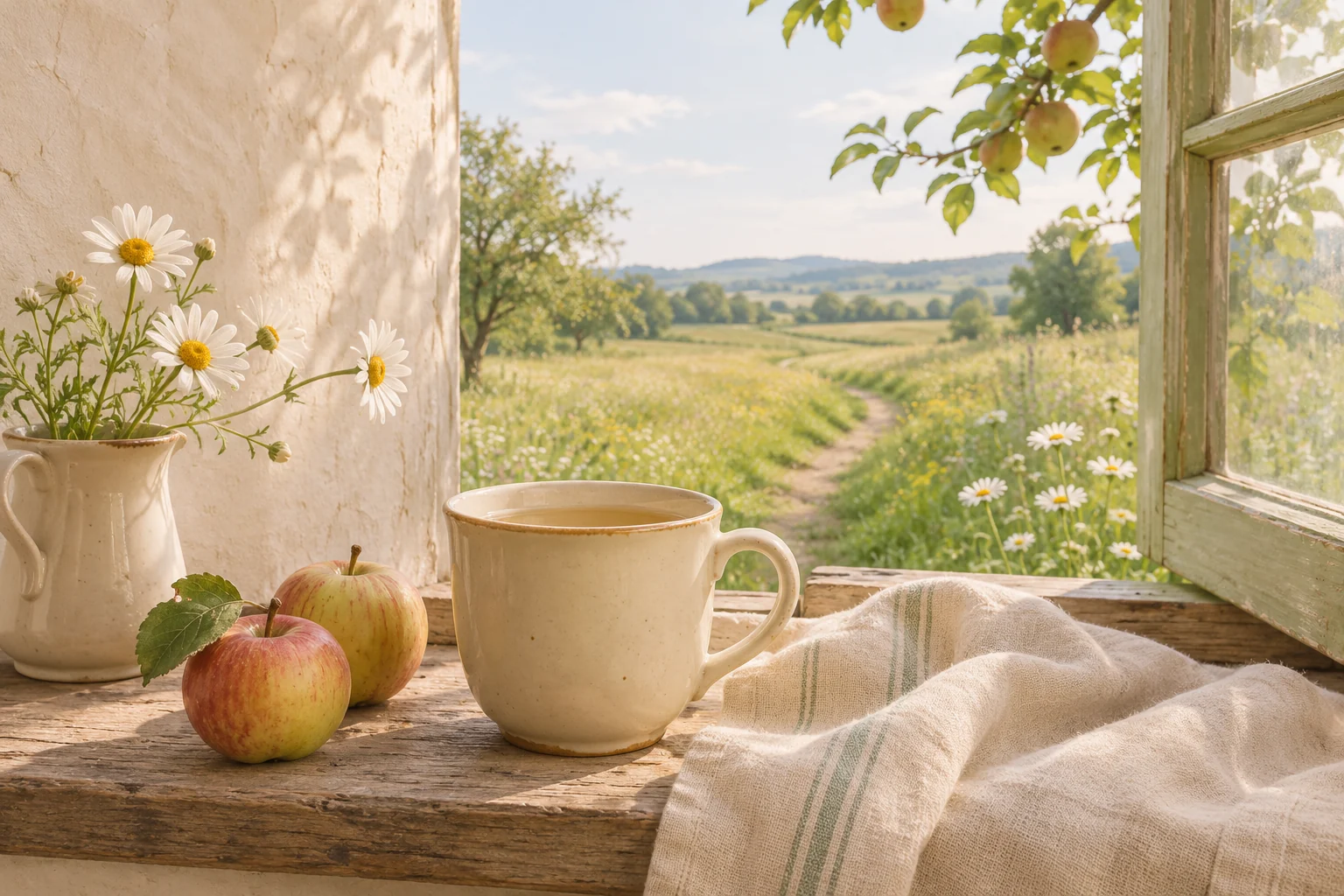
A meadow path, apples on a wooden table or a cup beside a kitchen window can each carry a cottagecore wallpaper. Choose one main subject. Small details such as a linen napkin or an uneven fence can make the scene feel lived in.
Try warm milk #F5EEDC, faded leaf green #899A70 and a little butter yellow #E3C975. For a floral image, let the flowers supply the accent color. Keep the rest of the page close to the photograph’s natural greens and warm whites.
Find a crop that leaves the sky or wall open
In a meadow photograph, place the flowers mainly below the clock and leave soft sky above. A path leading from the bottom edge can draw the eye into the scene. Keep its vanishing point away from the middle of the time display.
A kitchen still life can use a blank wall as its quiet zone. Place the cup or fruit low enough to remain visible without occupying every widget position. Preview the crop carefully if a window frame is close to the edge.
Balance floral detail with simple surfaces
Fine floral prints can disappear into visual noise at phone size. Look for separated blossoms with visible background between them. A larger flower near one corner can be easier to enjoy than many tiny flowers scattered across the whole image.
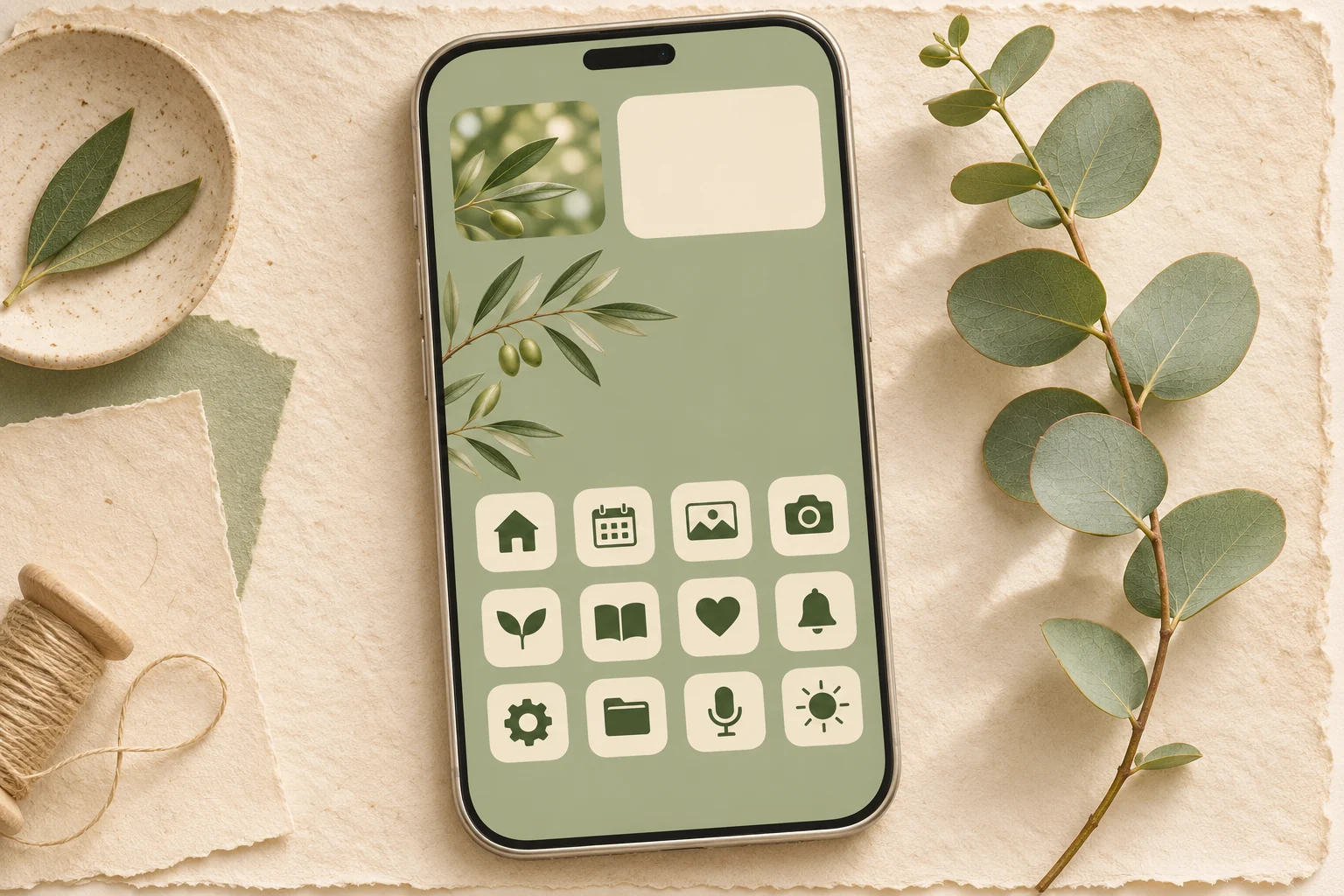
For the Home Screen, use a companion image of pale linen, a simple green field or a softly lit wall from the same scene. Cream icons and a small gingham photo accent can connect it to the Lock Screen. Leave informational widgets on plain surfaces.
Keep the natural texture clean
Inspect the saved photograph for clear petals, wood grain and believable light. Strong sharpening can make grass look brittle, while heavy blur can remove the details that drew you to the image. Check the actual file before arranging the page.
Use the Gentheme wallpaper guide for your device to save or apply a chosen image. Review both screens after setup. If the flowers sit underneath app names, adjust the crop or use the quieter companion on the Home Screen so each detail has a place.