Gentheme
Choose the stage of autumn you want
Early autumn can hold green and yellow together, while late autumn may show bare branches and rust-colored ground. Choose the stage you enjoy rather than collecting every seasonal symbol. Start with a photo from one of your autumn walks.
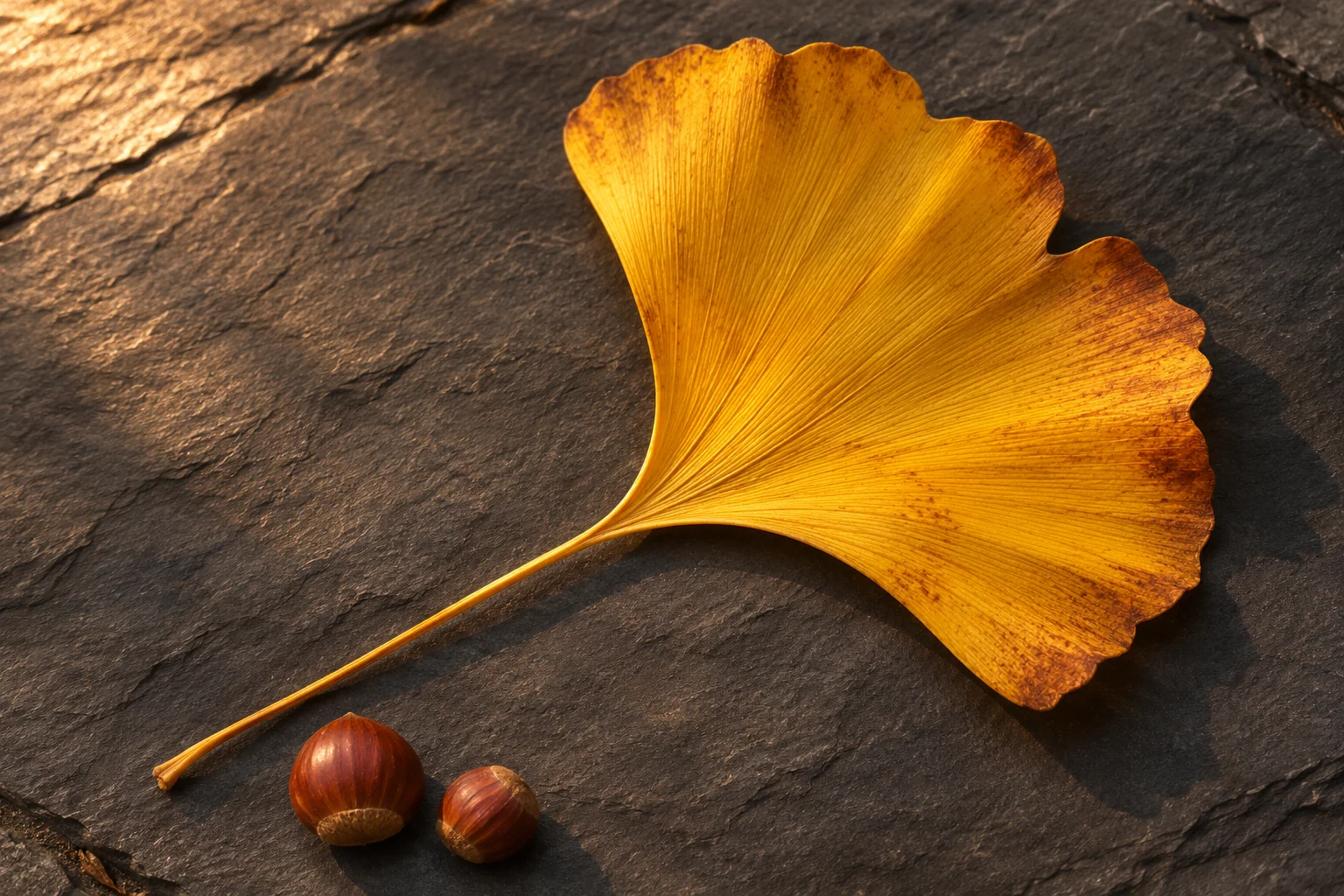
A fan-shaped ginkgo leaf on dark paving gives a clear yellow accent. A close view of chestnuts on a plain surface suggests a warmer, quieter palette. These two images create different moods even though both belong to autumn. Compare them beside your everyday app colors.
Let the direction of color guide the crop
A path that changes from green to gold can create movement through a tall screen. Check where that color change lands behind the clock. With a tree canopy, keep enough trunk or open sky to make the composition legible after the edges are cropped.
Try a russet park scene with one empty bench near the lower side of the frame. Keep the bench above the bottom controls and away from the densest notification area. Leave a recognizable section of the path so the scene still feels like somewhere you could walk.
Use texture carefully behind app labels
Bark, fallen leaves and knitted fabric have repeating edges that can compete with small text. Look at the actual Home Screen before choosing a texture. A close, even area may work better than a wide scene filled with hundreds of separate leaves.
For a coordinated pair, let the Lock Screen show the park and choose a simpler brown or olive image for the app page. Repeat one warm yellow detail in a widget if it suits your layout. Keep familiar apps easy to recognize while the background carries the season.
Check the setup and keep the original
The Gentheme wallpaper guide explains how to save or apply an image on each platform. Follow the relevant flow, review any unlock shown and confirm the destination. Check the crop again when moving a wallpaper from one phone to another with different screen proportions.
After setup, read the time and find your most used apps. If a leaf edge crosses a word or the bench disappears, adjust one thing at a time. Keep the source file available so you can revisit the same autumn image next year with a different crop.