Gentheme
Choose the expression you want to see
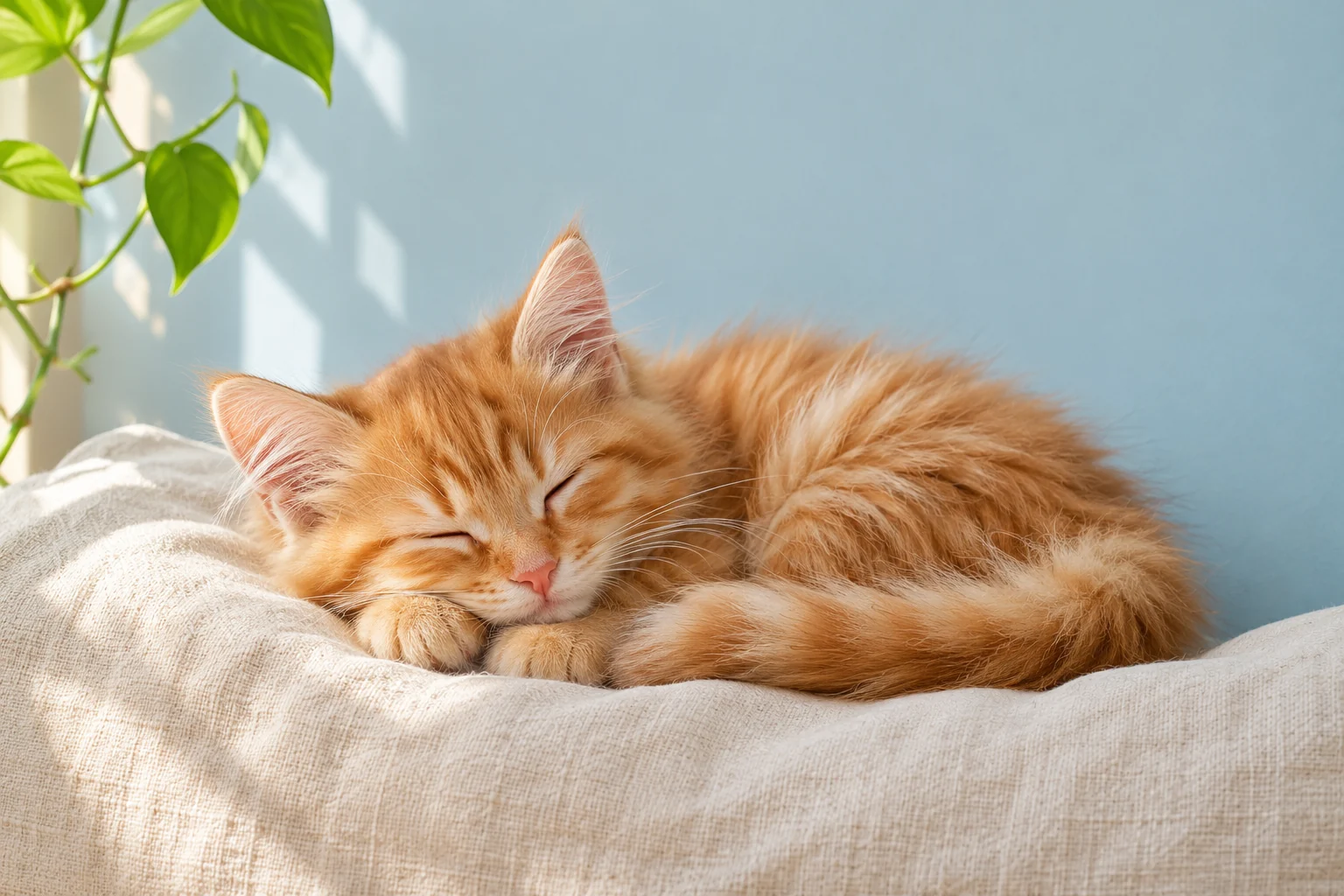
A sleepy cat gives the screen a different feeling from a curious kitten looking upward. Start with one expression you enjoy seeing repeatedly. A photo of your own cat or a drawing of it makes a personal starting point without needing extra decorative text.
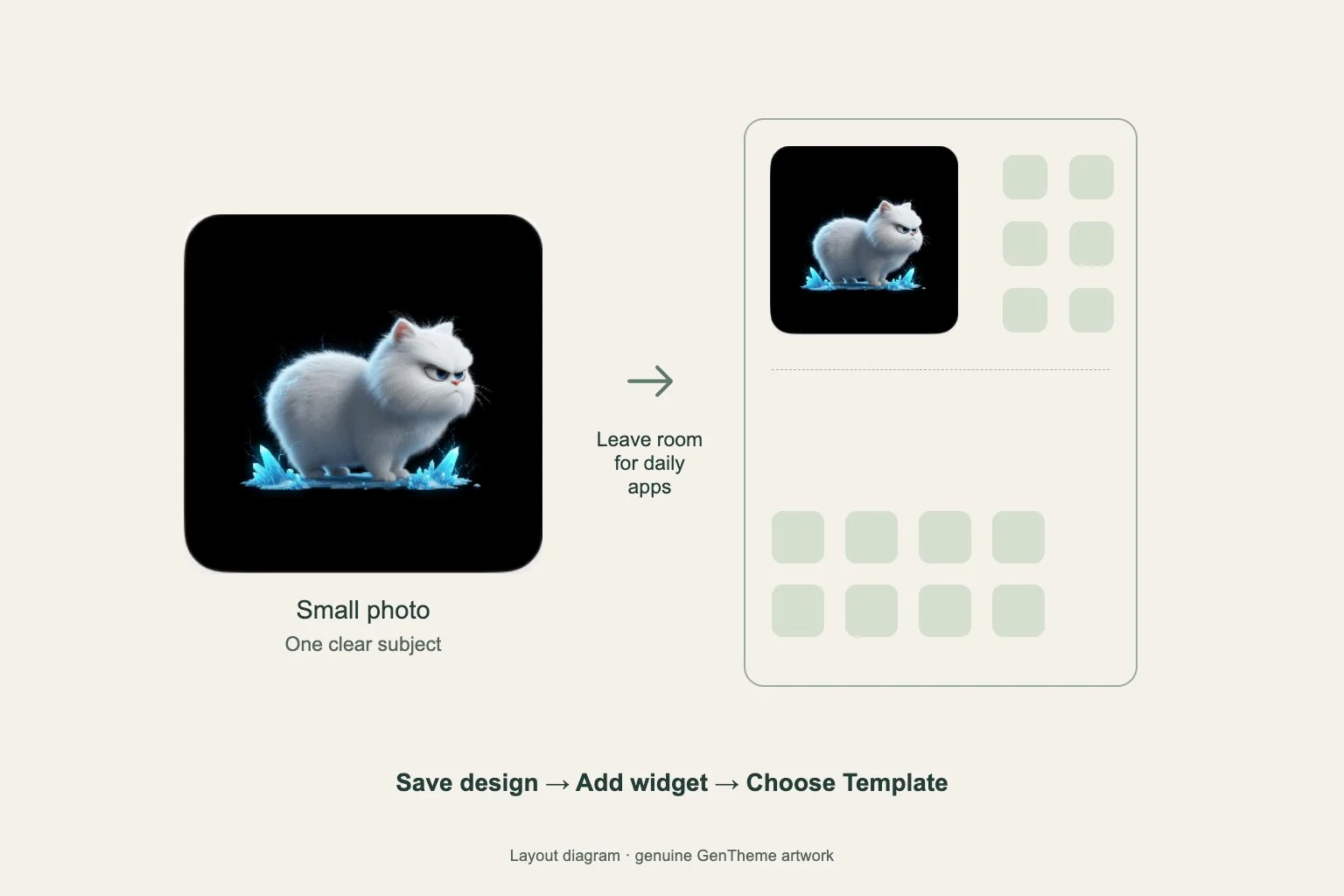
Compare a close portrait with a wider scene. A portrait makes the eyes prominent but leaves less room for a clock. A cat resting beside a cushion gives you a plain background to work with. Inspect the full image before choosing its screen role.
Frame ears and whiskers with a safety margin
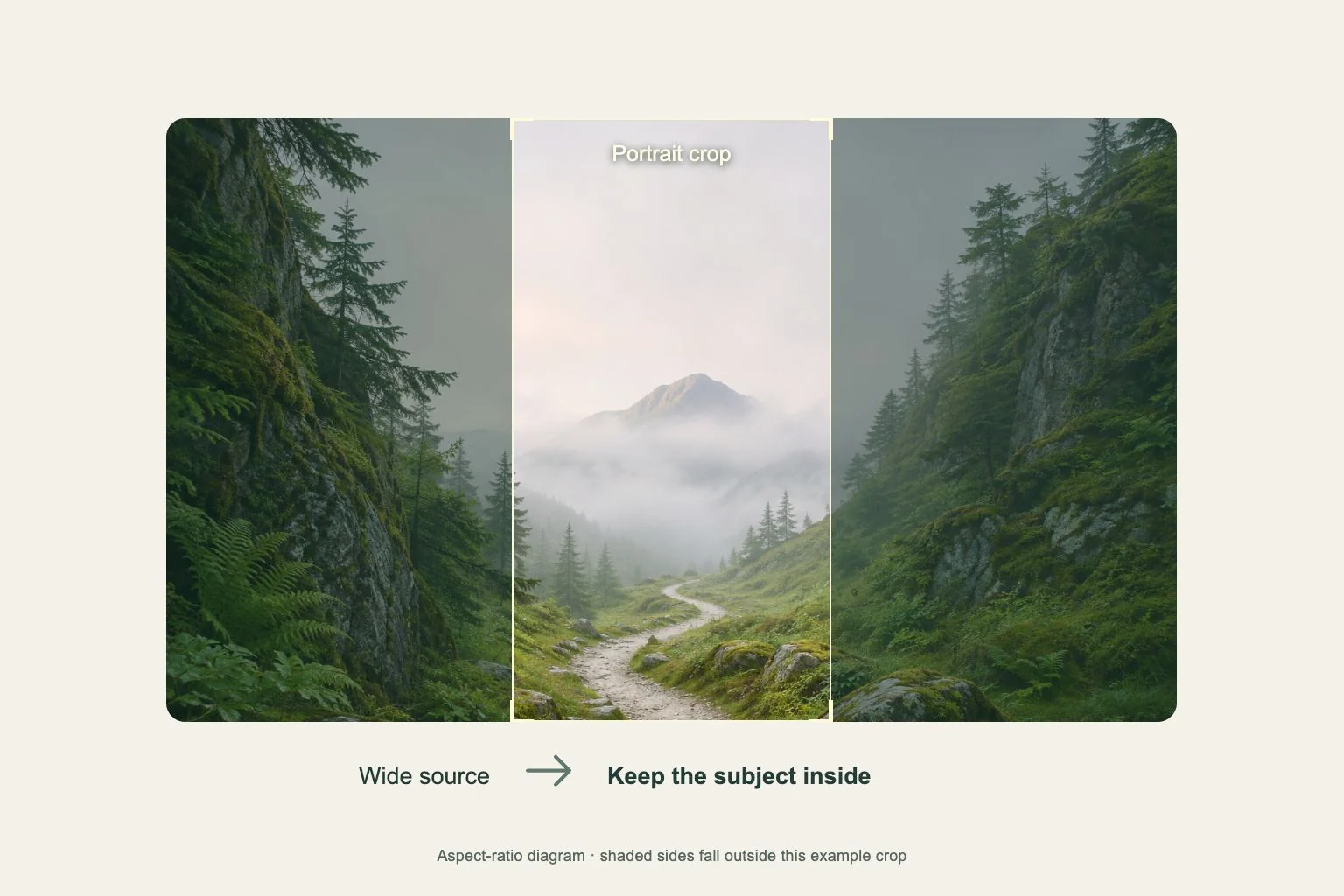
Keep both ears inside the preview and leave room beyond the whiskers. Zooming until the face fills every edge can make the final crop feel cramped. With a seated cat, also check whether the tail is essential to the silhouette before moving it out of view.
Try placing a small curled-up cat slightly below the center of a pale blue image. The empty upper area can carry the Lock Screen time. On a Home Screen, move the visual focus toward a gap in your existing app grid and inspect the actual placement.
Use fur color to connect the page
For an orange tabby, choose a background with soft teal or warm gray and repeat one small orange accent in a widget. A black cat can read clearly against muted lavender when the outline remains distinct. Check the eyes and body separately, because dark fur can merge into a dark cushion.
For a repeating cat pattern, compare it at phone size. Small faces directly behind app labels can become distracting. A larger, widely spaced pattern or one isolated cat gives the page clearer shapes. Keep the apps you use frequently recognizable while you try the palette.
Save the image and inspect the finished screen
If choosing a wallpaper in Gentheme, open it from the wallpaper collection and follow the download or apply flow for your phone. Review any unlock shown. Use the saved picture rather than a screenshot of the collection, then adjust the system preview before finishing.
Wake the phone and check the ears against the clock, then open your busiest Home Screen page. Find three familiar apps and look at any widget text. If those checks feel slow, try a wider crop or give the cat image a dedicated Lock Screen.