Gentheme
Choose a small world you want to return to
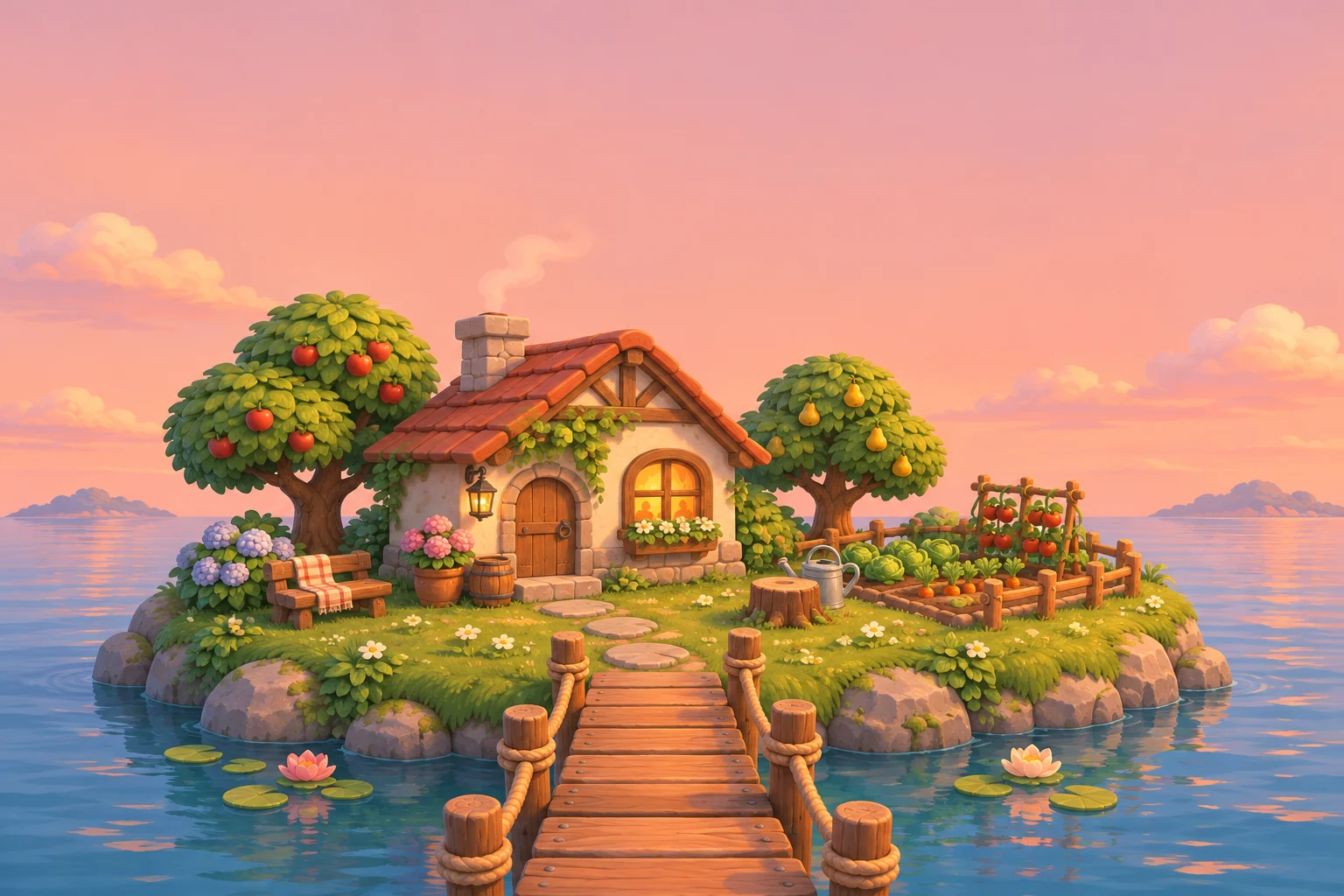
A cozy gaming wallpaper can begin with a cottage, a tiny island or a vegetable garden at the end of a path. Pick the part of that world you enjoy seeing every day. Original game-inspired artwork lets you choose the season, light and arrangement around the phone’s vertical frame.
Try a small island with one warm window, a wooden footbridge and rounded trees. Let the water or evening sky occupy a broad area around it. A few large forms keep the scene understandable on a small screen, while hundreds of tiny props can disappear behind the interface.
Use the path as a guide through the crop
Follow a visible route from the bottom of the image to the cottage or garden. Keep the start of the path above the lowest controls when previewing it. If the frame trims away the bridge, the island may lose the feature that makes its layout feel connected.
Place the main building far enough from the top to leave room for the clock. A glowing window is a useful focal point, but it should remain separate from bright numbers. Compare a daylight version with a dusk scene if the warm light dominates the whole page at night.
Give useful widgets their own clearing
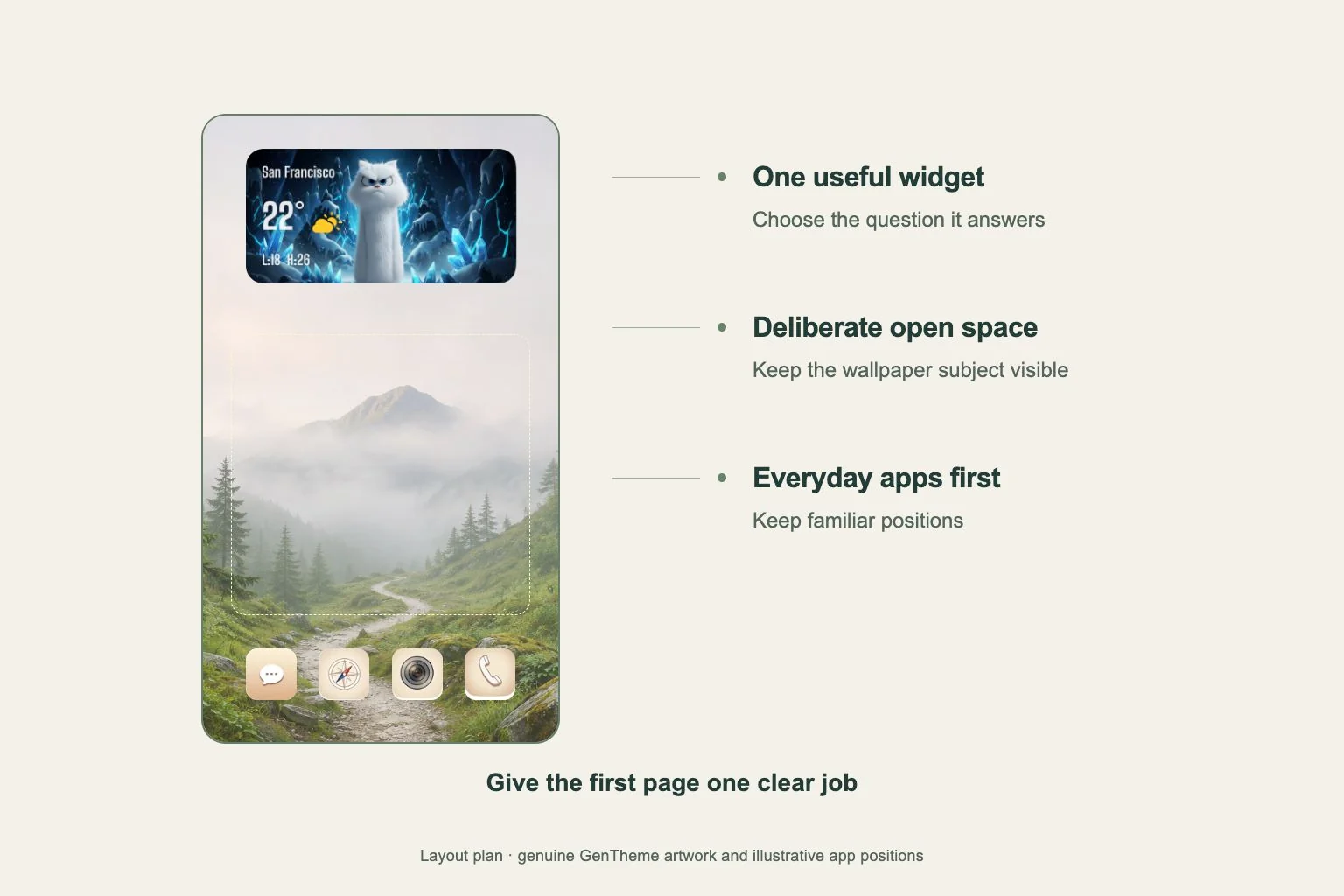
An open patch of water or meadow can support app names with fewer competing edges. Use the system preview and your real Home Screen to find that space. If a widget hides the cottage, consider a quieter companion image rather than adding even more detail around the widget.
Try soft cream icon tiles and one muted green accent taken from the trees. Choose a widget for information you actually want to see, then check its text over the background. Keep enough empty space to preserve the feeling of a small world around the practical parts of the page.
Check the still image before expecting movement
A game-like scene can be a still wallpaper. When choosing a Gentheme image, follow the download or apply flow shown for that item and check its available options. If you want motion, inspect whether that particular wallpaper offers a live version and use the separate live setup instructions.
Once the wallpaper is set, look at the scene at normal viewing distance. Confirm that the cottage, bridge and path remain recognizable and your everyday apps are easy to find. Keep the source file so you can revisit the island with another crop or use a calmer companion later.