Gentheme
Choose the yellow in ordinary daylight
Compare a pale buttery yellow with a brighter lemon shade on your own phone. A warm screen setting can change how either looks, so make the comparison in the room where you normally use it. Choose the background before adding several decorative panels.
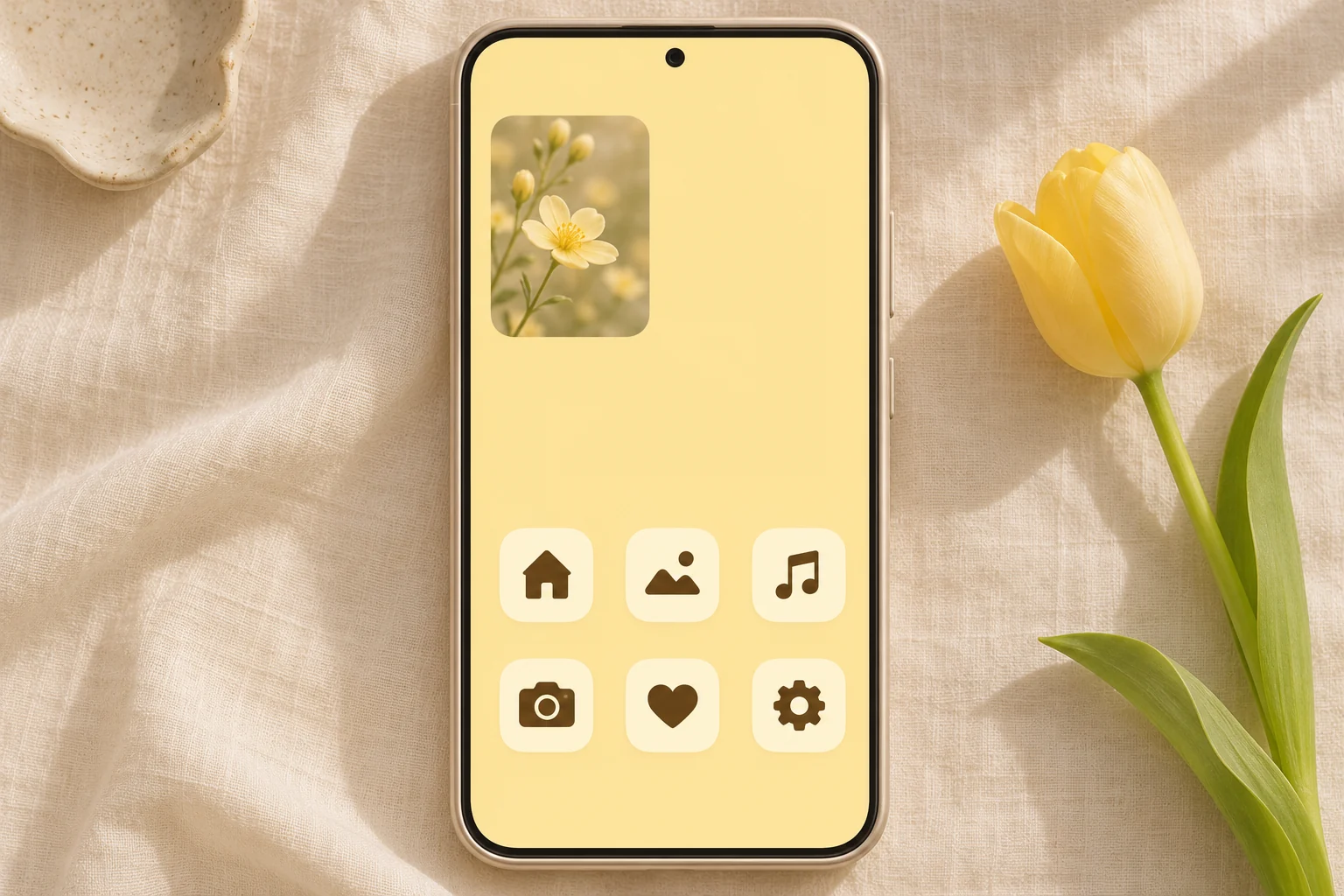
A yellow tulip, a paper surface or a broad painted shape can introduce the color. Keep one quiet area large enough for your usual app grid. If the entire picture has tiny flowers, try an enlarged single bloom or a calmer companion image first.
Separate cream tiles from the background
Cream and butter yellow sit close together, so inspect their edges at normal viewing distance. Give app symbols a darker brown or olive tone where the available design offers it. Recognizable shapes matter when several icons share the same warm palette across the page.
Try six or eight frequently used apps before changing an entire collection. Open each added icon to confirm its destination. A decorative pack with a beautiful gallery preview still needs to let you find messaging, maps and your camera without pausing to read every label.
Choose one flower panel for the page
A small flower photograph can repeat the yellow while adding a different texture. Leave a little background visible around the panel so it feels connected to the wallpaper. A long information widget may need a quieter image area than a single-photo design.
For an iPhone Gentheme widget, first save the design you want, then add an offered Clear Widget or Liquid Glass Widget size and choose the saved Template. Match the available size to the layout. Check the widget guide when the displayed picture differs from your selection.
Finish the parts separately and test the page
Apply the wallpaper, widget and icons through their respective setup flows. On iPhone, complete any downloaded icon profile installation in Settings. On Android, check the selected target app and confirm its shortcut request. Keep a small list of the changes so you can compare the finished result.
Read the smallest widget text and check notification badges on the yellow background. If cream elements blend together, change one surface or symbol tone before adding more decoration. Try the page during an ordinary day, then keep the details that help the screen feel both warm and familiar.