Gentheme

Build a sky, water and green palette
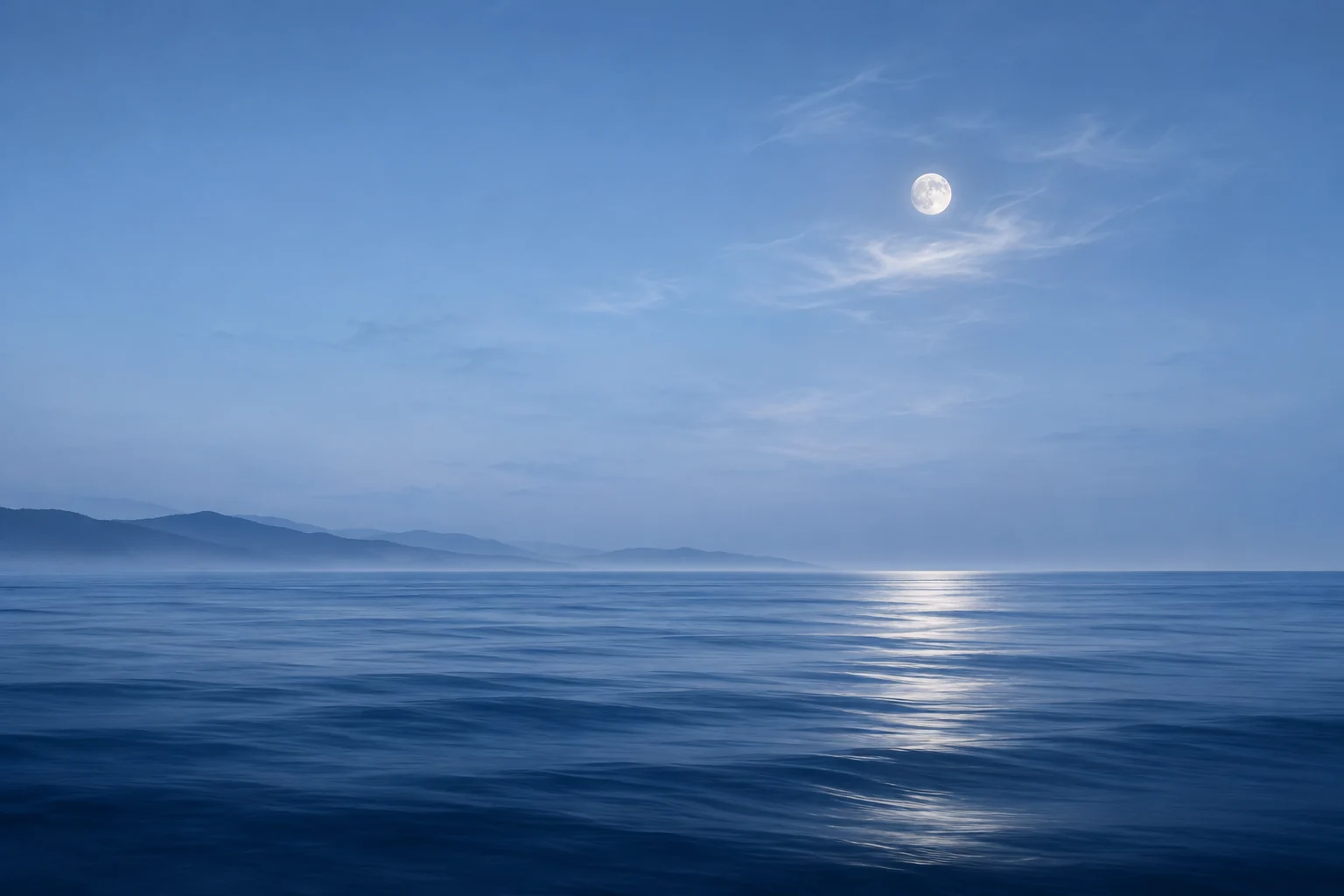
For this interpretation of Frutiger Aero, start with sky blue #79C8EB, grass green #72A94D and cloud white #EFF8FA. A deeper teal can anchor symbols. Choose a scene where the water and greenery share the same bright daylight.
A low grassy island, a clear water surface or a rounded bubble can provide the focal point. Keep one main object easy to identify. A background filled with globes, fish, bubbles and city towers leaves little space for everyday information.
Give the horizon and bubbles separate areas
Place a horizon across the lower third of the Lock Screen image and let the sky surround the clock. Check that clouds do not form abrupt white patches behind individual digits. A broad blue field gives the glossy subject room to feel dimensional.
Use bubbles in a small group near an edge. Leave their circular highlights intact when previewing the crop. If a large bubble contains the whole landscape, position it low enough that the clock does not cut through its reflective rim.
Match the sense of depth across the page
Rounded icon artwork with a simple highlight can echo the wallpaper. Compare the direction of the light in the symbols and image. Highlights coming from a similar side make the small surfaces feel related, even when their colors differ.
Choose one plain information widget with dark teal text on a pale surface. A second photo widget can carry the water image if you need it. Keep the strongest glossy effects in the wallpaper and decorative image so small dates and numbers remain easy to follow.
Check the look after the interface is added
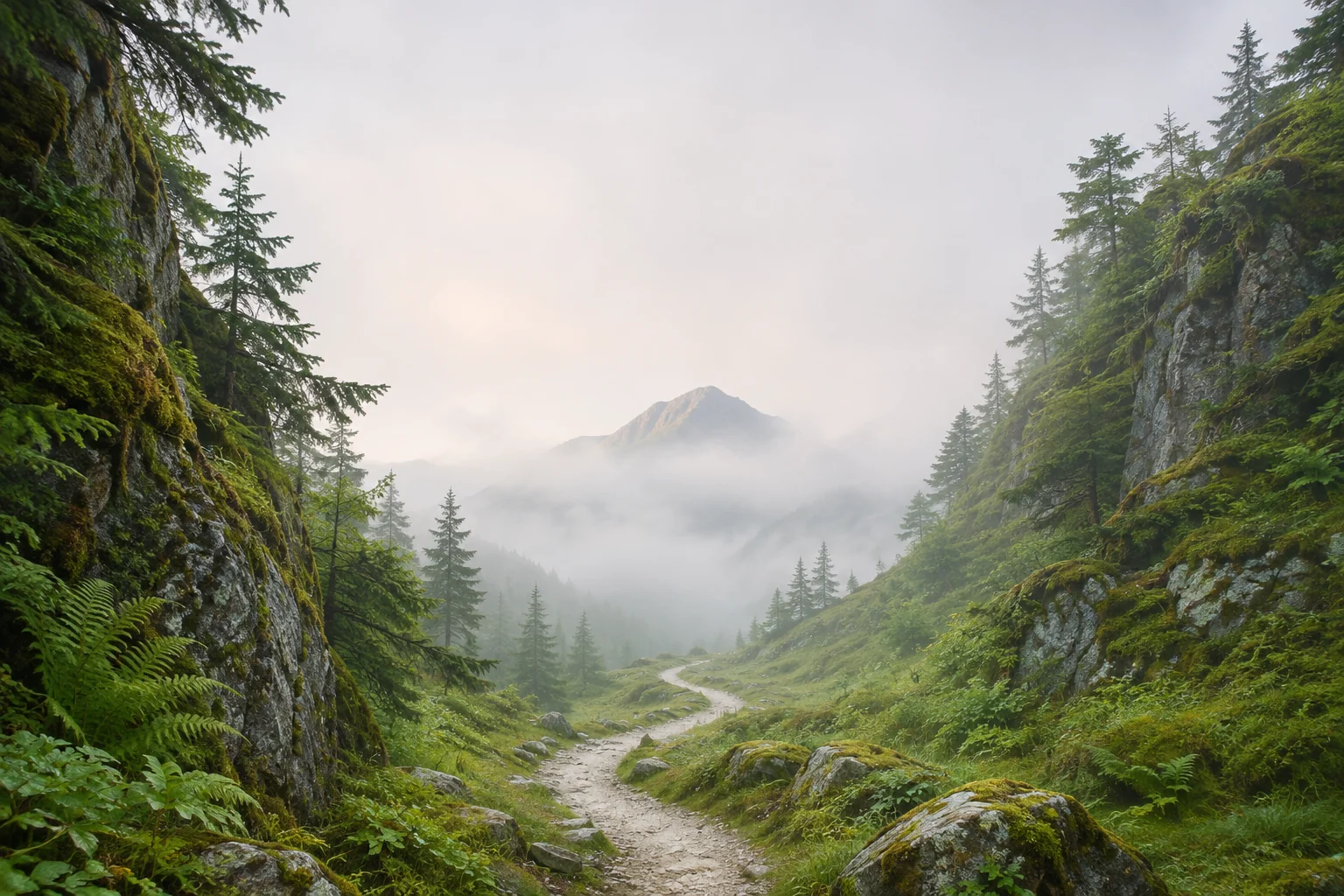
For a fuller Home Screen, use a simpler crop of the same sky or water. Keep the horizon clear of app labels and leave the bottom area fairly even. Examine bright reflections beside white icons, since those edges can blend into each other.
Apply a chosen Gentheme wallpaper using the device-specific setup guide. A glossy-looking picture provides its own visual appearance. Preview the saved image with your actual clock, icons and widgets, then adjust the composition until the natural scene and useful information both remain visible.