Gentheme
Decide between ice, ocean and midnight
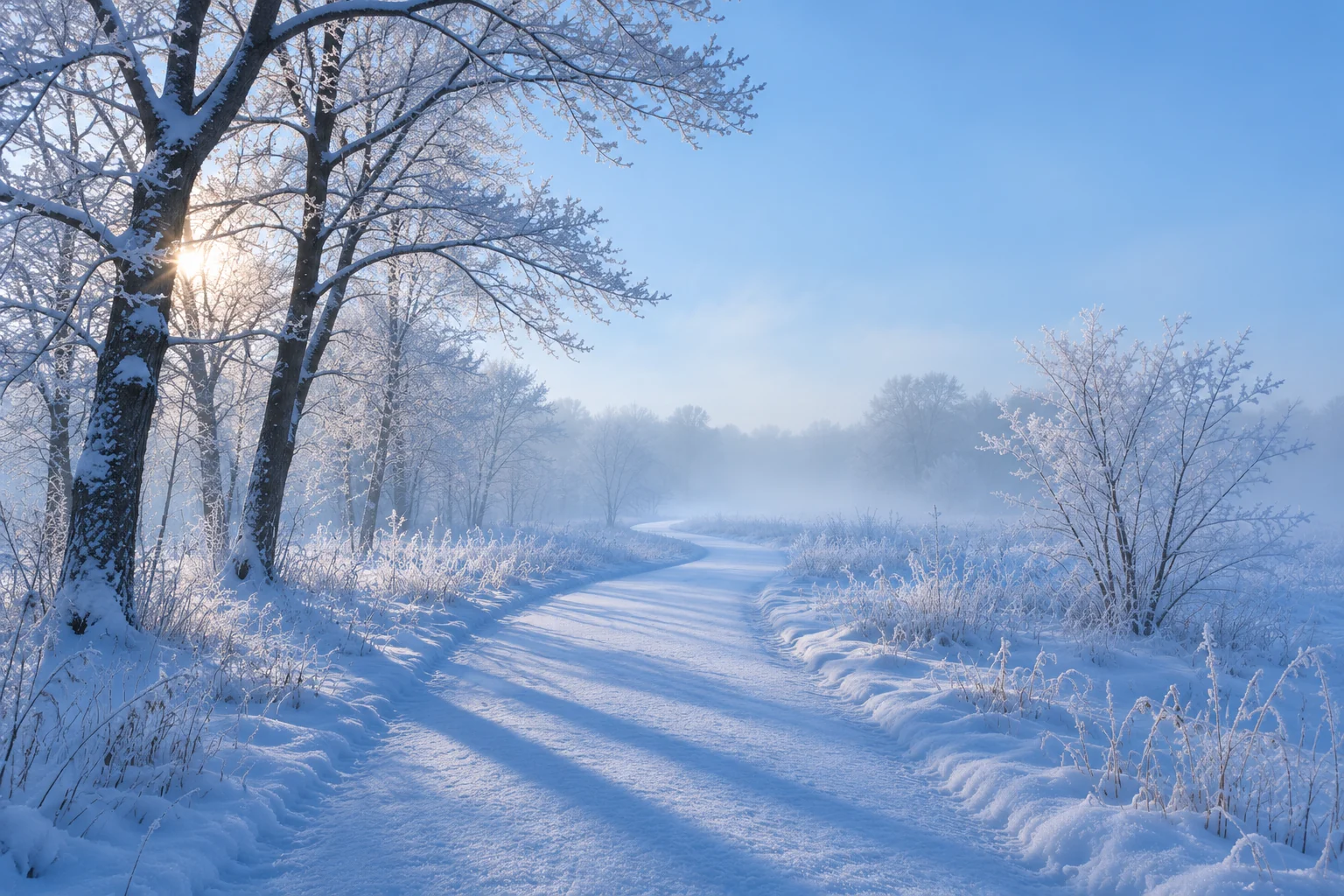
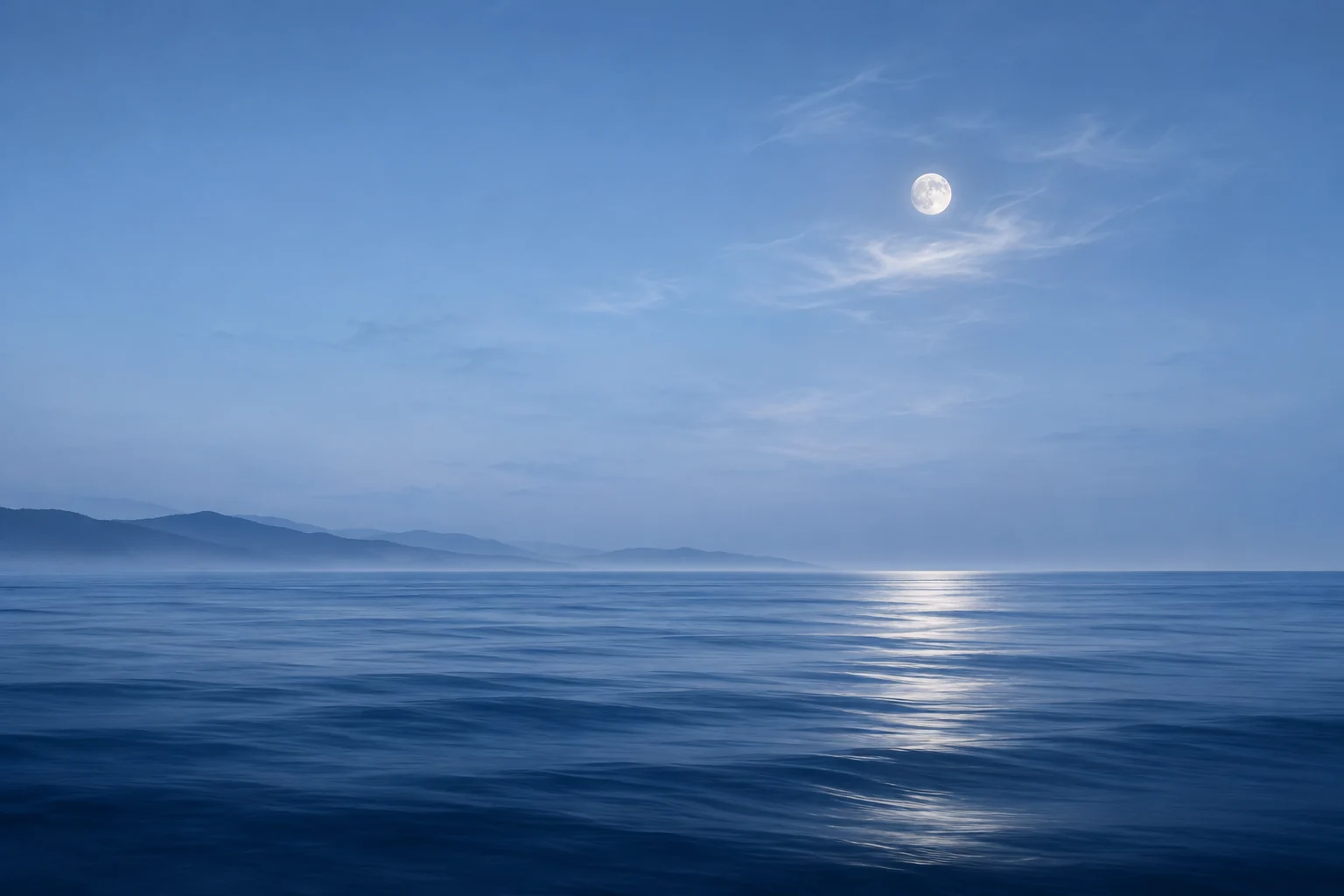
Icy blue around #D8ECF4 pairs with slate symbols and white space. Ocean blue around #397A9A suits ripples and distant coastlines. Midnight blue around #14283F works with silver-gray details and a small area of pale light. Pick one as the main direction.
Keep a sample of your chosen shade beside candidate images. A tropical turquoise photograph and a gray-blue widget may feel unrelated even though both look blue. Match their green or gray undertones before introducing a second accent.
Place the horizon below important information
For a sea photograph, preview a crop with the horizon beneath the clock. Look for open sky with gradual changes in brightness. A large white cloud directly behind the digits can make part of the time harder to read.
Water reflections often form bright vertical streaks. Keep the strongest reflection in an area with little interface content. On the Home Screen, a close-up of gently rippled water can be easier to arrange around than a harbor full of masts.
Use light and dark areas deliberately
An icy gradient can have a pale center and slightly darker edges. Place a slate-colored widget on a calm part of that field. Check the actual text inside it, since a good-looking panel can still have faint numbers.
For midnight blue, use a restrained group of stars or a single cloud-lit moon. Choose icon artwork with clear light symbols and consistent backgrounds. If the scene contains a bright moon, keep your daily app group away from its edge.
Check the saved image at full size
Inspect smooth skies for visible bands and ocean photographs for blurred detail. Open the saved image on the phone before setting it. A tiny gallery preview can conceal rough gradients, compression blocks or a horizon that slopes more than you expected.
With Gentheme on iPhone, Download saves the first image and Get 2K HD Wallpaper offers the higher-resolution stage. Complete any unlock shown and follow the setup guide. Use the wallpaper preview to compare the final Lock Screen and Home Screen crops.