Gentheme
Choose the desert scale first
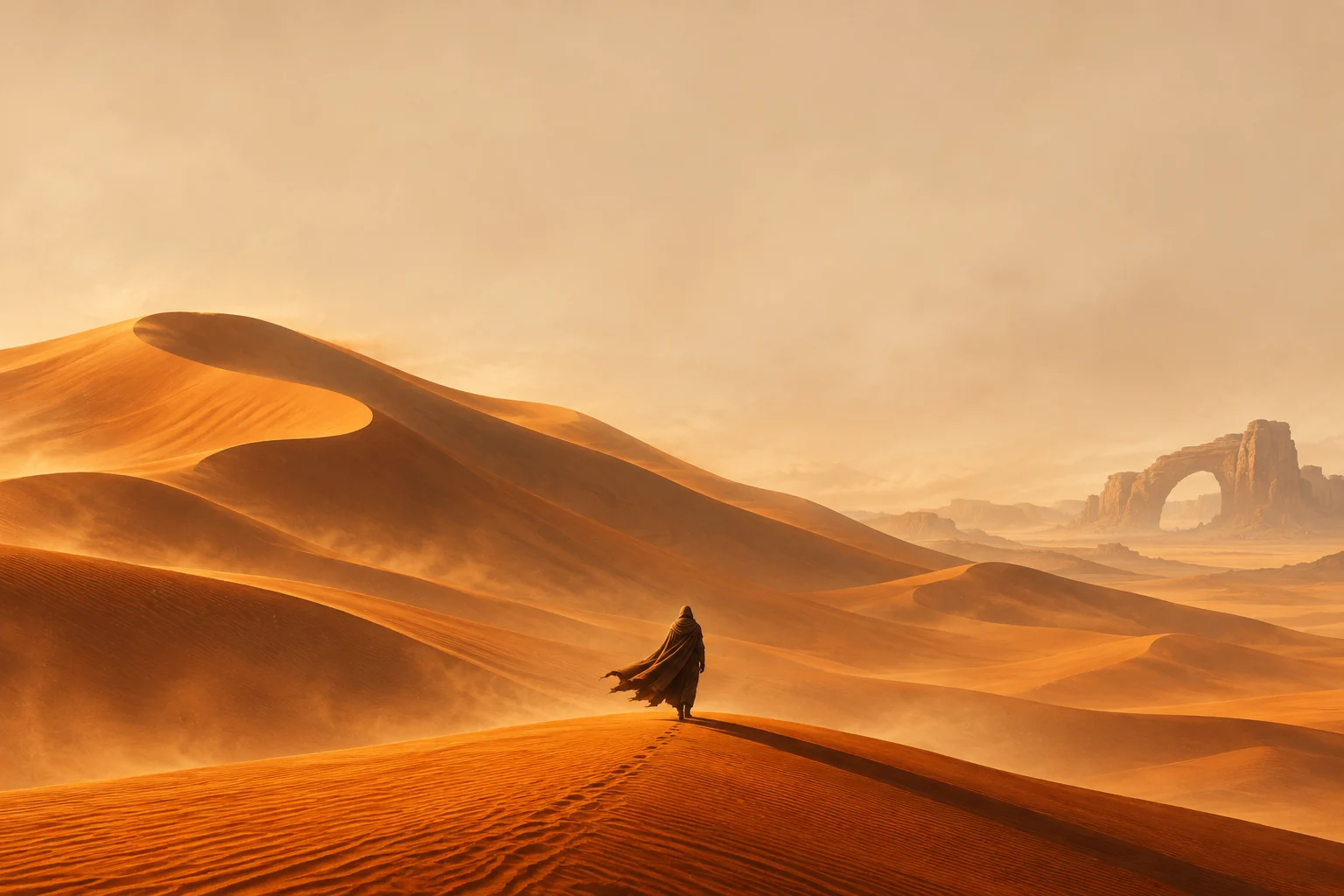
A Dune: Part Three-inspired wallpaper can start with the contrast between an immense landscape and a small human figure. Choose what you want to feel each time you wake the phone, such as the quiet of a dune ridge or the weight of a distant structure. Keep one focal point instead of filling every part of the image.
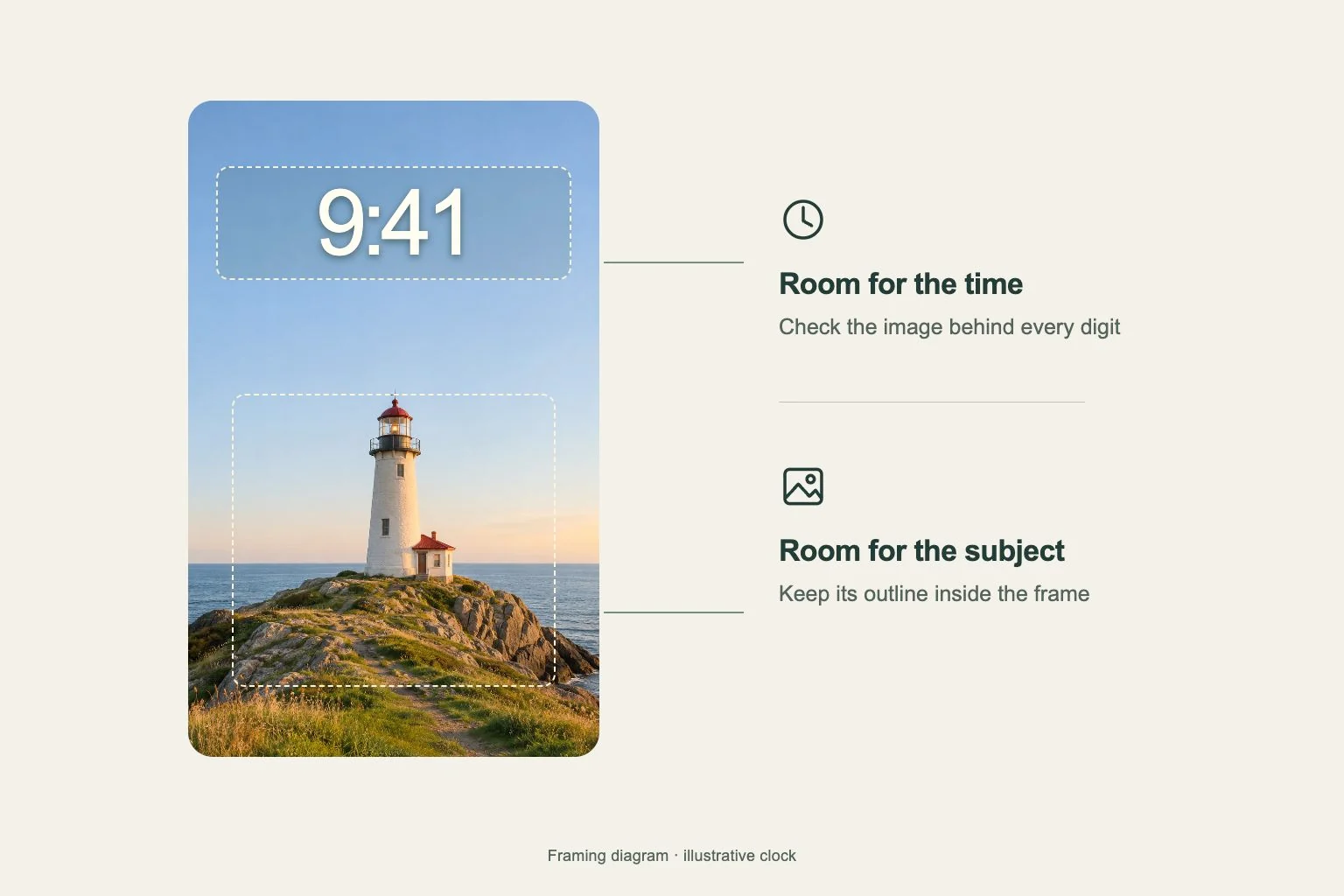
The original fan-style example uses amber sand, a pale dusty sky and a cloaked silhouette. The face stays hidden while the person’s scale helps explain the landscape. Start with an image you can use and leave enough sky above the ridge to test the system clock without covering the figure.
Follow the crest through a tall crop
Preview the image as a portrait wallpaper and trace the dune crest from one edge to the other. Keep the figure’s feet and a readable part of the ridge inside the frame. Too much zoom can turn a broad desert scene into an unexplained patch of sand with a tiny object at its edge.
Inspect the largest shadow as well as the brightest slope. A strong diagonal crossing a clock digit can make that number harder to read. Move the crop slightly and compare the time against an even area of sky. Keep the horizon level so the whole scene still feels expansive.
Make a sand-colored Home Screen companion
A detailed ridge can work on the Lock Screen while the app page uses a broad ochre or warm-beige field from the same palette. Keep the brightest sunlight away from app names. A subtle sand texture can connect the two screens without repeating every footprint and distant rock.
Try cream icon tiles with deep brown symbols and one small dark widget. Read the widget’s smallest text over the actual background. If you prefer a night-desert direction, use a steady dark blue field with a narrow amber edge, then compare the contrast of familiar apps at normal size.
Review the composition at everyday size
Open your chosen original image at the size you expect to view it. Compare the ridge, shadow and small traveler before making a close crop. Keep a separate copy of the source so each new frame can begin with the full composition and its available detail.
Test the phone layout with its clock and notifications visible, then inspect the app page at your usual viewing distance. On a wide tablet or foldable screen, compare another frame so the figure remains meaningful as the visible area changes. Judge the amber landscape by the scene it preserves.