Gentheme

Choose a dark stage palette
A Billie Eilish wallpaper can begin with the atmosphere you associate with listening to her music. Try midnight blue, charcoal fabric and one electric green light. Choose a personal concert photograph, an image you have permission to use or an original color composition as your starting point.
The example here uses an empty microphone stand and a narrow ribbon of light. Its broad blue area makes a useful place to test the clock. Keep the green highlight small enough that it adds energy without drawing attention away from every icon on the page.
Give a portrait room to breathe
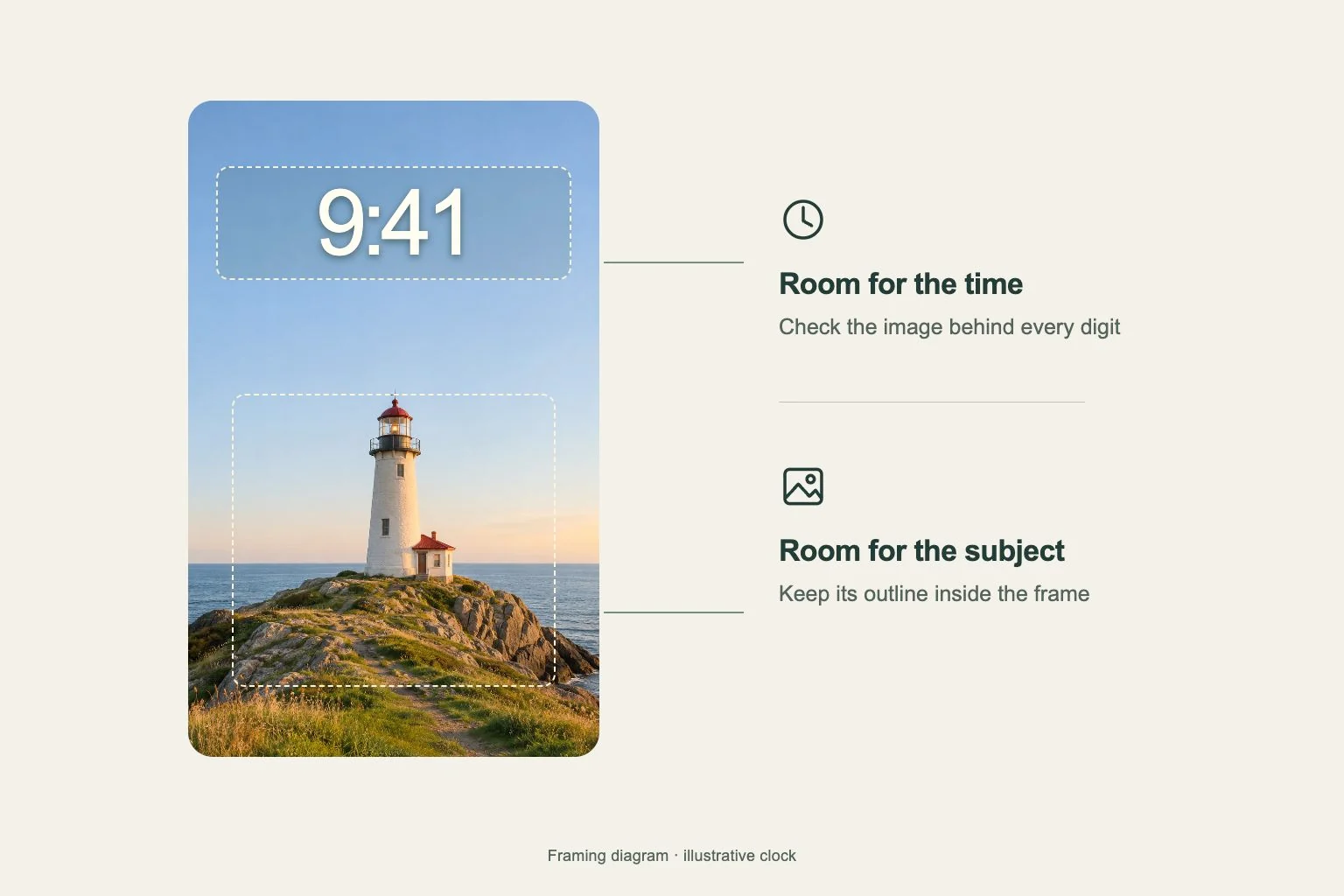
If you prefer a portrait, inspect the eyes, hair outline and shoulders in the actual wallpaper crop. A face that fills the entire source image leaves little room for the system time. Start with extra background above and around the subject, then adjust the frame gently.
A stage photograph also needs a clear focal point. A bright spotlight behind the head can merge into the clock, while a microphone crossing the mouth may hide the expression you wanted. Compare two frames from the same moment and choose the one that remains recognizable at phone size.
Make a quieter Home Screen companion
Keep the detailed portrait or performance scene on the Lock Screen if it suits that layout. For the app page, carry over the same deep blue and use one soft green glow near an edge. This keeps the connection to the fan theme while giving app labels a steadier background.
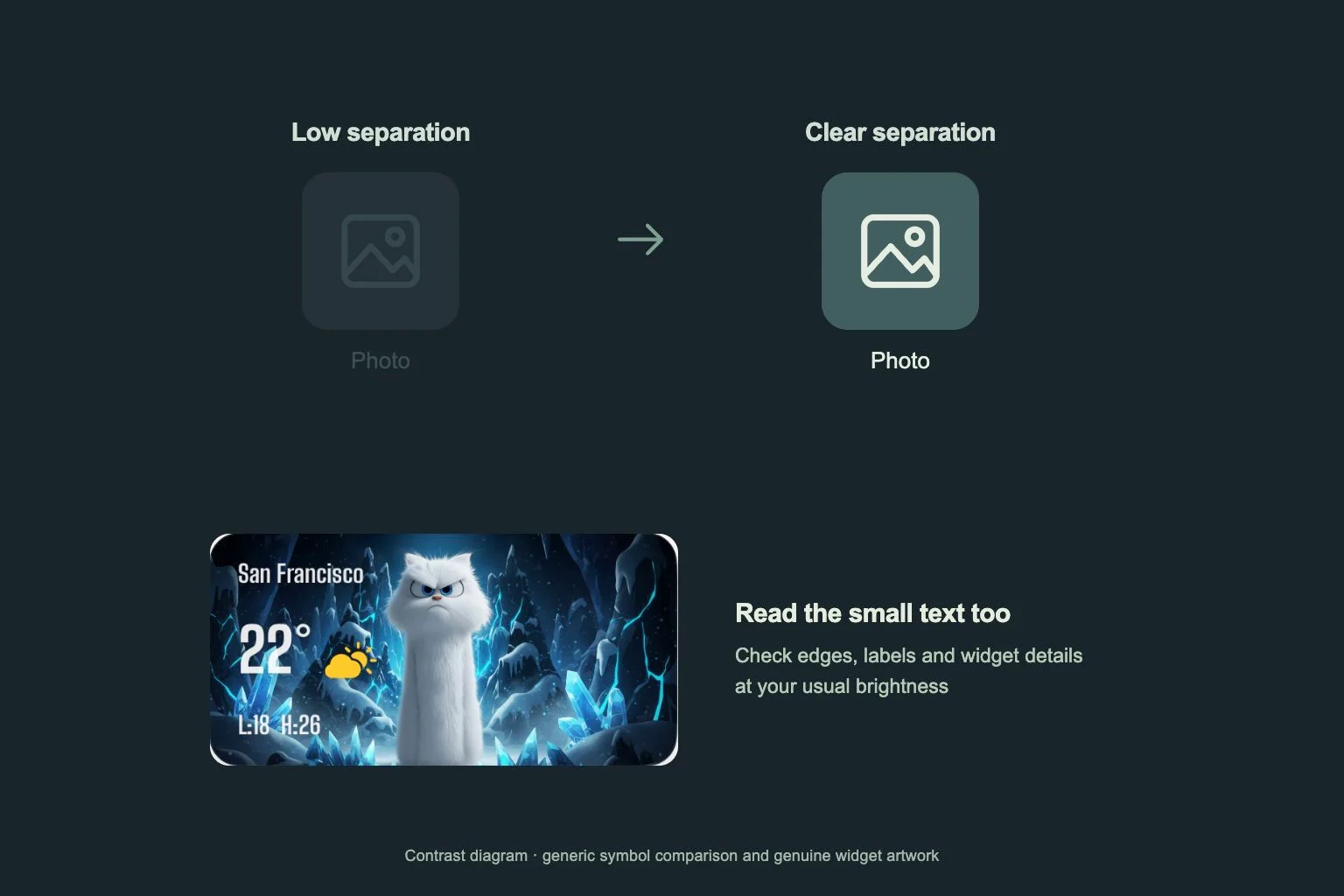
Try a charcoal icon set with light, distinct symbols, then check messaging, maps and the camera at normal size. One matching widget can repeat the accent. Read its smallest text too, since pale green lettering over a bright green light can become difficult to separate.
Test the light at everyday size
Look at the complete composition at the size you will actually see. Trace the microphone stand from its base to its head and check that the narrow light still has a clear beginning and end. If those shapes merge into the blue background, compare a frame with slightly stronger separation before changing the whole palette.
Return to the image in ordinary room light and at your usual screen brightness. The green accent should stay distinct while the quieter blue retains some detail. Check the picture once with the clock visible and once on its own, so the final choice still holds the musical atmosphere you wanted.