Gentheme
Choose a clear cold-and-warm relationship
As checked on November 10, 2026, Disney’s official page schedules Ice Age: Boiling Point for US theaters on February 5, 2027. Its title provides a natural starting point for a snow-and-heat color study. Decide whether the cool landscape or the small warm accent should dominate your composition.
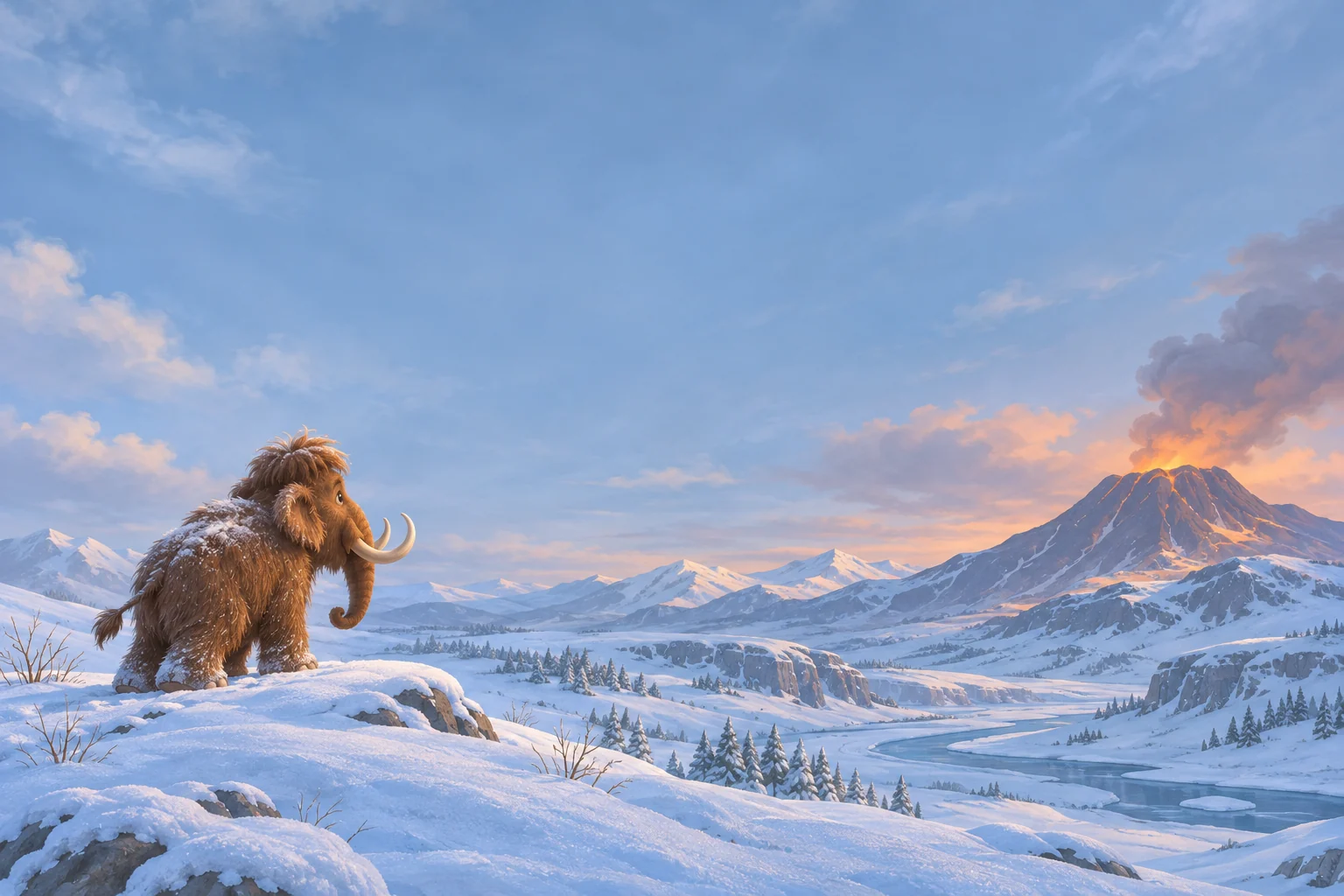
The original prehistoric illustration here places a mammoth on a snowy ridge with a distant volcanic glow. Keep one relationship easy to understand at phone size. A small subject against a broad valley can feel adventurous when its silhouette and the direction it faces remain clear.
Leave the snowy subject its full outline
Pale ground can make tusks, feet and fur edges difficult to separate if the image is too bright. Look for gentle blue shadows around the animal and a simple sky behind its head. Keep enough of the ridge visible to explain how the subject sits in the landscape.
When trying a portrait crop, decide which part of the valley connects the animal to the distant mountain. A narrow view may need the warm glow moved nearer the main subject. Preserve a complete focal point before trimming extra snowy peaks from the edges.
Make the warm accent small enough to guide
Amber light against blue snow can draw attention even when it occupies very little space. Try keeping the brightest patch away from the time and date. A distant crater glow or a warm reflection can provide direction without adding a second large object behind the clock.
Check the picture with your normal app names visible. Pale labels may disappear over bright snow, while thin dark letters can blend into the volcanic ridge. Move the crop or choose a more even blue section for text before increasing the strength of the warm color.
Compare the scene at its everyday scale
A large illustration can contain tracks, branches and drifting snow that become tiny marks on a phone. Retain the details that help you read the scene and let the rest become atmosphere. The snowy valley should still feel connected when the image is viewed from your usual distance.
Finish with the subject outline, the warm accent and the clock all visible together in a personal preview. Keep the wider original artwork for a different screen shape. Use the linked official film page for the teaser and announced release details while developing your own cool-and-warm wallpaper interpretation.